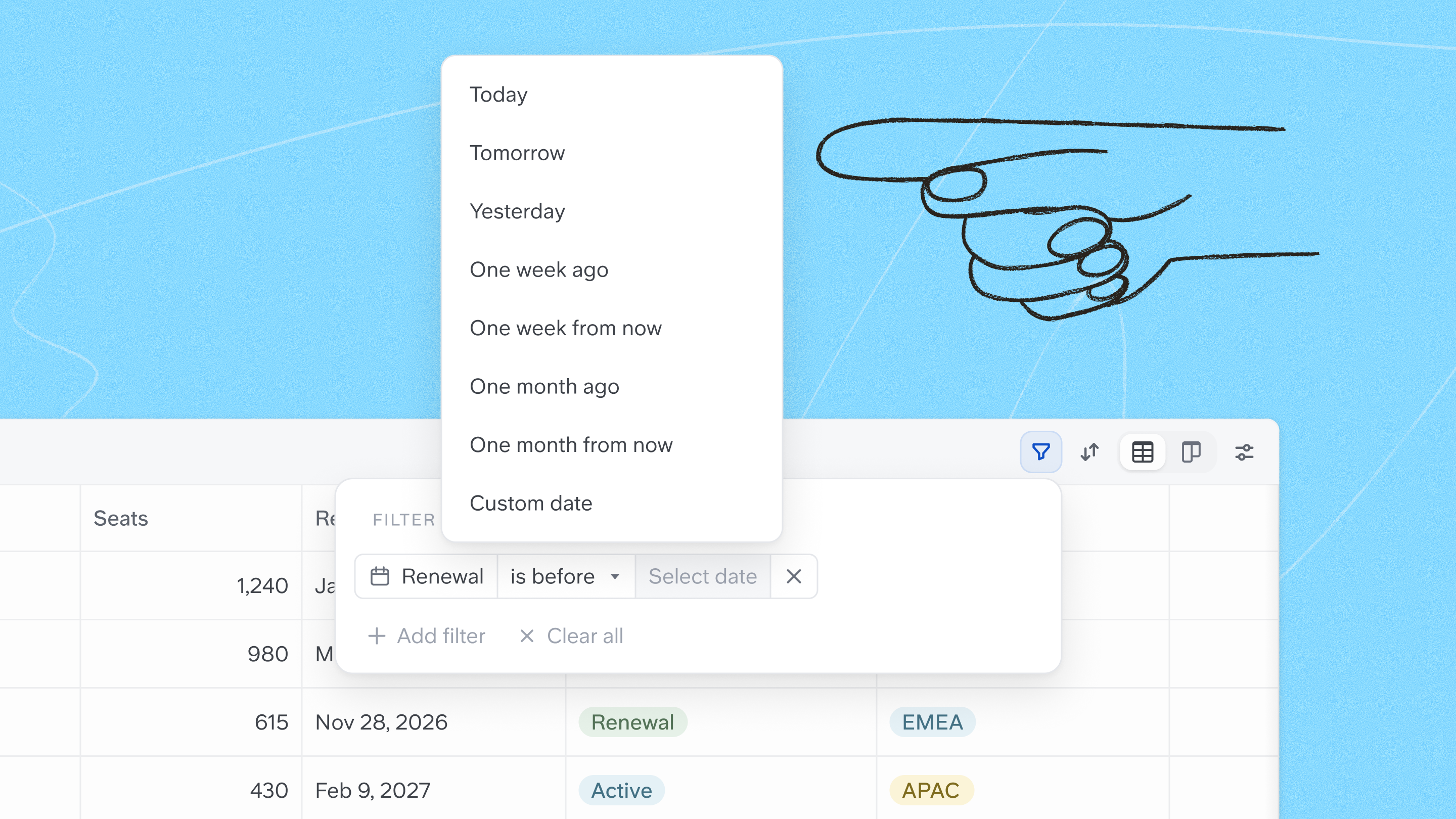
Relative and range date filters
Date, Created date and Updated date filters accept relative values (Today, Yesterday, Tomorrow, one week or one month ago or from now) with is on or after and is on or before, resolved to each viewer's own day. A new is between filter takes a date range from a calendar picker. Saved views keep their dates current, with nothing to update.
Heavy tables load much faster
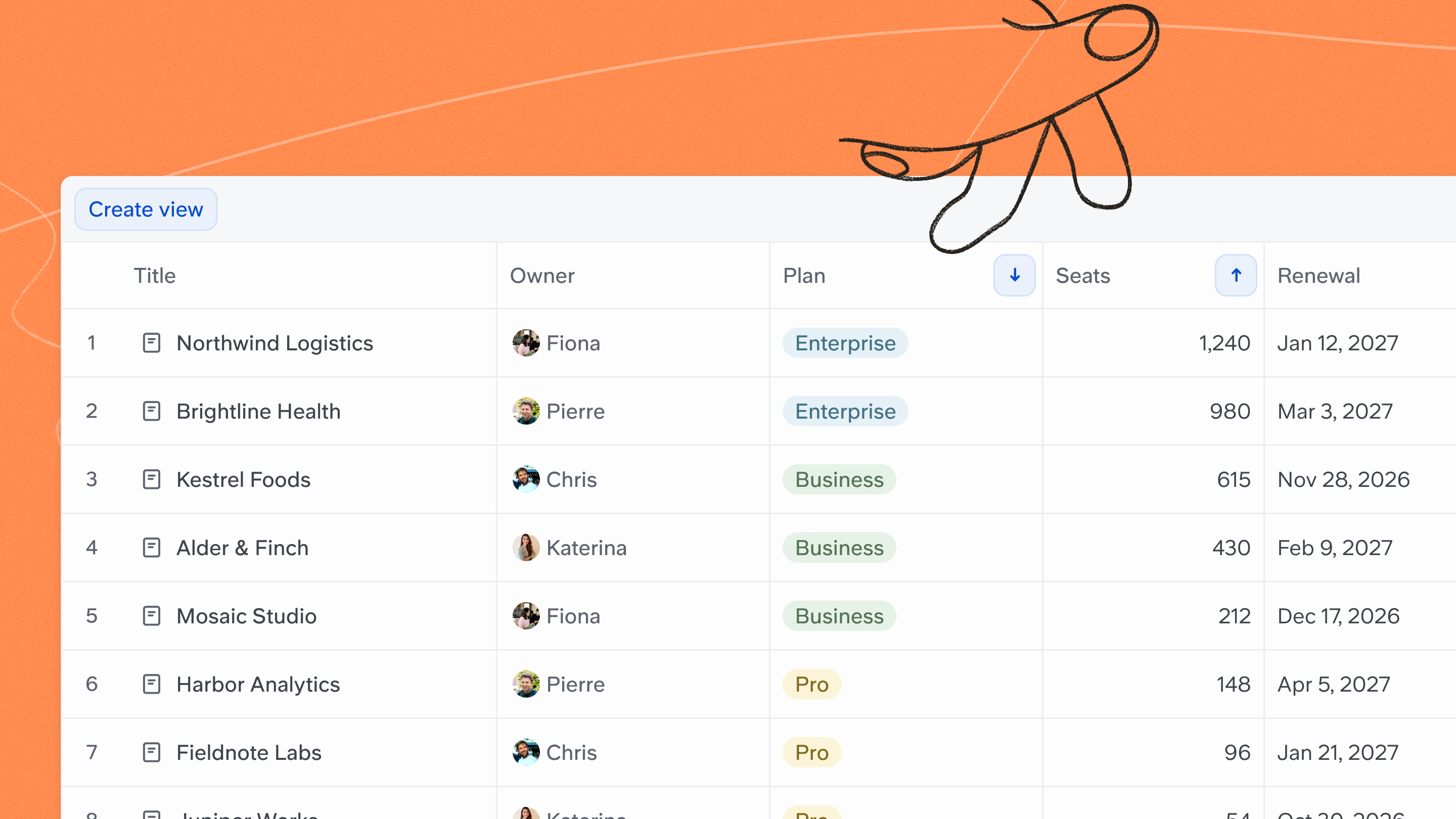
Smart tables with lots of rows, columns and rich text can now load and sort up to 10x faster. Open your biggest table to see the difference.
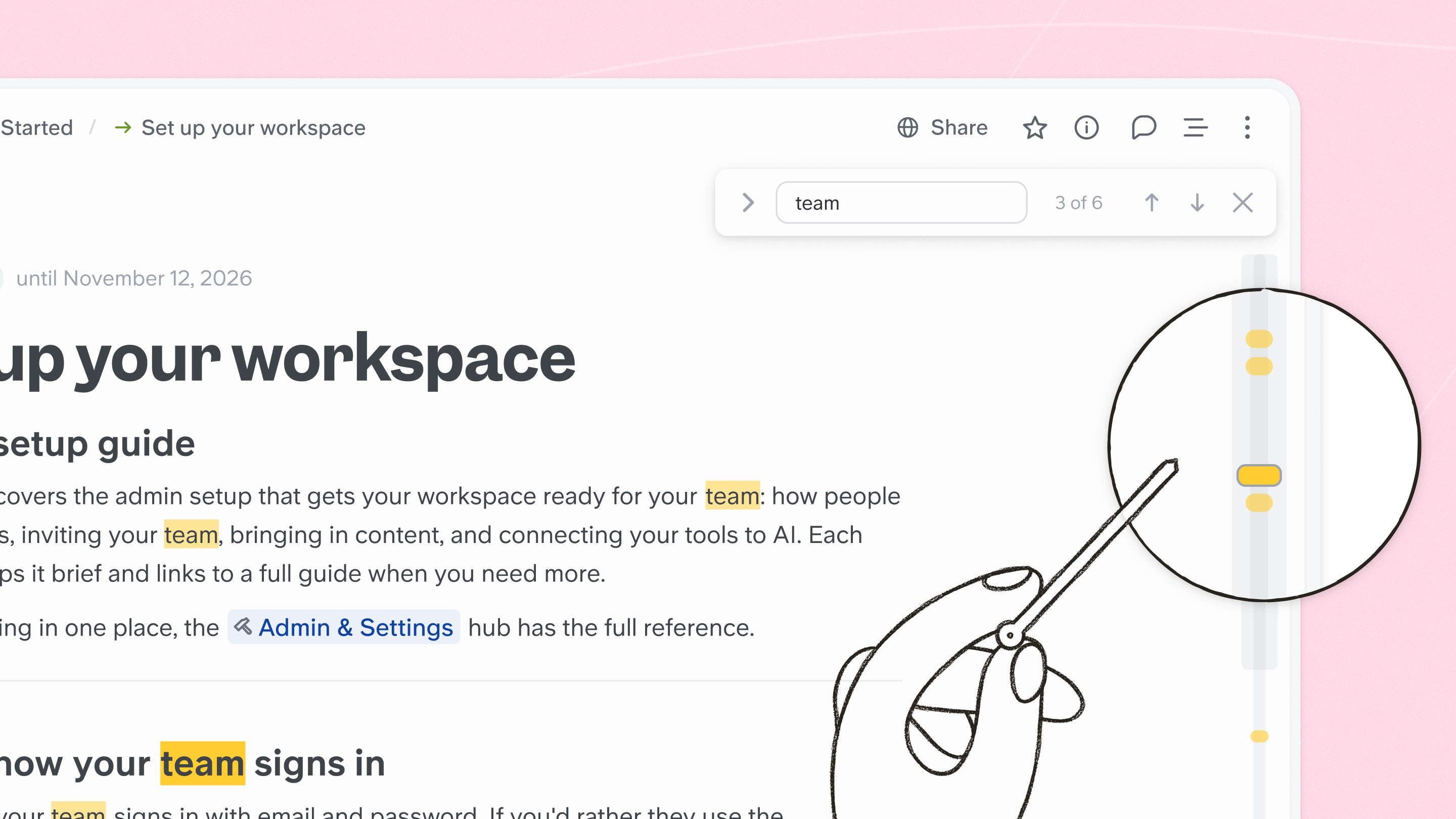
A minimap in find in doc
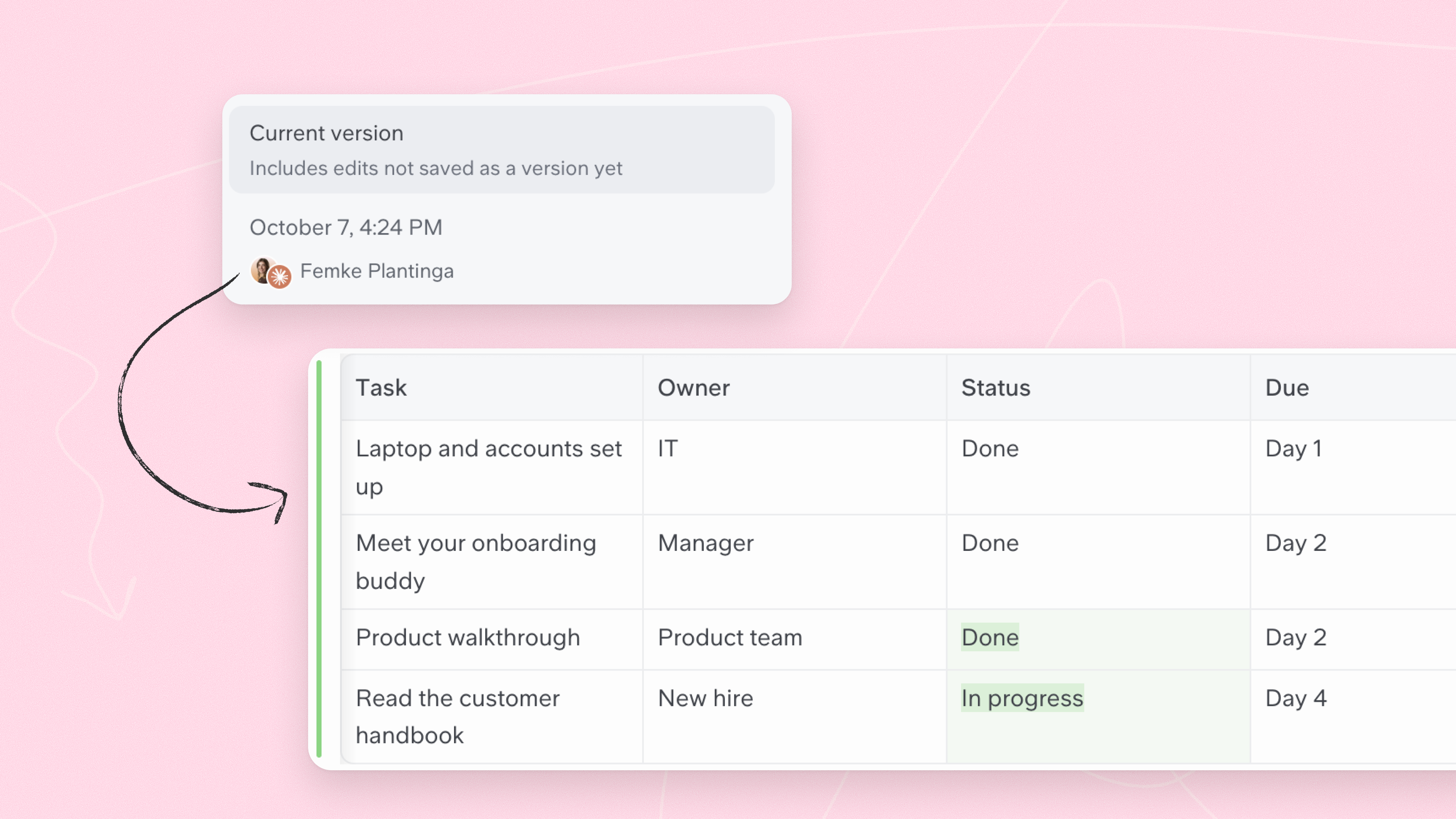
A new Doc History
History now opens in the main panel, with versions listed in the right sidebar. Each revision has its own URL, opening one scrolls you to the first change, and diffs now cover table cells, including tags and authors. Collapsed sections expand automatically when you view a revision. Someone made changes notifications open the matching version, for notifications sent from 7 Oct onwards.
HTML files open inside your docs
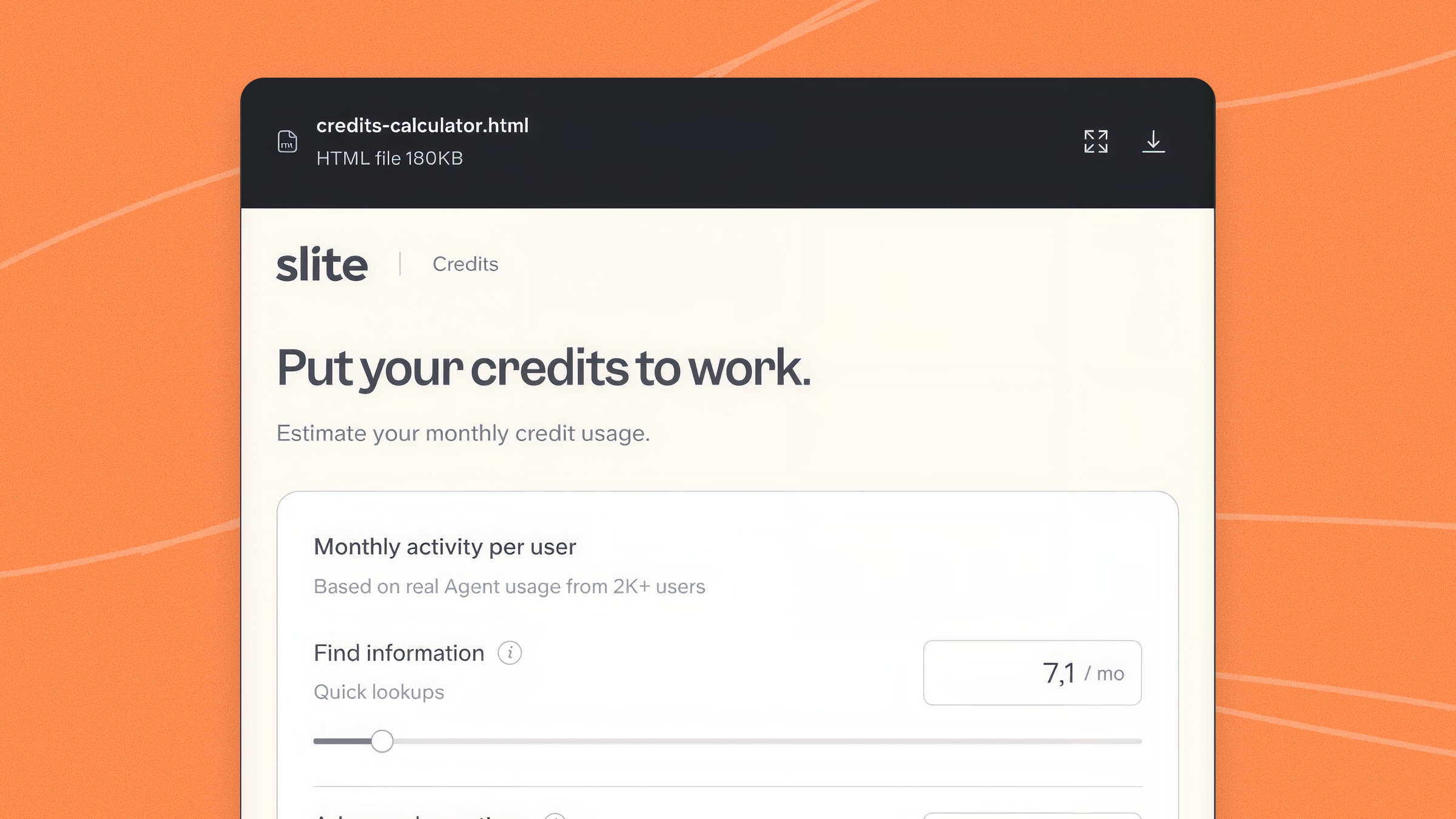
HTML attachments render as a preview inside the doc, with expand and download options. Available on web and desktop, not yet on public docs or the mobile app.
Improvements
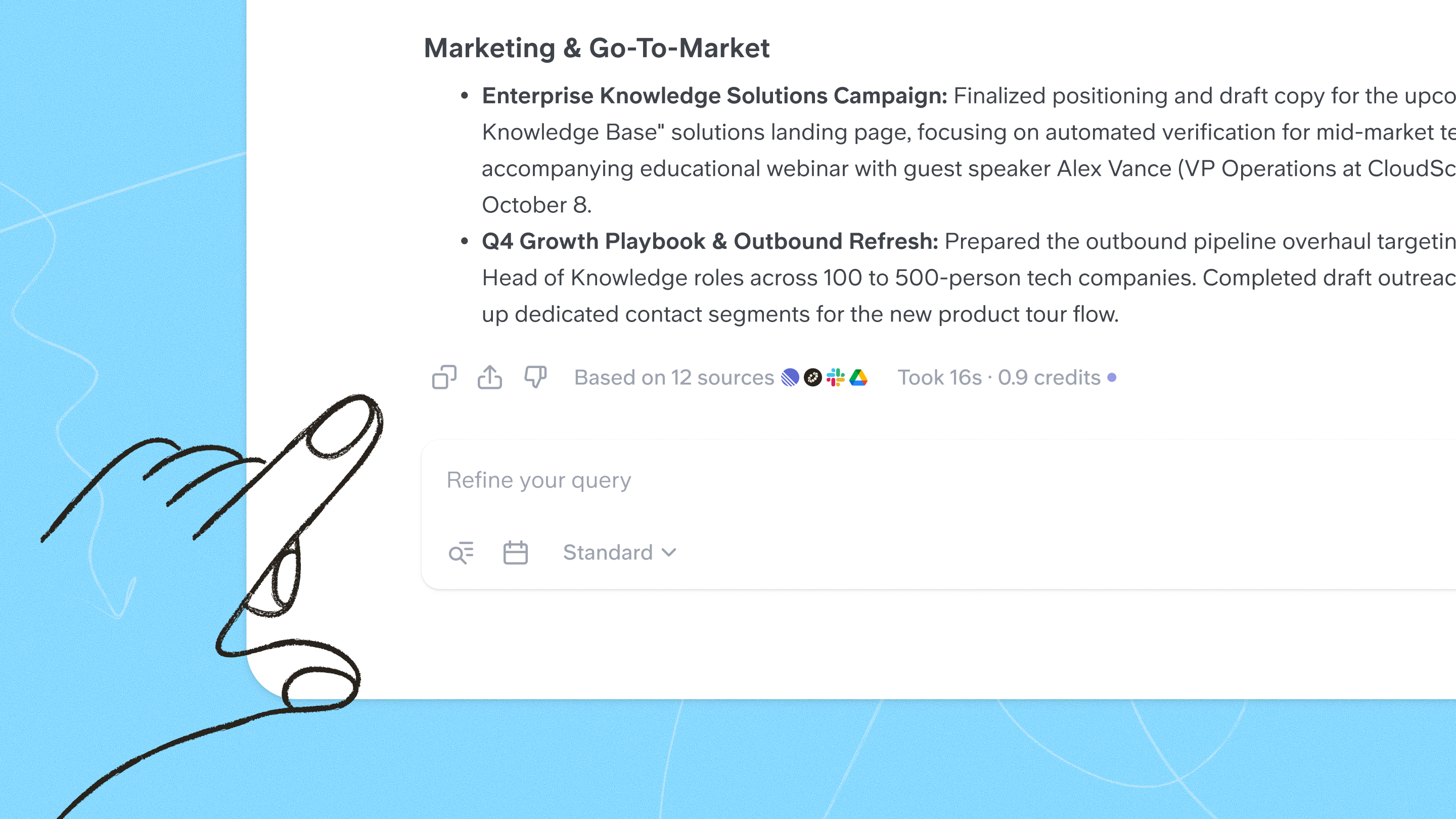
- Rich text in Agent answers. Code blocks in Agent answers render as rich text, and you can copy them as rich text or as raw markdown.
A faster, cheaper engine under the Agent
Slite Agent now runs on an engine we rebuilt from the ground up over the summer. It answers the same questions faster, for roughly a third of the credits, with no change to the quality of the answer. It's live everywhere the Slite Agent works: web, Slack, the public API, MCP and scheduled automations. Nothing to enable.
The Slack bot can do everything the web app can
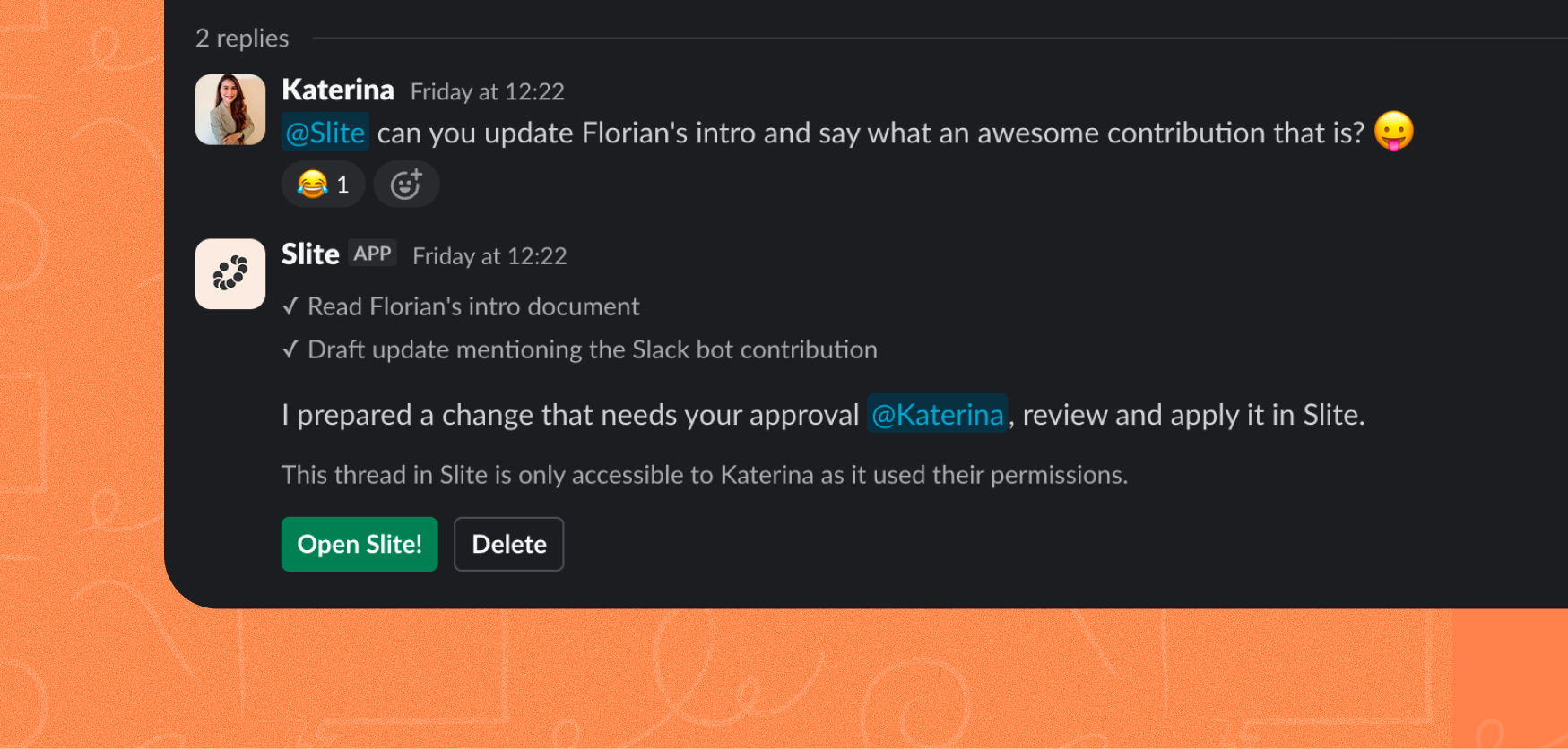
Asking, writing and editing Slite content now work the same way from Slack as they do in the web app, and questions you ask there show up in your history. The old bot has been uninstalled and the new one is simply called Slite.
Improvements
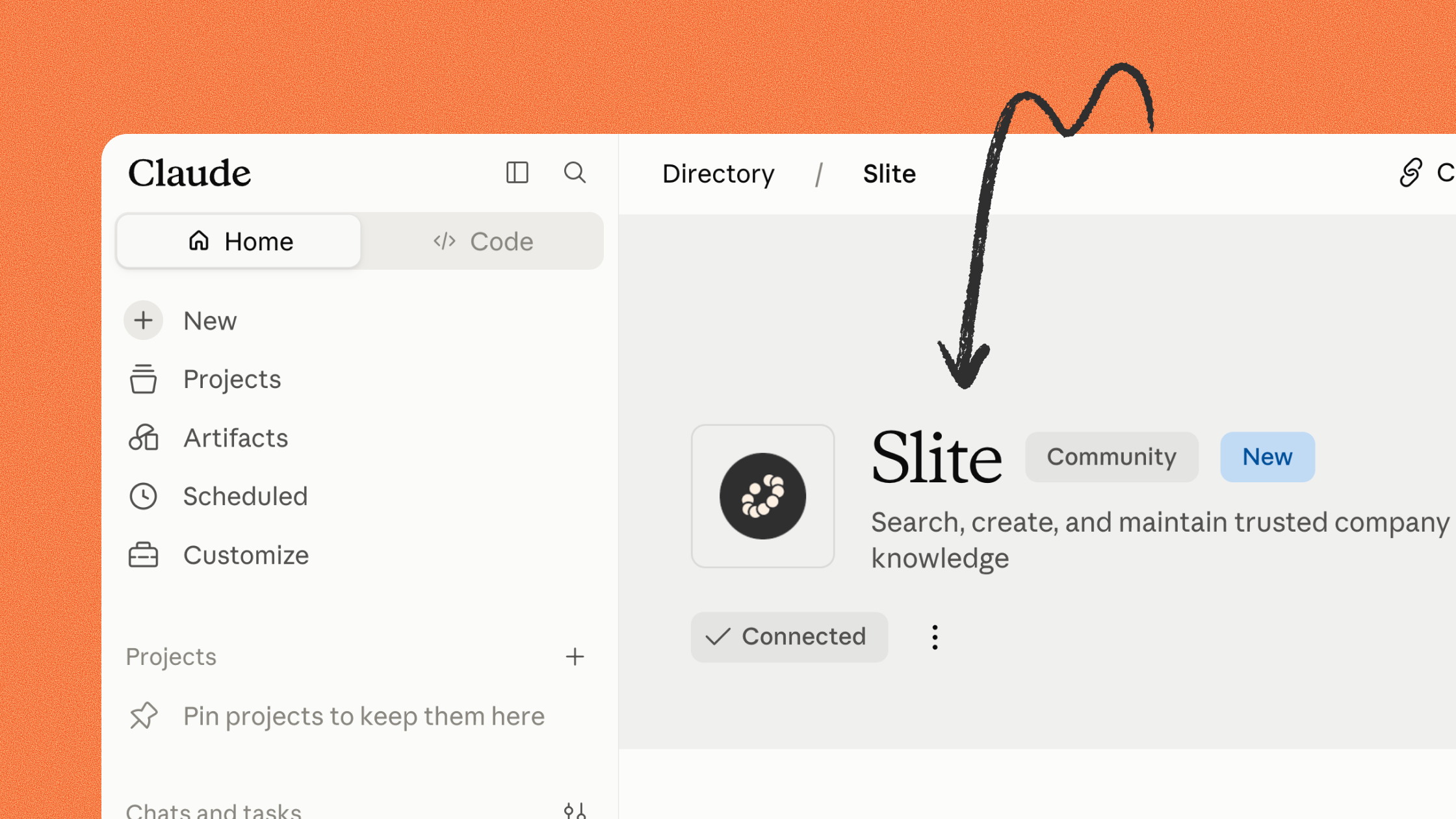
Slite MCP is now in the Claude directory
Connecting a Slite workspace to Claude now takes a couple of clicks. Agents can also control where a note lands in the sidebar, and upload files straight into docs.
See where your AI credits go
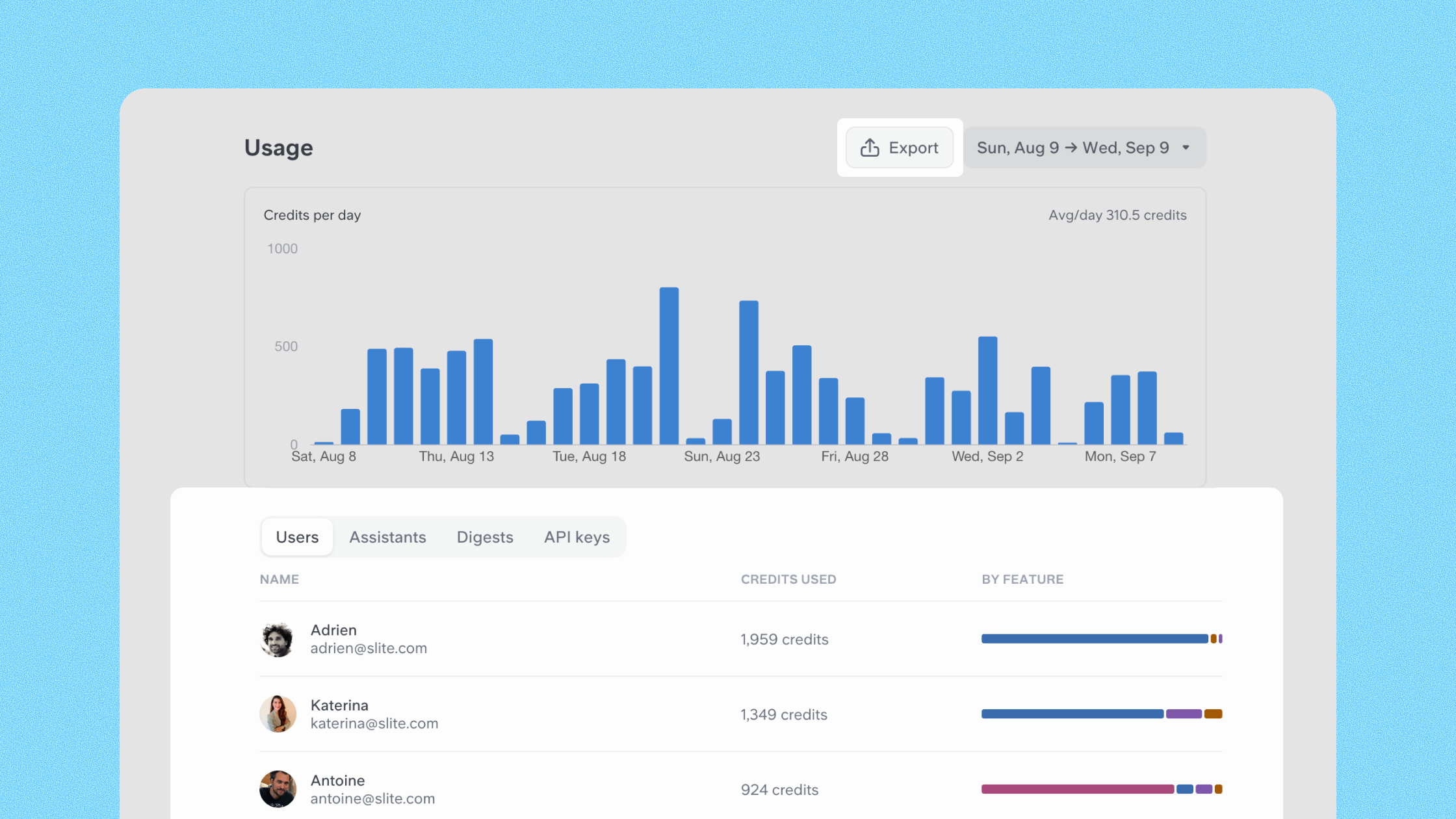
The AI usage page now shows a per-feature breakdown bar on each user row, so you can see which features consumed what, per person. You can also export every credit consumption event as a CSV, with all the underlying data attached.
A calmer sidebar
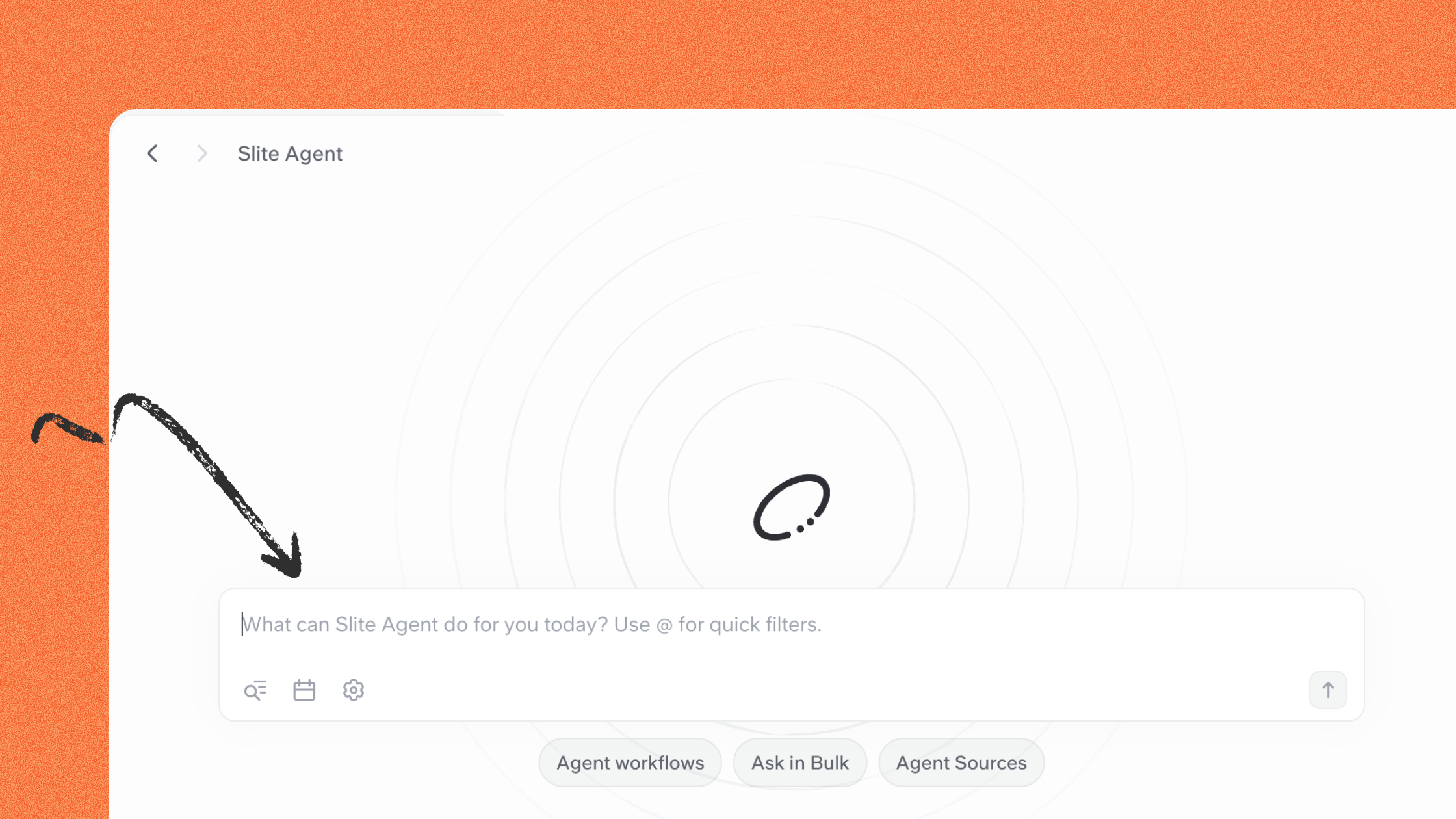
Ask now shares the Agent's interface
Ask and Slite Agent now render through the same components, so answers, sources and follow-ups are consistent across both. Ask keeps its own hand icon to distinguish it from the agent.
Improvements
- Custom permissions are now available on Notion and Attio agent sources
- Agent Sources access-role descriptions now refer to agent results instead of "Super results"
Fixes
- Help Center: all documentation is now fully served on slite.com/help, docs nested five levels deep (including all three SSO setup guides) no longer return a 404
Help Center AI search
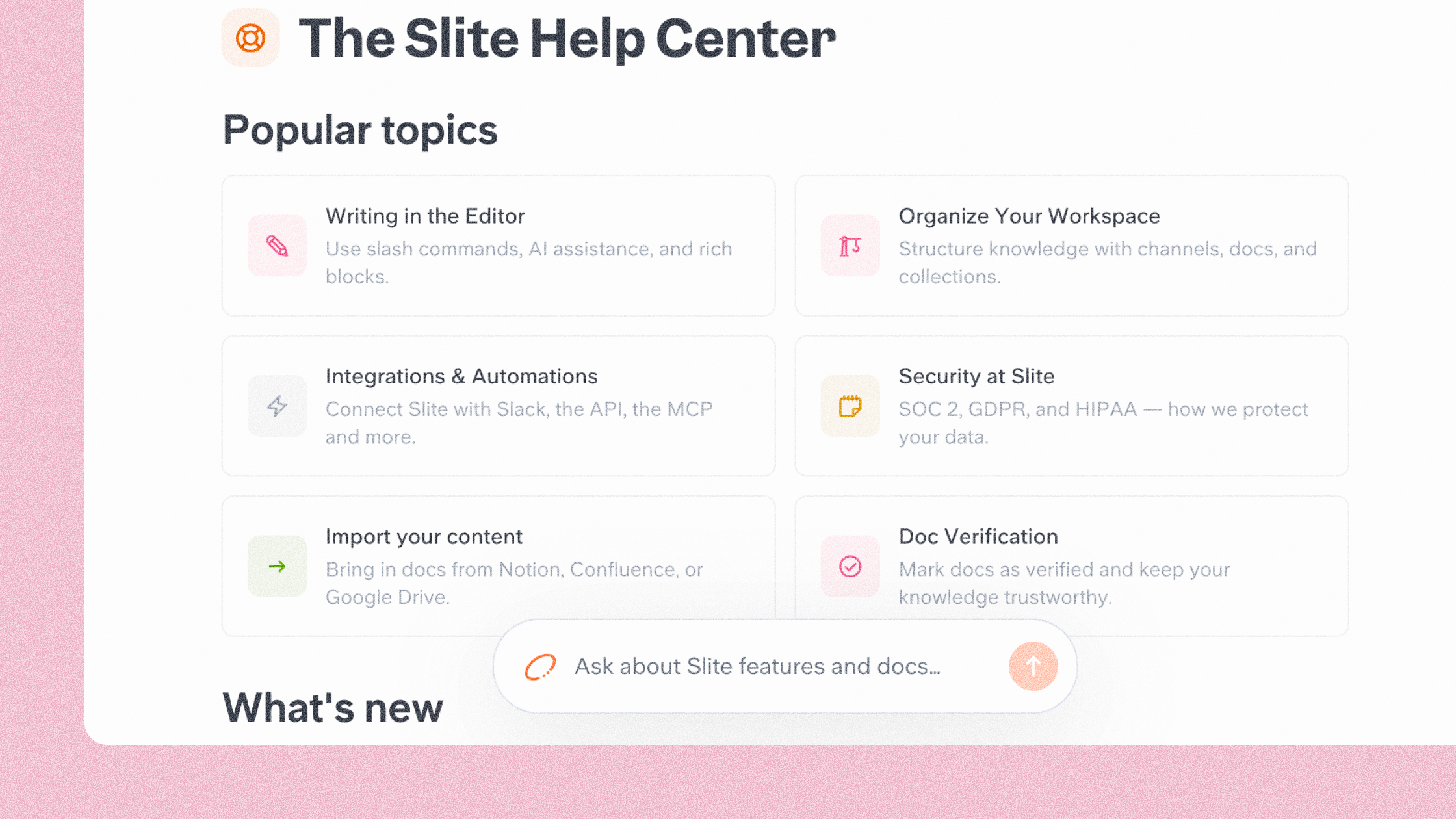
AI-powered search is now live on the Help Center. Ask a question in natural language at slite.com/help and get a direct, sourced answer generated from our documentation instead of a list of articles.
Agent badges & cleaner diffs
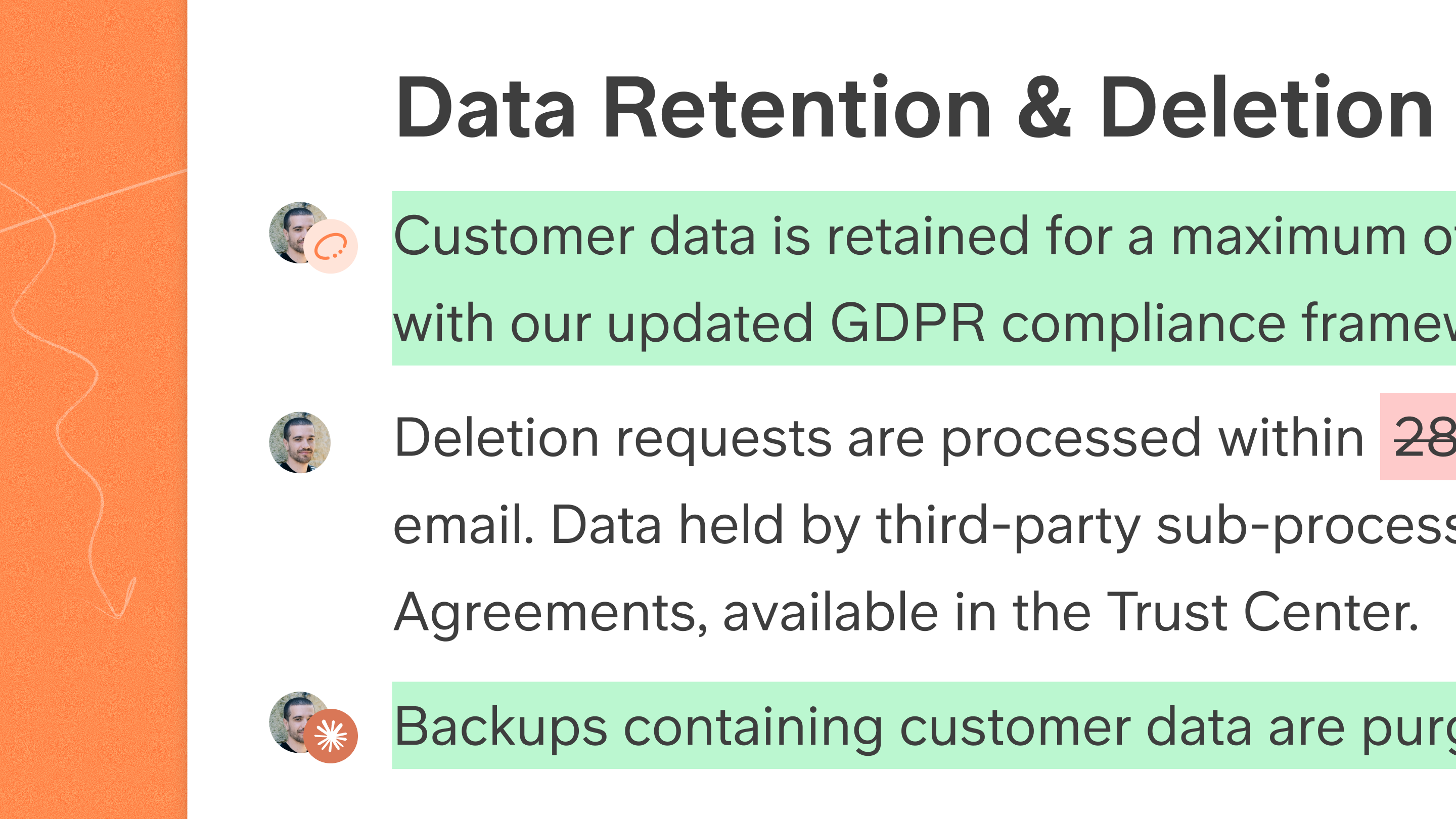
Doc history now shows which agent made each edit. Every change is attributed to its author (Slite Agent, Claude, or ChatGPT), and per-author change bars have been redesigned for clearer, more readable diffs.
Other improvements
- Out-of-credits experience improved: the error now appears above the Ask input (no more phantom "Analysing query" flash), your question is restored, and admins see a "Top up credits" button.
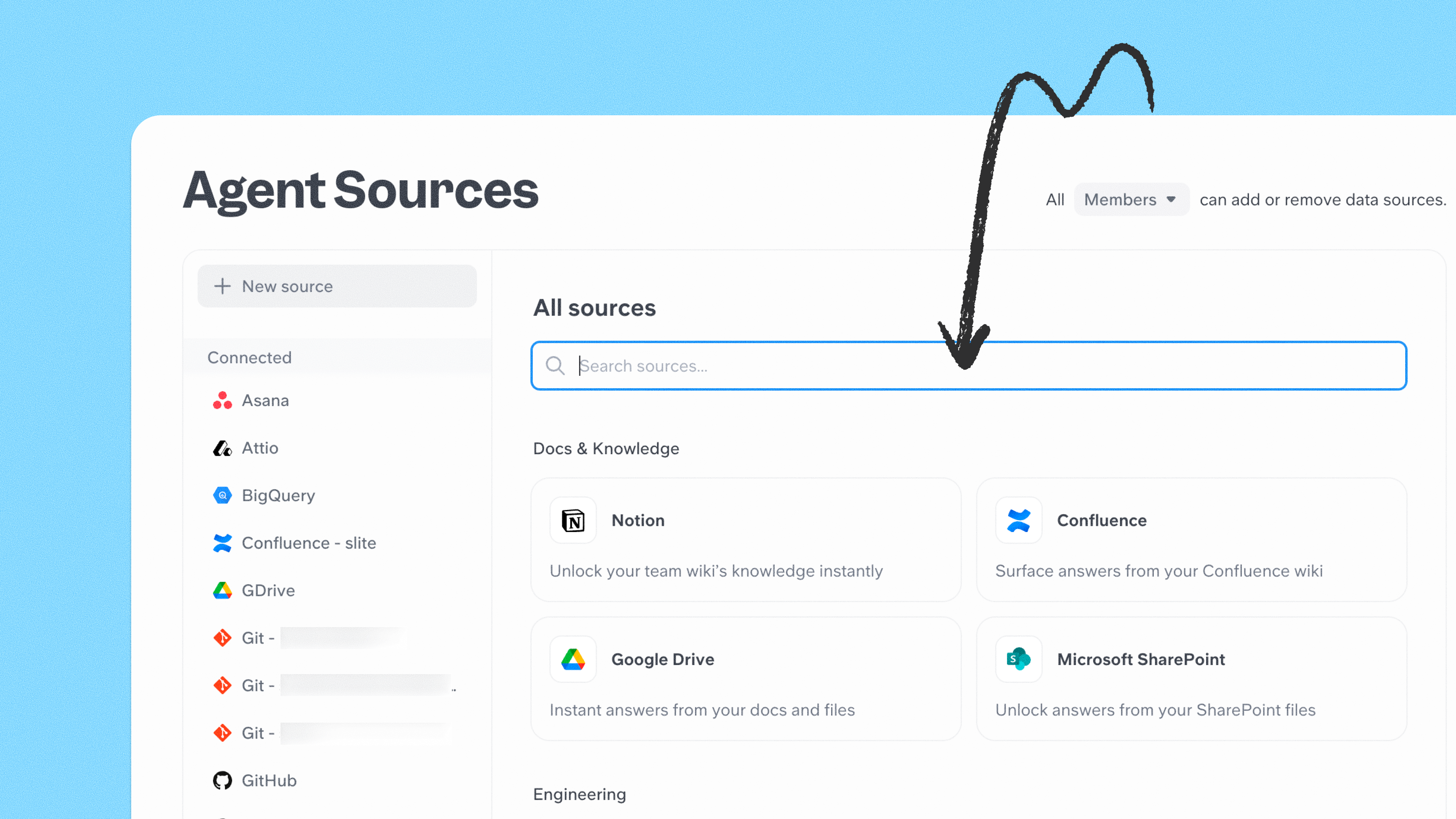
Agent source marketplace
Finding and connecting sources to the Slite Agent just got much easier. The new marketplace puts all available sources in one place:
- See real examples of what each one can do
- Browse sources by category and use case
- Get inspired by what other teams are connecting
Service accounts (Enterprise)
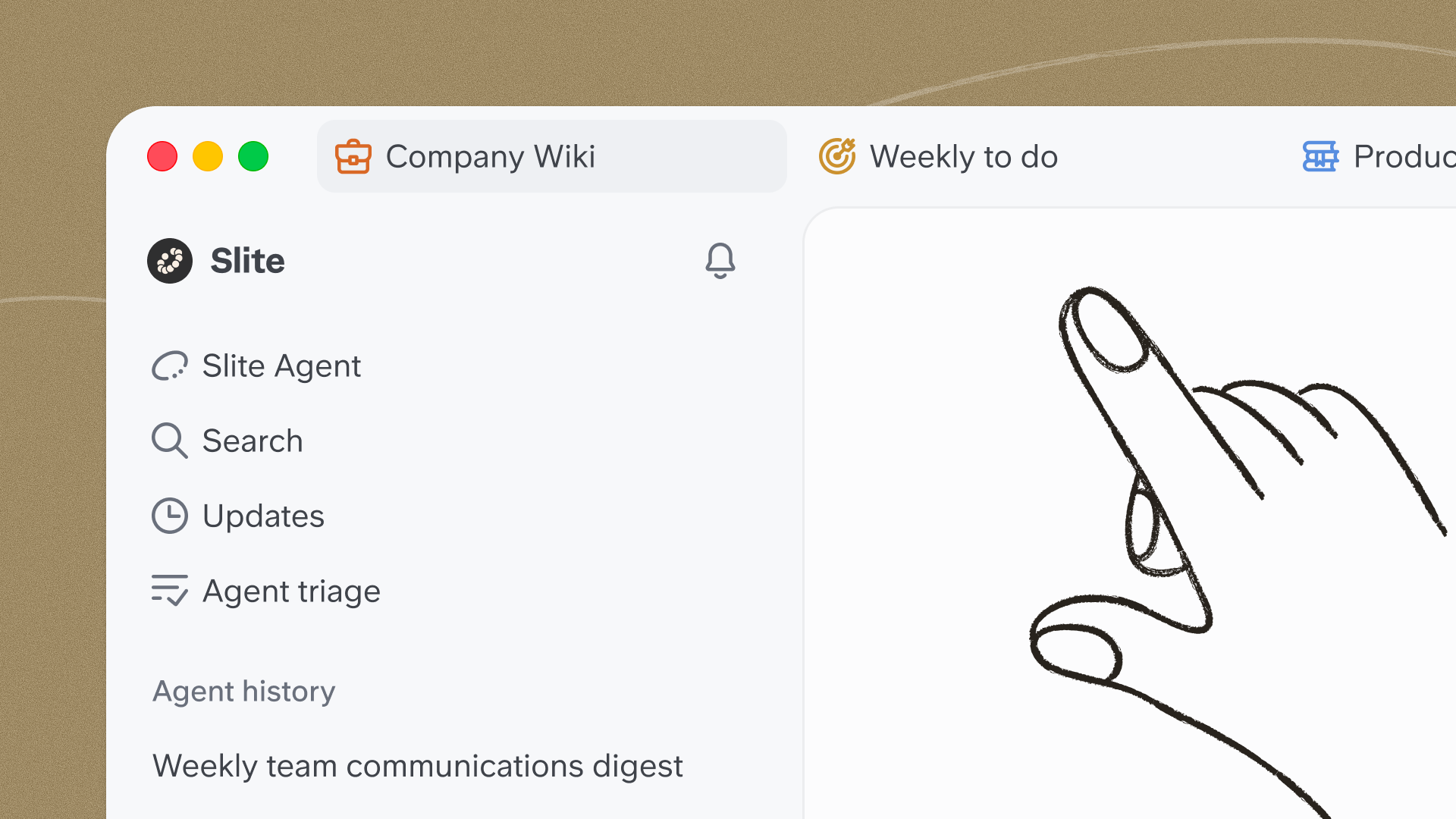
Desktop tabs & side-by-side windows
Full tab support has landed in the desktop app, matching the browser experience. You can open docs in new tabs and reorder them like in Chrome, command-click a doc in search or the sidebar to open it in a new tab, or drag tabs out to work side by side in a focused, sidebar-free view. On Windows, native window controls replace the old custom ones, and the app now supports Windows Snap layouts.
Open the Slite Agent instantly (Alt+Space)
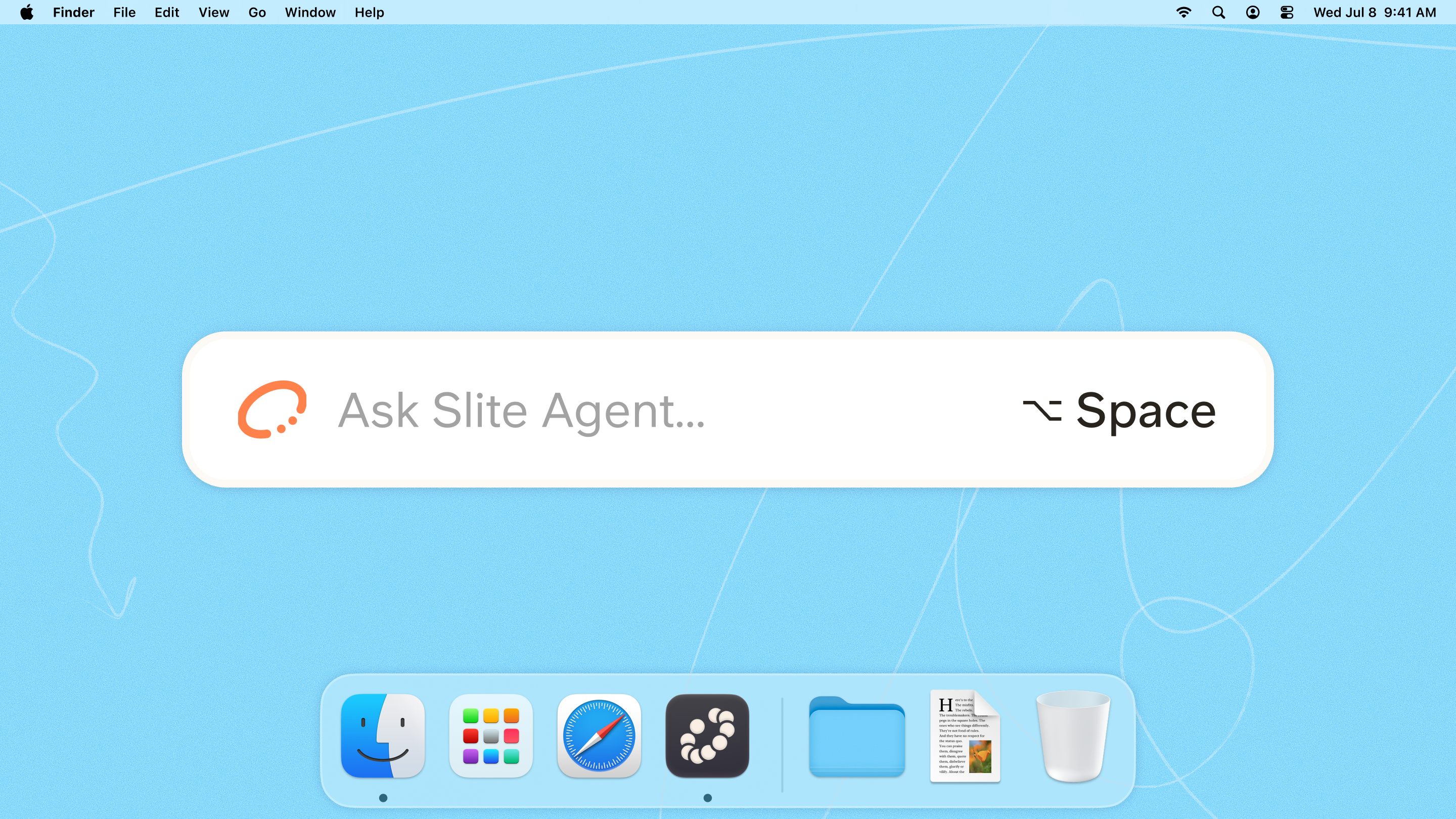
A global shortcut (Alt+Space by default, customizable) opens the Agent from anywhere on your desktop and pre-fills your query in a new tab.
Custom Desktop App Icons

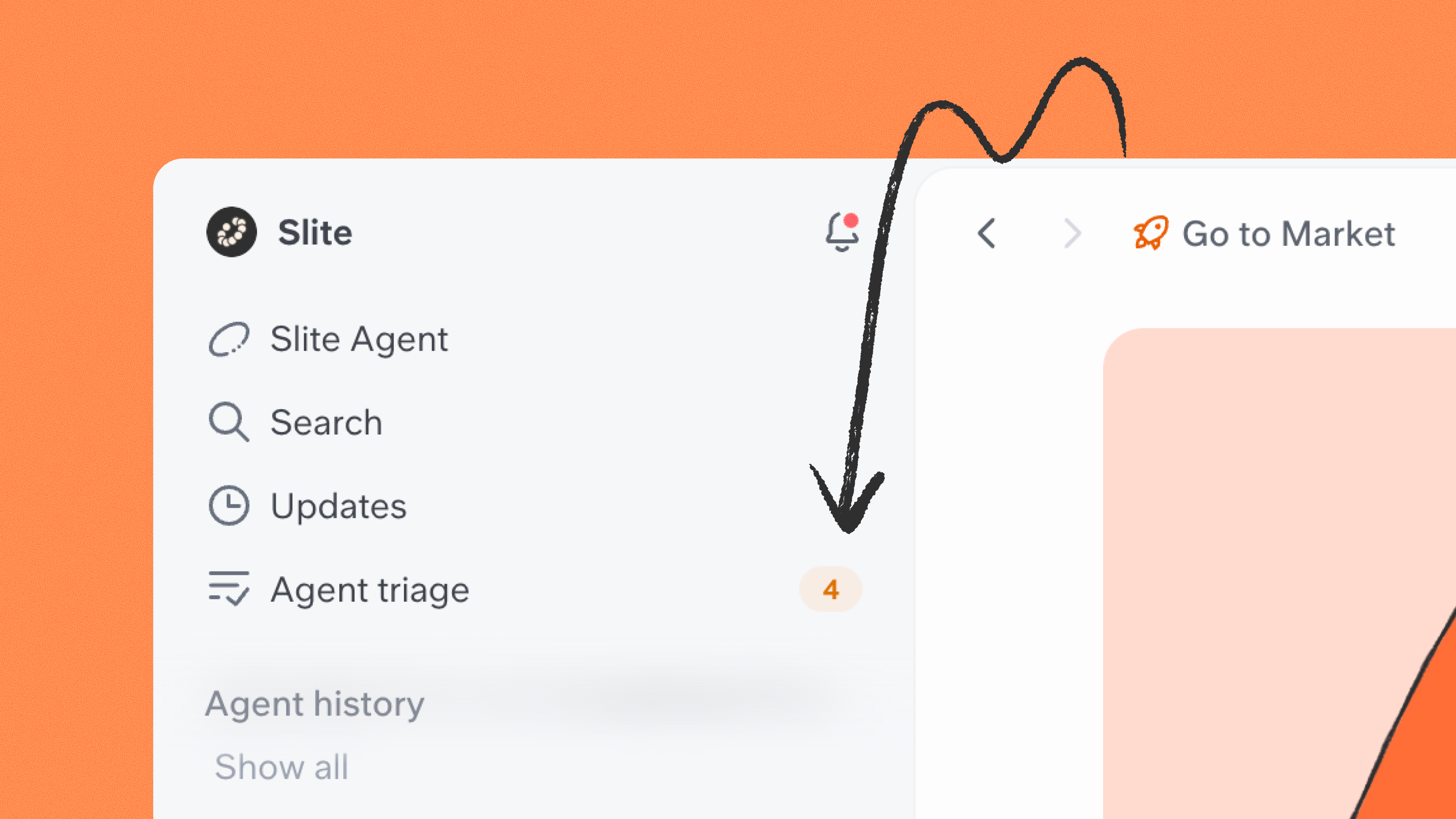
Slite Agent improvements
See pending approvals at a glance — A new sidebar badge shows how many items are waiting on you, and you can jump straight to any one from its URL.
More accurate diffs — Style-only changes, like bolding, now render correctly so you can see exactly what changed.
The agent can do more — It can now rename docs, swap icons, and adjust layout width without touching the body. As always, these go through the standard approval flow.
Know when activity came from an agent — Comments, activity log and doc revisions now show if an activity originated from the Slite Agent, an MCP or the API.
Public API: note ordering and HTML export options
Two additions to the public API:
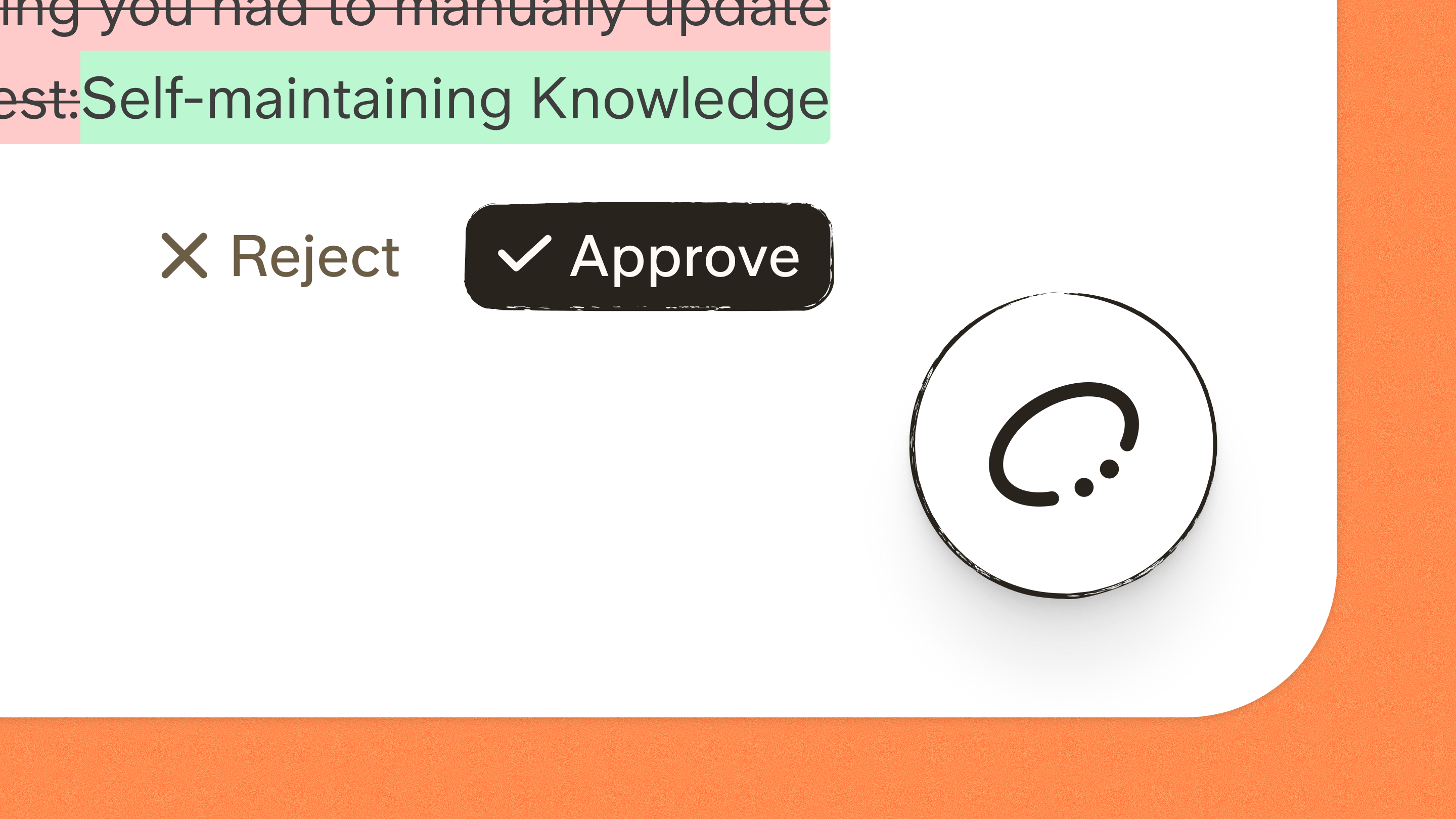
The self-maintaining knowledge base
Meet the all-new Slite: the first self-maintaining knowledge base. It pairs a structured, verified knowledge base with an AI agent that detects when documentation has drifted from reality, proposes the fix, and routes every change through human approval before it becomes truth.
The Slite Agent
Slite Agent is now available on the Pro plan. It detects when docs drift from reality across 20+ connected tools, proposes fixes, and routes every change through human review before anything is applied.
- New global floating agent panel (three states: collapsed, popover, expanded) that persists across doc navigation
- Triage view in the sidebar: a dedicated mode showing all pending agent runs with unread badges and per-row indicators
- Agent approval right panel: click an approval card to open a 50/50 split view with the full-document diff, a minimap to jump between change hotspots, and Accept/Dismiss controls
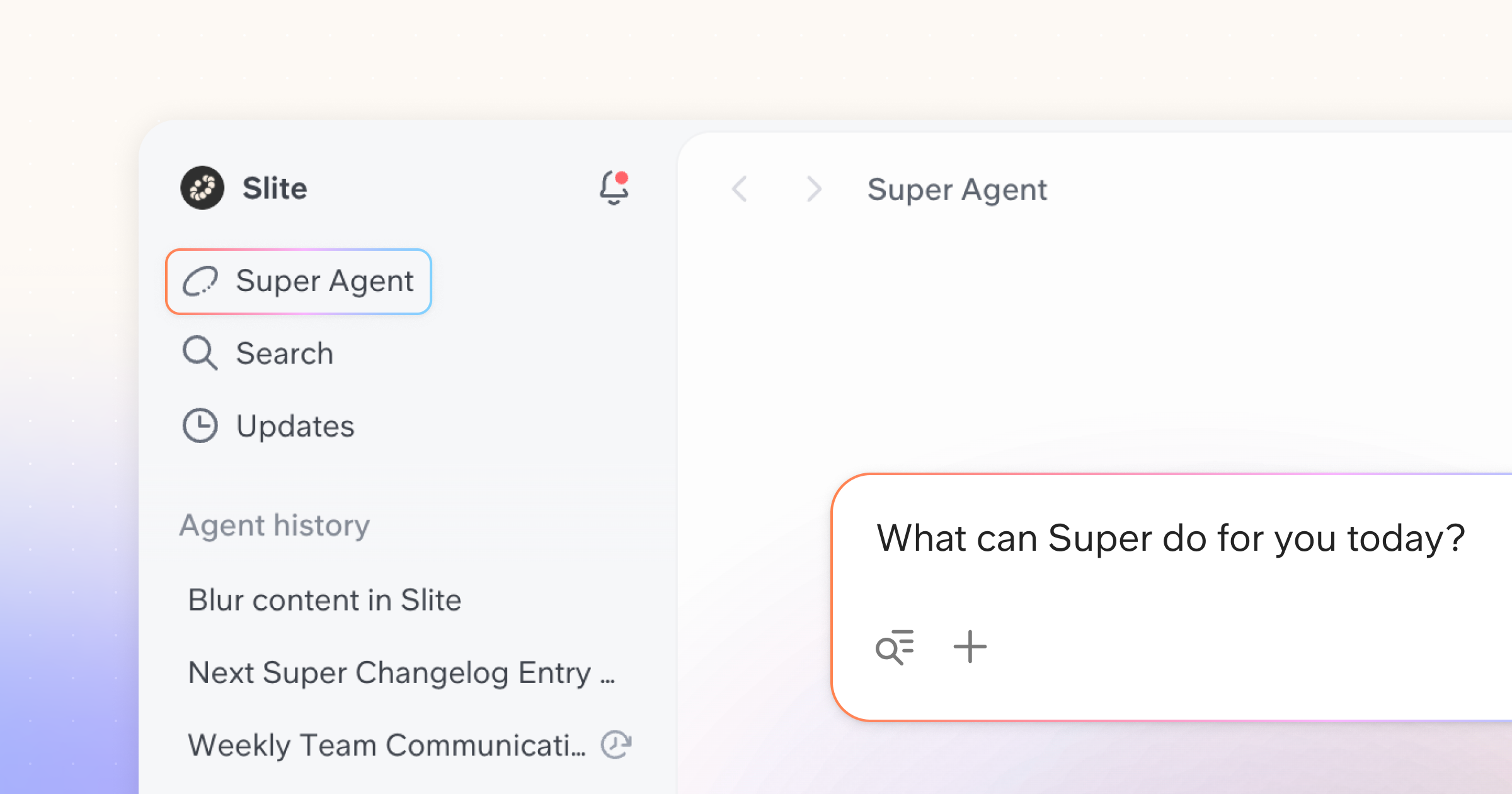
Super is now inside Slite
If your team uses both Slite and Super, you no longer need to switch between two apps. Super is now embedded directly inside the Slite sidebar, so you can ask questions, search across all your connected tools, and get AI-powered answers without ever leaving your docs.
- For Super-only customers, the experience stays essentially the same, with only minor UX and naming adjustments.
- Slite-only customers won't notice any difference.
Alongside this, Assistants, Digests, and Buttons are now all grouped under Agent workflows in the sidebar, aligning with how they're presented on the website. They share a unified list layout, and the Buttons view in particular gets a cleaner look: it now shows usage counts and a tidier editing experience.
BigQuery as a data source

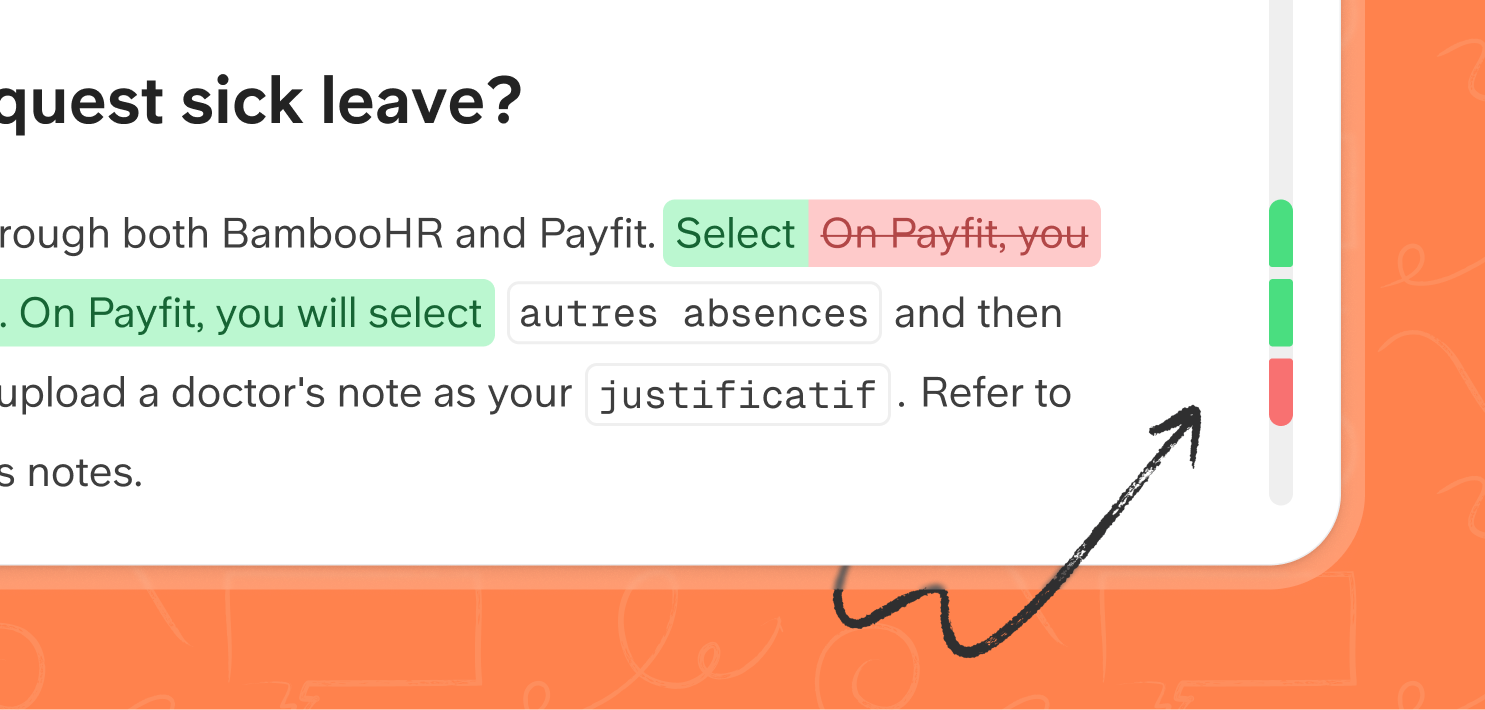
See every change, and know who made it
The doc history view has been completely reworked. Changes are now highlighted at the block level and down to individual words, with clear attribution to the person or agent, who made each edit. A minimap lets you jump to any section of a long doc without scrolling, and the footer has been simplified into a floating bar. The history slider now correctly starts at the document's initial state.
Super is now inside Slite
If your workspace has both Slite and Super, you can now use Super directly from the Slite sidebar, no switching apps. Ask questions, search across all your connected tools, and get answers without leaving your docs.
- Slite + Super customers: Super is now fully accessible inside the Slite app.
- Slite-only customers: Nothing changes for you.
Connect your codebase
You can now connect git repo to Super and search the context that lives alongside your code — issues, pull requests, merge requests, and markdown documentation. Ask why something was built a certain way, find the PR where a decision was made, or look up what a spec says. Your whole team gets accurate, up-to-date answers without waiting on a developer.
No data is stored in Super; your repo permissions stay exactly where they are.
Follow up on any digest
Every scheduled digest is now saved to your Super history. Click through from your inbox to view the full report in Super and ask follow-up questions — dig into the numbers, filter by team, or explore what's behind a trend. Every report is a starting point, not a dead end.
New boxed layout
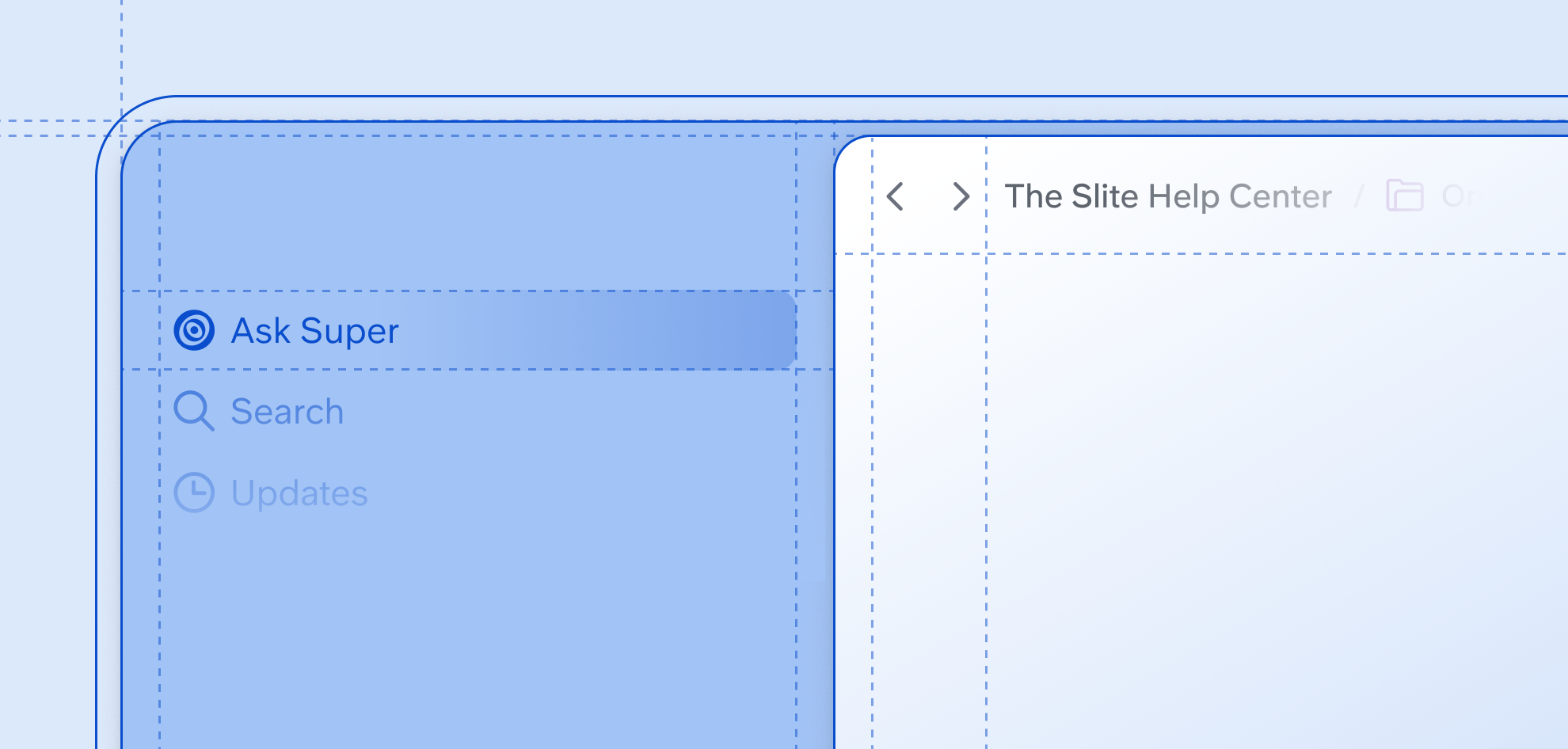
You may have noticed something feels different in Slite. The main content area now sits in a white box surrounded by lighter sidebars, giving Slite a cleaner, more focused look. Search and Ask are now regular sidebar row items, a small change that sets the stage for bigger things coming in June. The layout adapts cleanly to mobile, and the sidebar shell has been unified across Slite and Super so both products share the same design primitives going forward.
Comments redesigned
- Comments now appear in document order.
- A new Unread tab makes it easy to catch up.
- Notification emails now show the highlighted text that was commented on.
- If you @-mention someone who doesn't have access to the doc, you'll get a warning before it goes out.

Digests just got a major upgrade
Digests used to send a single global report to everyone, based on the intersection of permissions. Now they're personalized per recipient, scoped to what each person actually has access to.
- You can now chain steps together to gather, summarize, and format data in one run.
- The new engine handles far larger volumes than before. For example, it can now process up to 3,000 Intercom conversations per run, up from ~150–200.
- Every scheduled run is saved to your Super history, so recipients can revisit past reports and ask follow-up questions to dig deeper into the data.
- The digest editor has moved into the main Super workflow editor, giving you one place to build both assistants and digests.
Transparent data source permissions
MCP: Read and resolve comment threads
Slite's MCP integration now exposes comment threads on documents. Any MCP client — Claude, Cursor, your own agent — can now:
- List all threads on a note, with full comment history, participants, and resolved state
- Fetch a specific thread by ID, or by note + thread ID together
- Resolve or unresolve a thread programmatically
This opens up powerful agentic workflows: an AI can now read the discussion context on a design doc, triage open threads, or mark resolved ones as done — without any human having to open the document first.
Find in Collections

Salesforce as a source
You can now connect Salesforce to Super and ask questions across your CRM in plain language — deal status, account history, pipeline, contacts, and much more. Super queries Salesforce in real-time; no data is stored in Super, so your permissions and audit logs stay exactly where they are.
Assistant workflow editor improvements
Building and editing assistants just got a lot simpler. Steps are now expanded by default so nothing is hidden, step names are inferred automatically from your instructions so you don't have to name them manually, and the welcome message, kickstart buttons, and context box are now clearly separated — making it much easier to see and configure what your assistant actually does. All existing assistants have been migrated automatically.
Slack auto-sync
Super now automatically syncs new public Slack channels as they're created. For private channels, any team member can invite @Super directly, no admin needed.
Multi-Column Layouts
You can now place content side by side in your docs. Type /column to pick up to 4 columns, or drag existing blocks next to each other — no command needed. Columns are great for comparing options, building compact summaries, or giving long documents a more structured and scannable layout. Layouts adapt to mobile viewports too, so your docs look great wherever your team reads them.
Read more about how to use columns in Slite
Knowledge Management Panel
The Knowledge Management Panel has been completely rewritten from the ground up. You can now:
- Export any view as a CSV — perfect for large audits where you need to divide work across a team.
Slite Ask, now powered by the Super engine
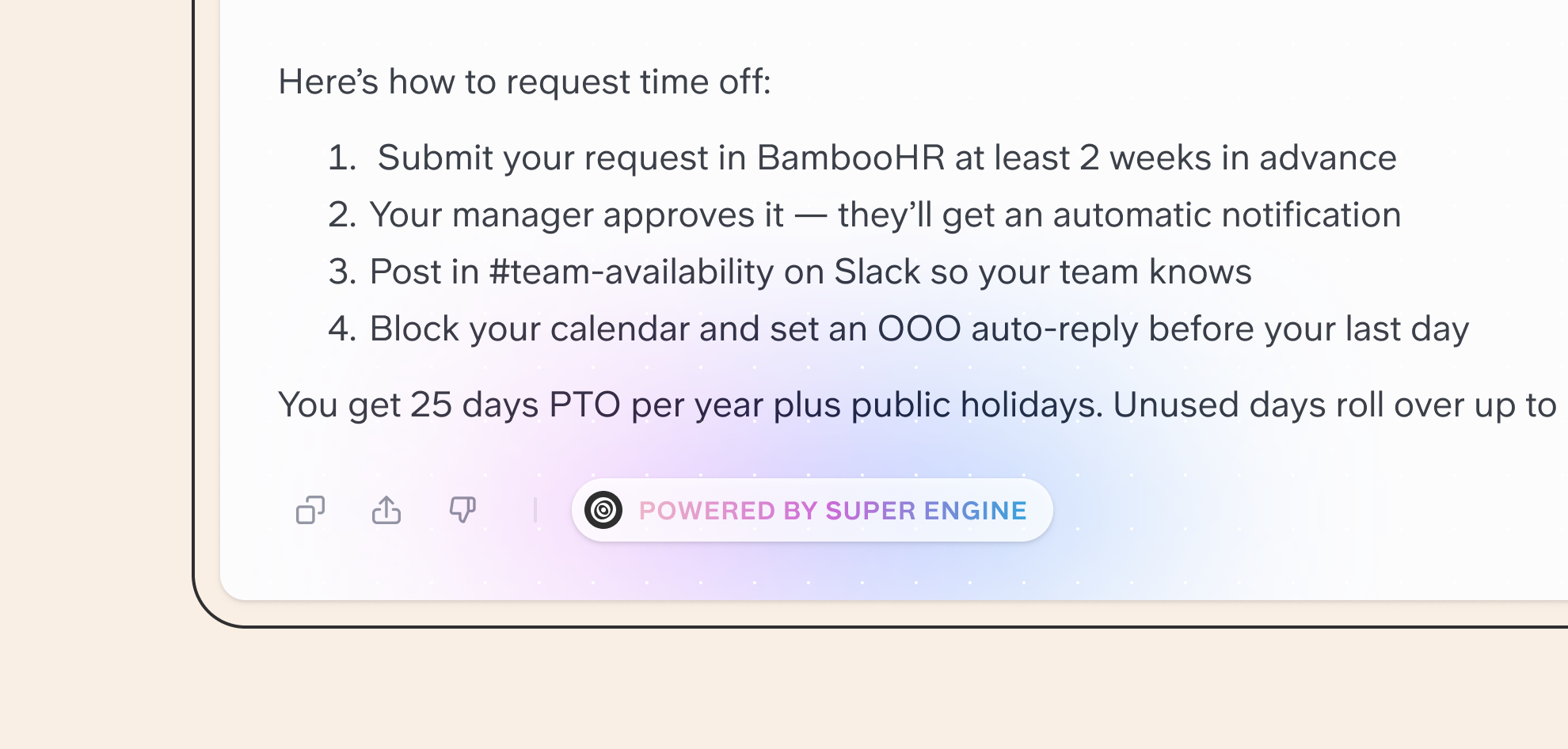
Ask has been upgraded to run on the same AI engine that powers Super. This brings a significant improvement in answer quality, reliability, and speed.
- Answers are more accurate and more consistent
- Ask is now available on public docs
- No custom API key required — Ask uses our optimized setup by default
- The experience has been refreshed with a new UI closer to Super's
In-editor AI features: rebuilt from the ground up

Super MCP
You can now connect Super to Claude, ChatGPT, Cursor, Gamma, Lovable, or any MCP-compatible tool to get the most exhaustive and accurate company search, wherever you work.
You can add Super MCP with the following URL: https://api.super.work/mcp and learn more on our help center.
Assistant analytics & discovery
You now have visibility into which assistants your team actually uses — and the best ones surface automatically.
- Sorted by popularity — most used team assistants surface first, along your favorite ones.
- Usage metrics at glance — instantly see the usage from last 90 days in the assistants list.

Slite MCP Server
Connect AI assistants like Claude and ChatGPT directly to your Slite workspace. Search docs, create notes, and update content through natural language—all while respecting your existing permissions.
Our MCP server follows the authenticated remote MCP spec, so it's centrally hosted and uses OAuth for secure authentication. No API keys or config files to manage.
Connect via https://api.slite.com/mcp in Claude, ChatGPT, and other MCP-compatible clients.
Available tools include:
- Search and retrieve docs with advanced filtering
- Create and update notes with full formatting support
Smarter conversations
Since V2, we've been focused on making Super conversations feel smoother and data sources more reliable, while preparing our next major launches.
Slack improvements
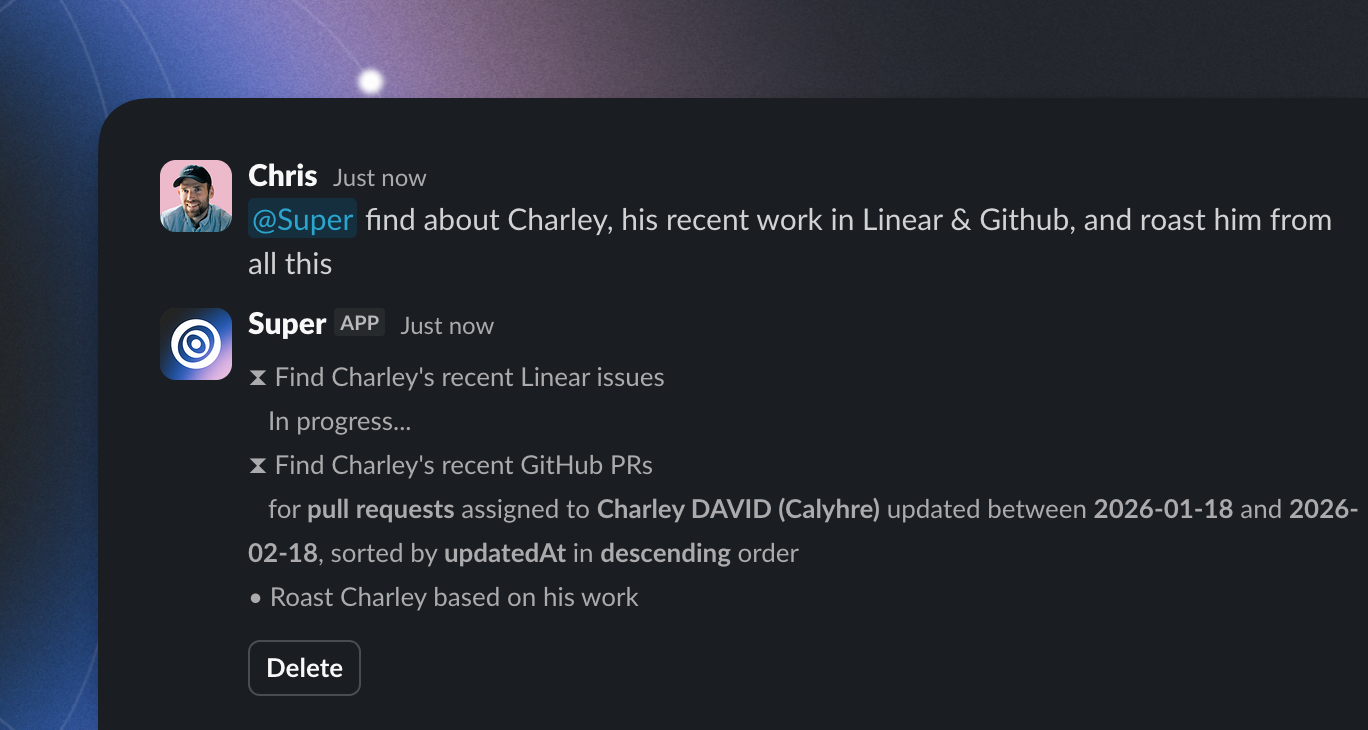
Super steps in Slack bot — You can now have visibility into what Super is doing while the answer is being generated.
Sources in slack answers are also now rendered as clickable links and we fixed crashes when answers exceeded the maximum size of Slack messages.
Reliable conversations
Chat titles in the sidebar — Your history now shows readable titles like "Mobile redesign status" or "Issues assigned to me".
New: Protected docs, easier-to-read tables, and smarter defaults
As workspaces grow, keeping knowledge consistent, protected, and easy to manage becomes essential. This update focuses on stronger document protection, clearer defaults, and smoother collaboration across your workspace.
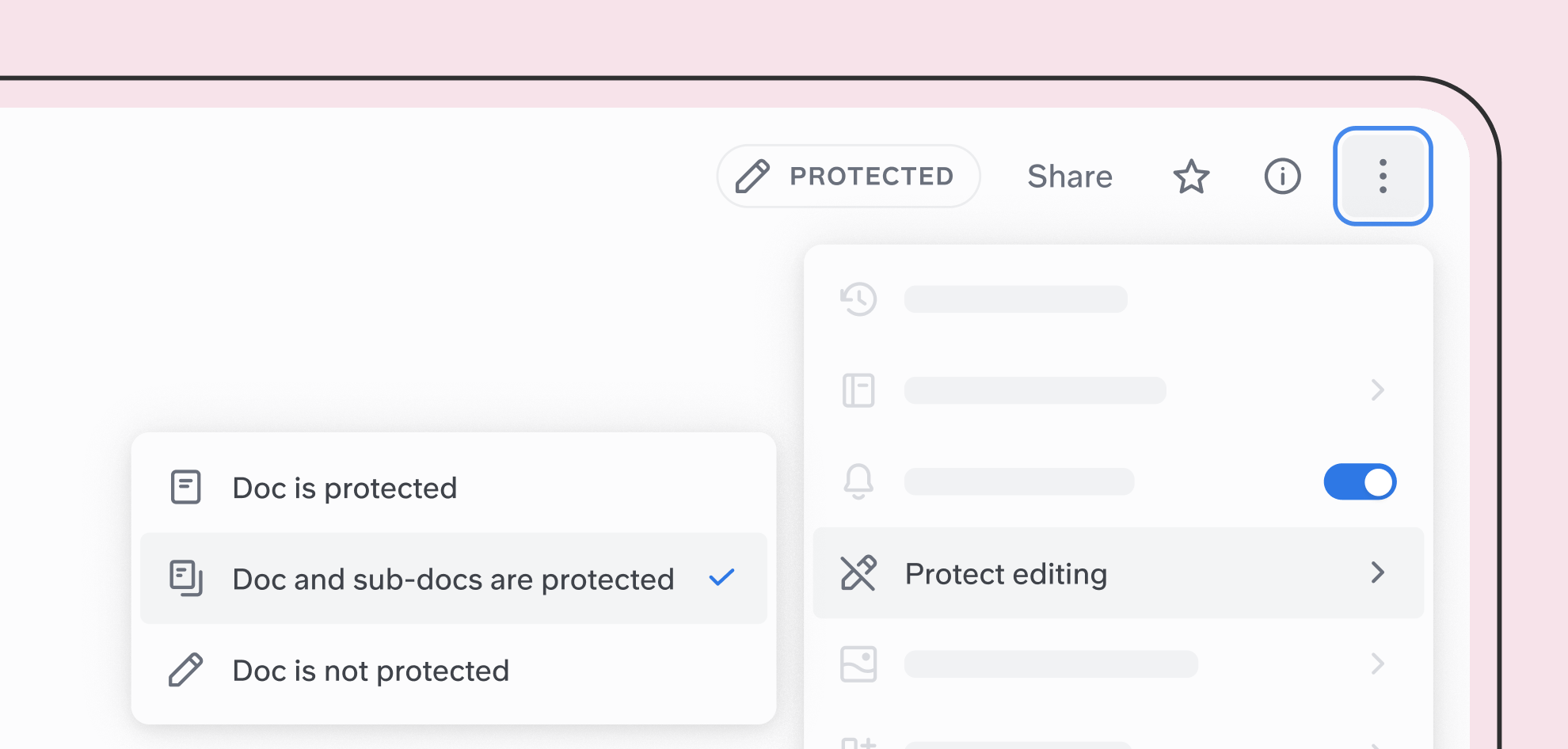
Protect docs and their sub-docs
You can now apply protected editing to a doc and automatically extend it to all of its sub-docs.
- Choose to protect a single doc or a doc and all its children
- Prevent accidental edits across documentation hierarchies
- Useful for shared, long-lived, or critical docs
Super V2 is here
We've completely rebuilt Super from the ground up. V2 transforms Super from a search tool to a work orchestration platform.
It also radically increases speed, accuracy, and brings the ability to build complex workflows in plain language.
Agentic search
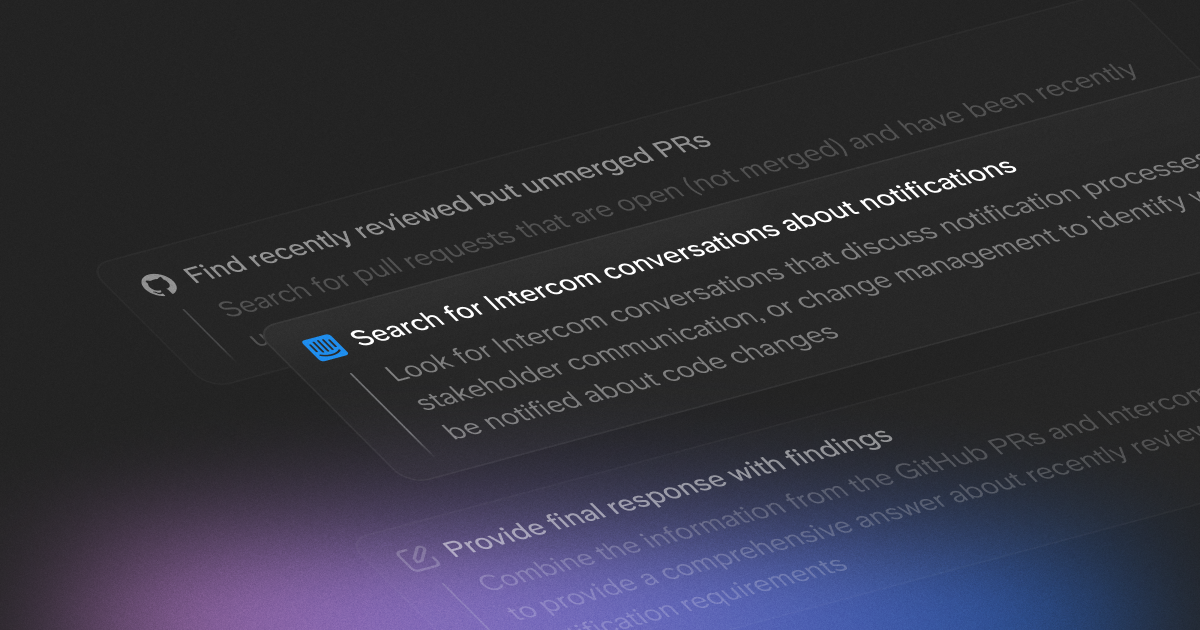
Super v2 introduces multi-step orchestration that breaks down complex queries into logical steps while accelerating simpler ones. What used to take multiple searches across different tools can now be orchestrated in a single workflow.
Maintain your knowledge with ease
In the age of AI, trusted knowledge is the key to unlocking your team and AI workflows. That's what this update is all about.
API updates: Programmatic knowledge management
New endpoints give you and your agents full control over document lifecycle and trustworthiness:
PUT /notes/{noteId}/verify- Mark documents as verifiedPUT /notes/{noteId}/flag-as-outdated- Flag outdated contentPUT /notes/{noteId}/owner- Assign document ownership
New: Collapsible Sections
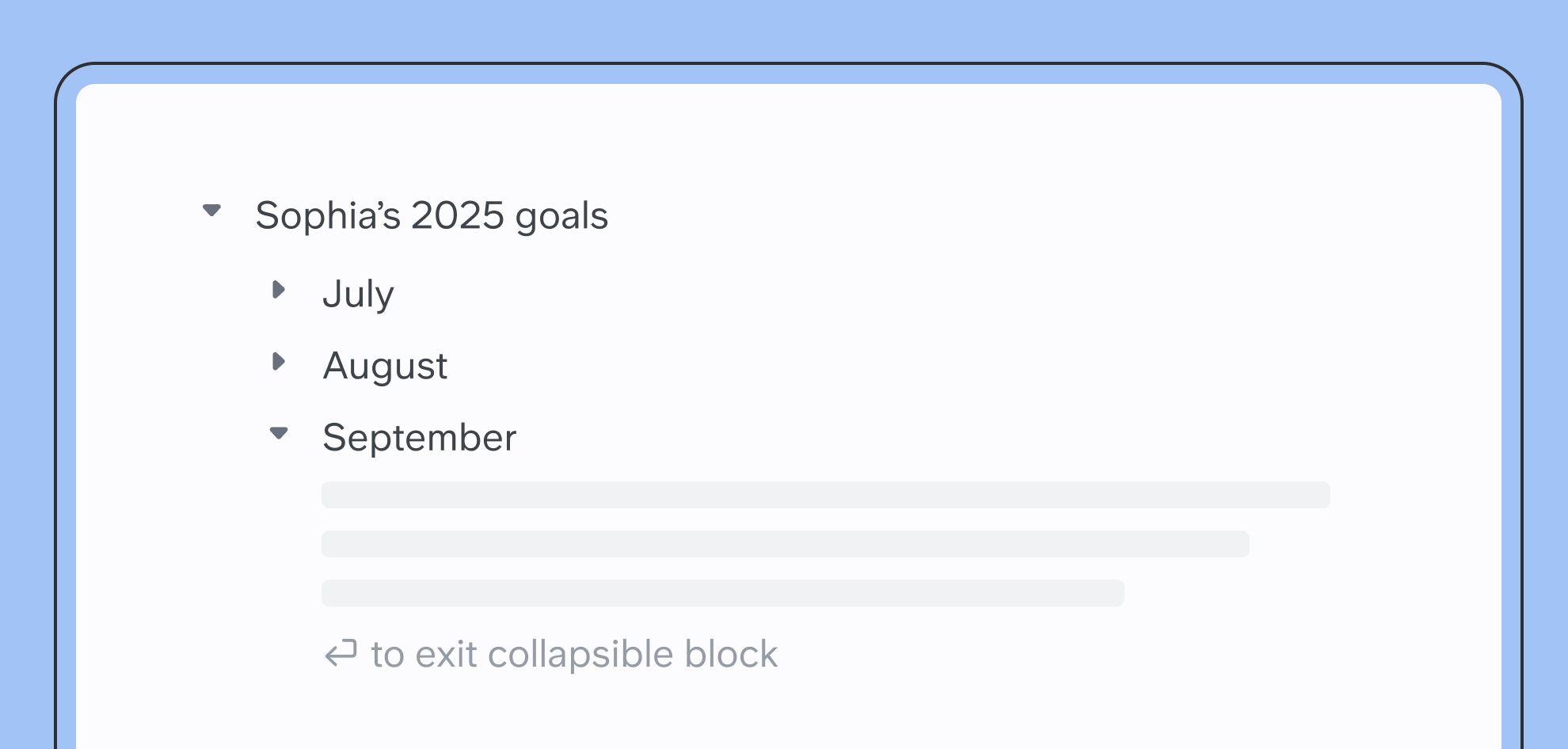
You can now add collapsible sections to organize long docs and make them easier to scan.
- Collapse or expand sections anywhere in your doc
- Headers stay visible even when content is hidden
- Works with all block types — text, lists, images, tables, sketches
- Collapsed by default on refresh to keep things neat
Improved markdown imports
A better way to fix knowledge gaps
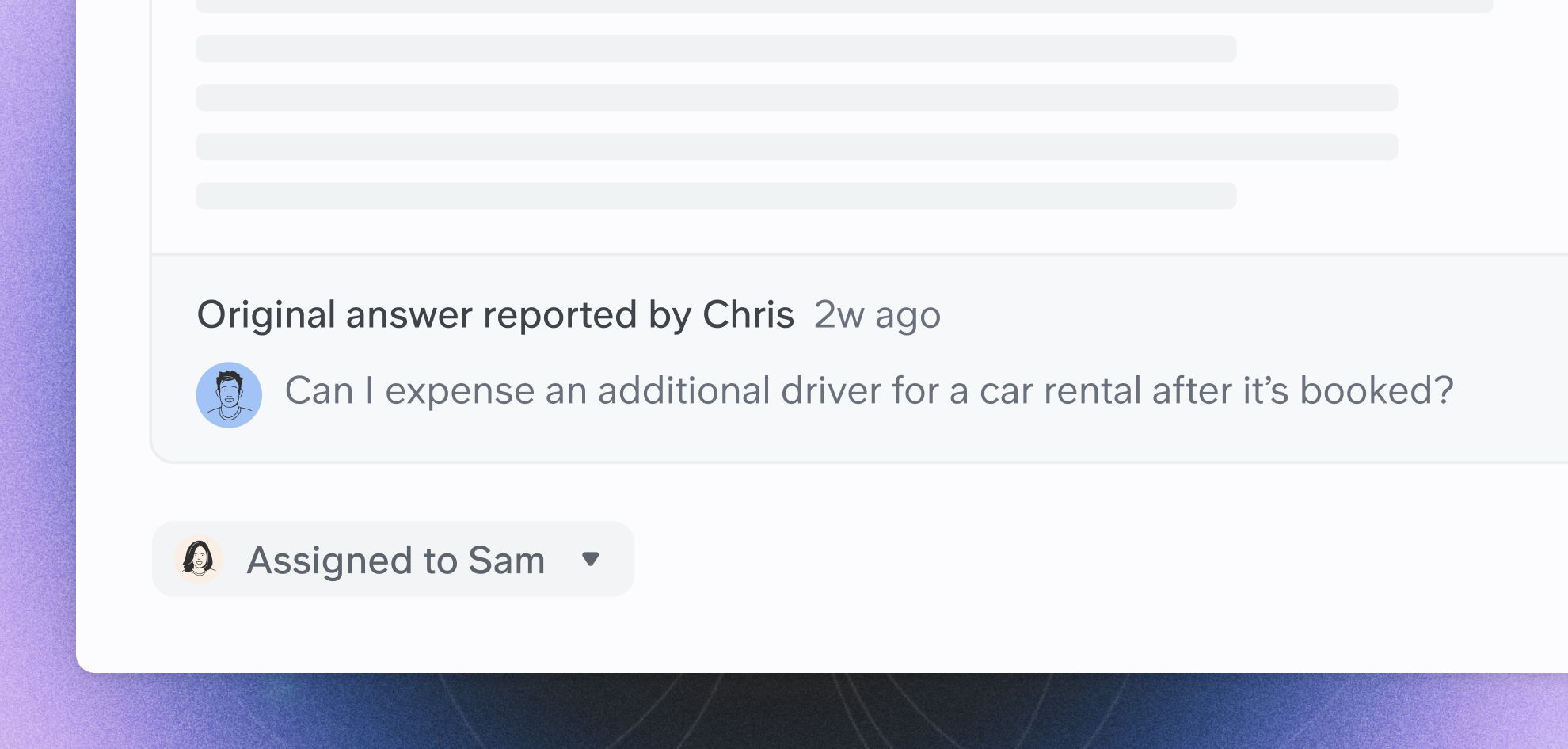
We've redesigned the Ask Insights experience to help you identify and fix knowledge gaps across all your connected tools:
- New side-by-side comparison view showing original and improved answers
- Improved access controls for managing who can view Ask Insights
- Direct source correction for Slite -if you use Slite knowledge base, you can open docs in modals, correct and retry without leaving the panel.
A good source picker
Our new source picker makes it much easier to select your filters. You can browse and select entire source (Slack, Hubspot..) or specific portions in the same interface.
Analytics & Quality of life
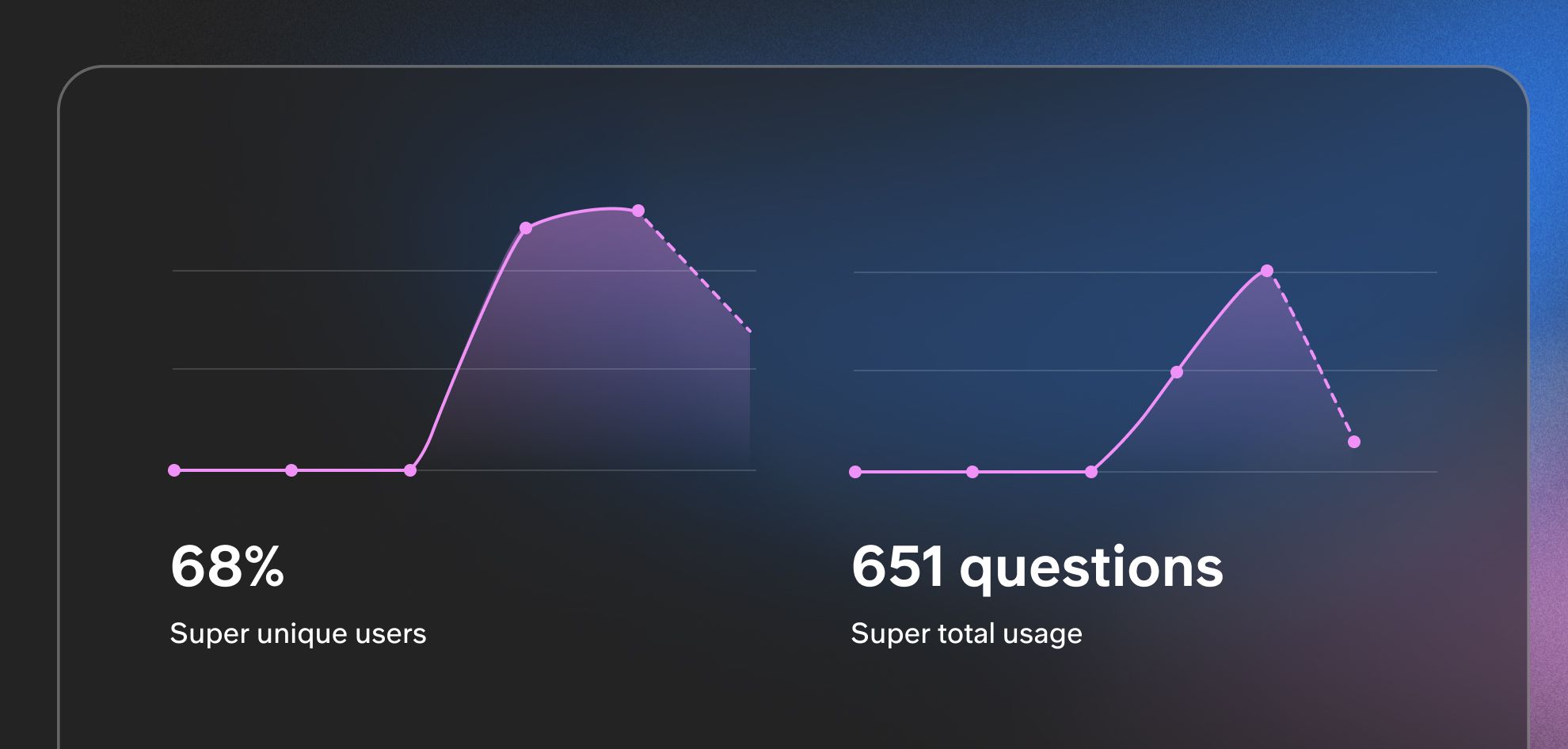
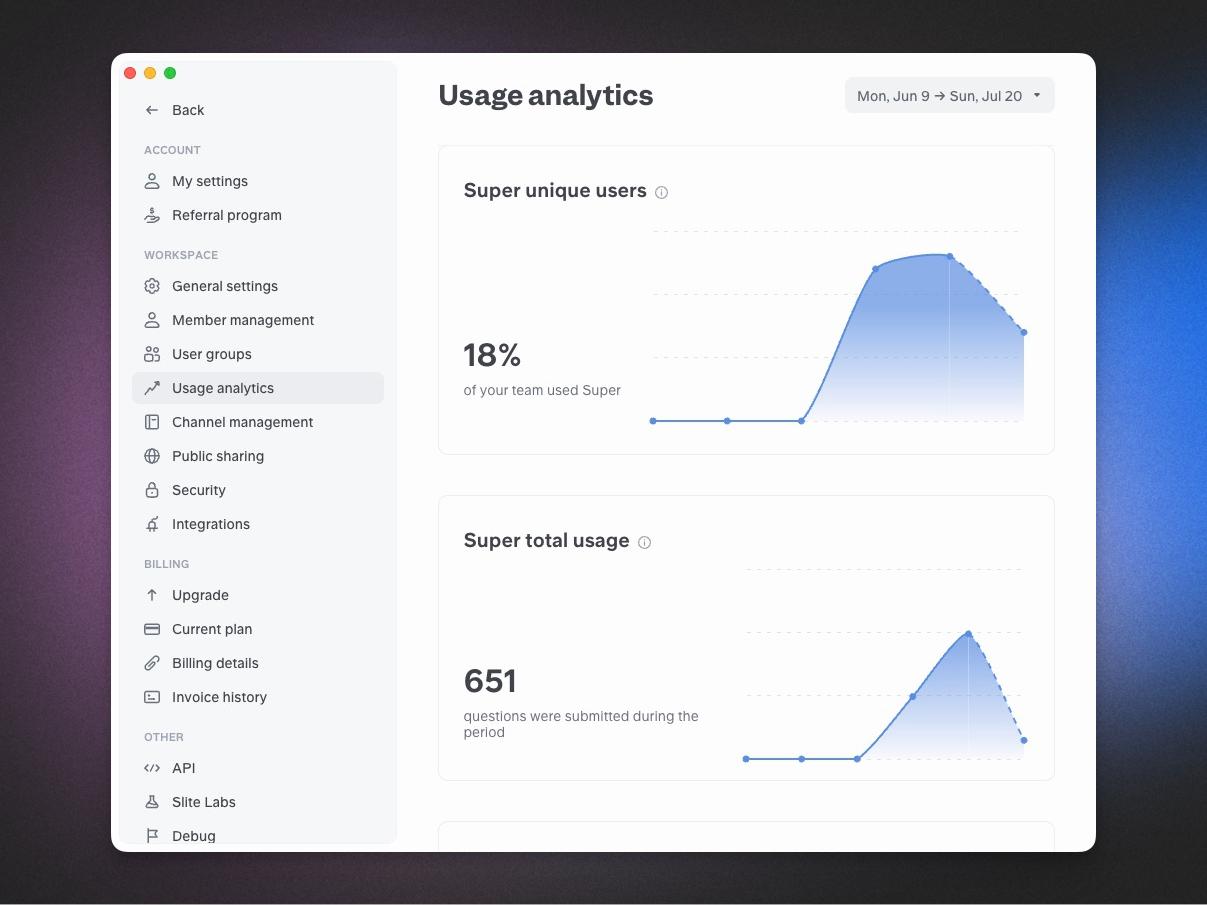
Head to your Settings → Usage analytics to see how your team is leveraging Super.
💡 Tracking started in July 25 and does not include API or Slack usage at the moment.
Digests & Assistants improvements
You can now
- Search for assistants from the assistants page
Analytics, revamped
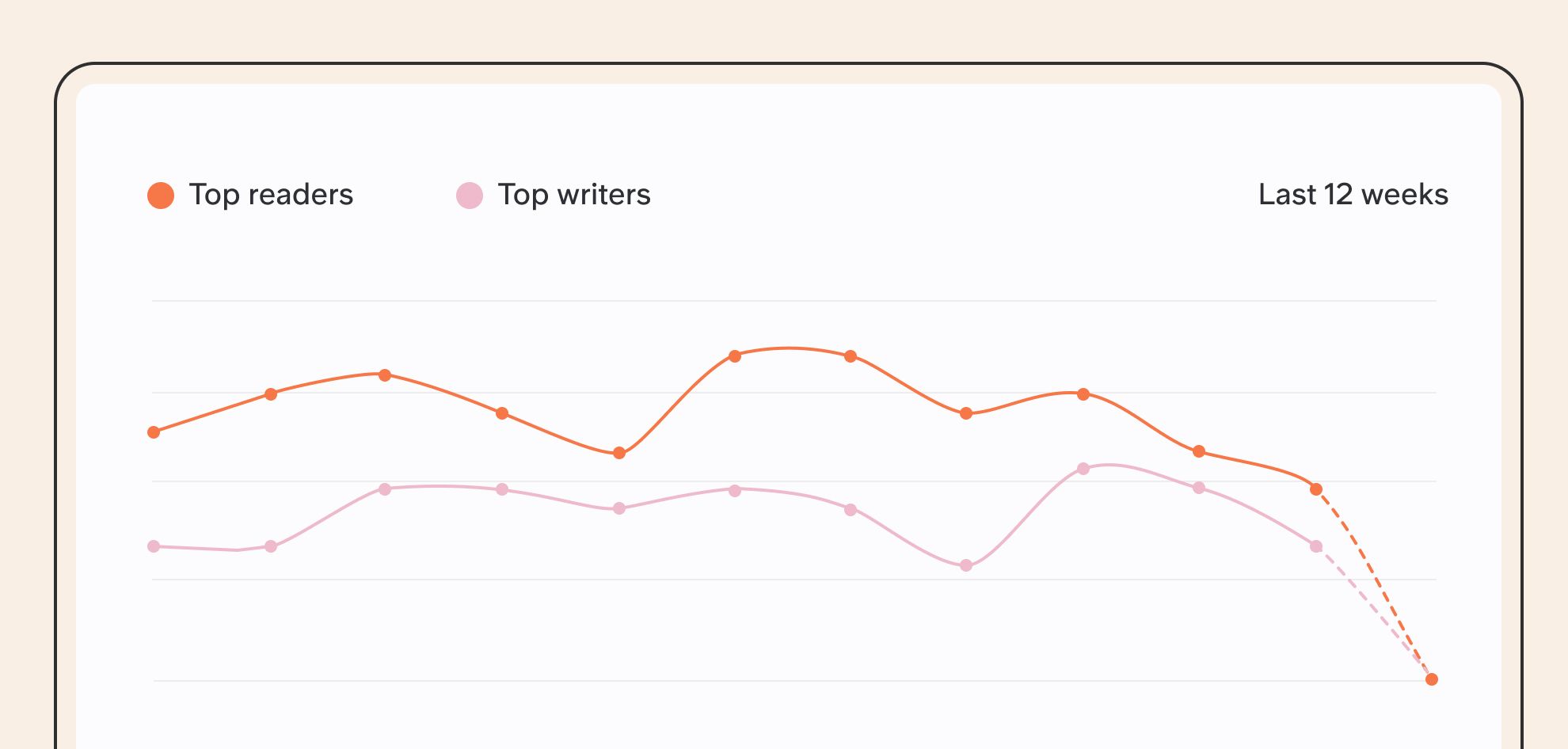
We've revamped our analytics panel to make it more powerful, accurate, and user-friendly. These improvements will help you better understand how your team is using Slite, with enhanced data visualization and easier access to the insights you need.
- New responsive layout
- Non-finished series show in dotted line
- CSV download for all charts
- Always visible period selector
- Super analytics are now included
Super Web Companion
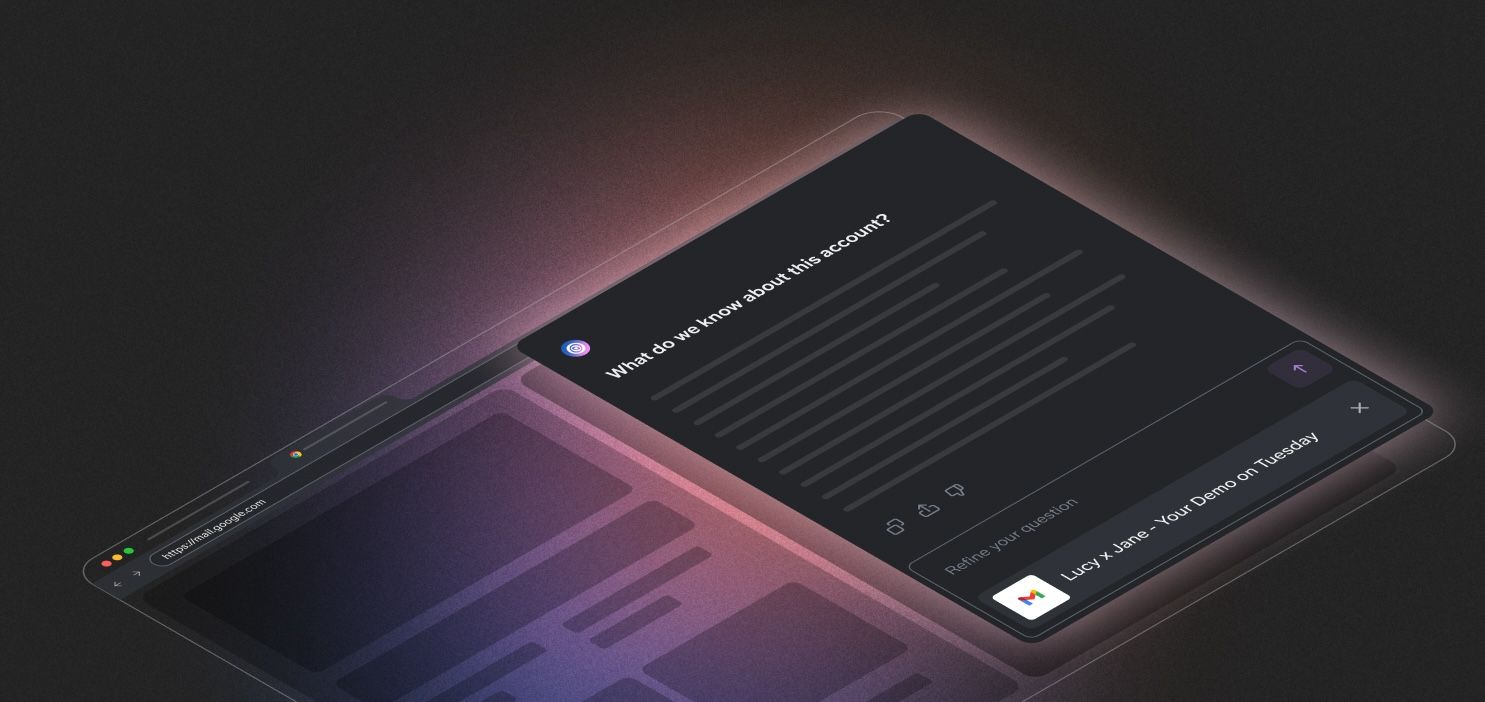
We're excited to introduce two major updates that bring Super's intelligence directly into your everyday workflows.
Ask on any webpage
Super Chrome extension now can use your current page context and your team data to answer and run assistants.
Custom Buttons
You can now create 1-click buttons, embedded in any website your team uses and performing pre-set actions.
Hubspot as a source
Real-time insights from your CRM
You can now connect HubSpot to Super, turning your CRM into a fast, conversational data source for your team.
Need to see where deals are stuck, check pipeline by product, or prepare before a customer call? Just ask.
Super can also handle tasks that used to take much longer, like:
- Crafting a report of deals with no activity in the last 14 days
- Analyzing pipeline for Product X over the last quarter
Attio as a source
Your CRM, now searchable
Attio is now a Super Source, making your CRM instantly searchable in plain English. Ask questions like:
- What’s the MRR in the pipeline?
- What do we know about Acme Inc.?
- What deals need follow-up this week?
Super combines Attio data with sources like Intercom, Slack and docs, giving you rich answers without switching tabs. Attio permissions are always respected, so users only see what they’re allowed to.
Super in Intercom and Zendesk
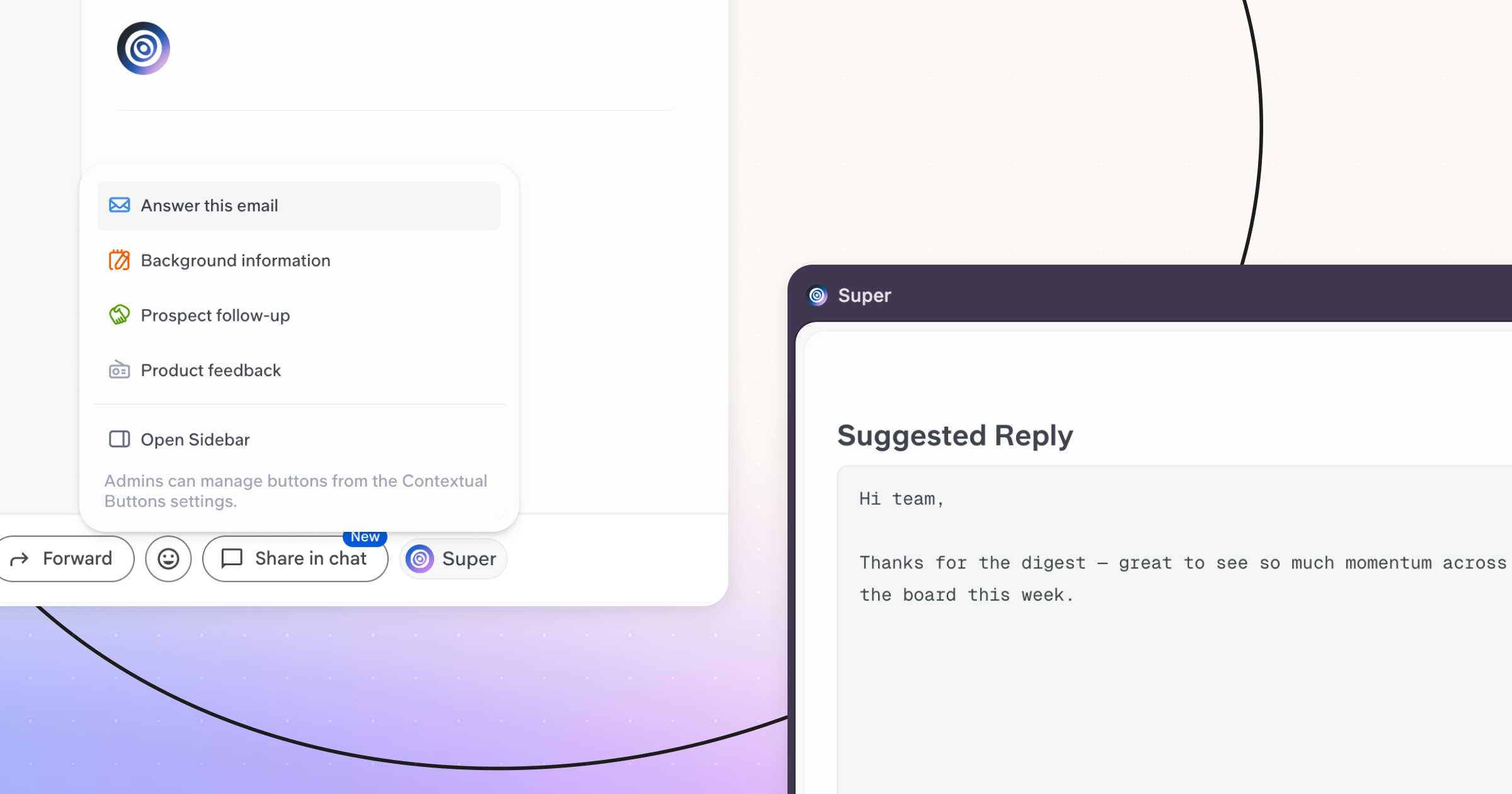
Contextual Buttons are live
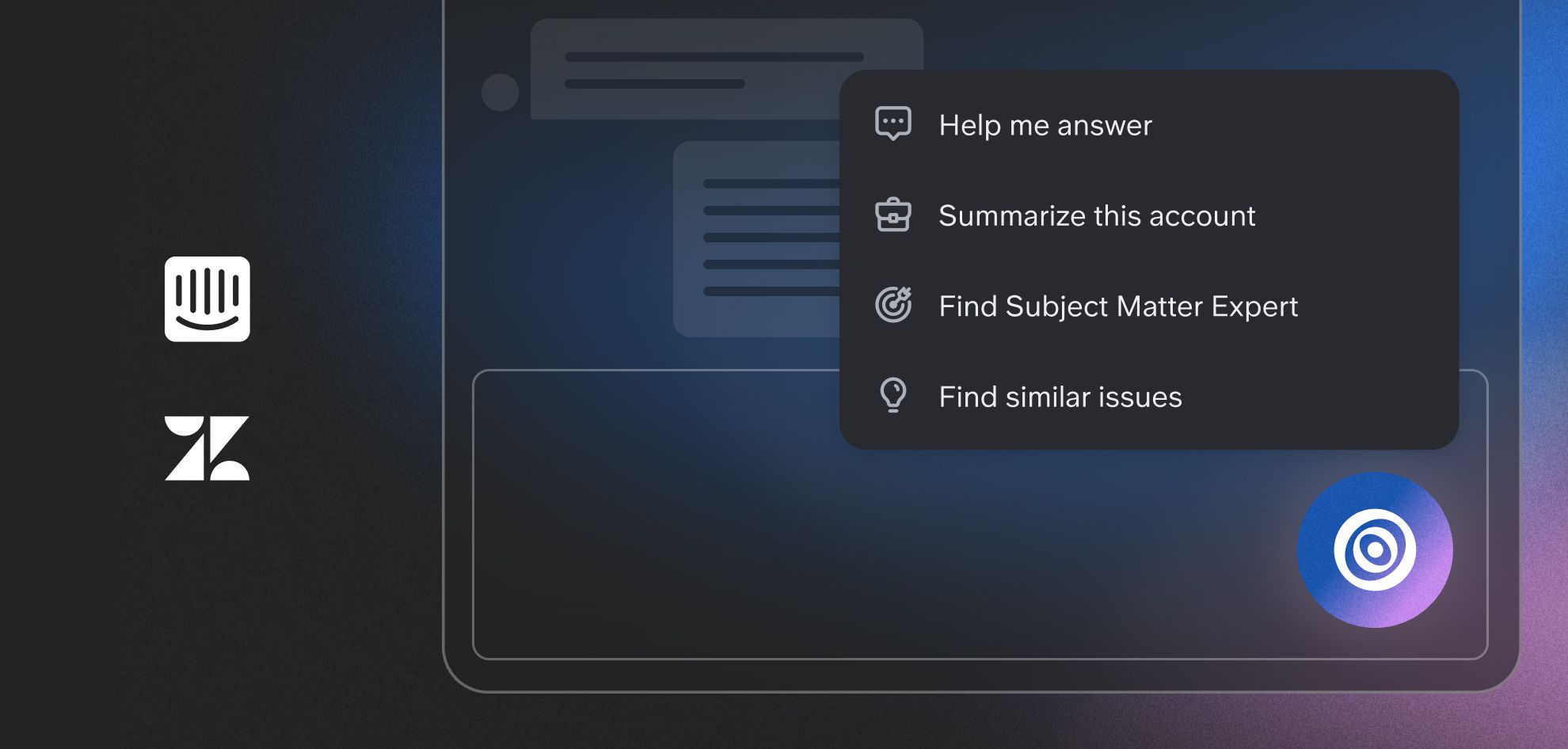
Super can now be used directly inside Intercom and Zendesk with no setup or integration required. Just install the Chrome Extension and start taking action right on the page.
When clicked, Super reads what’s on the page and combines it with your connected sources to take action in context—like drafting a reply, summarising the account, finding similar issues, or identifying internal experts.
We’ve included four actions by default to help you get started. You can customise them or create new ones that work for your team. All actions created in your workspace will appear in the button for everyone.
Super Launch + New Website
We officially launched to the world today!
You were an early adopter of Super, from all the team working day and night on this, thanks a ton. We'd not be there without your care and feedback.
If you want to support us for this special day, we're live on Product Hunt 🔥

Intercom as a source
You can now use Intercom as a Super Source!
This is extremely useful to:
- Get a full overview of a customer from Intercom+CRM+Meetings
- Find solution to a customer issue from past tickets.
- Analyse patterns on feedback, bug reports, interaction.
Super Actions v0.1
We are developing Super Actions for you to inject your assistants in specific websites, starting with Intercom. These assistants can read the current page, which mean in 1 click your team can generate a reply, get an overview of the customer, find an the internal expert to help on this topic, etc.

Artefacts + Super MCP server
Super MCP server
We released the first version of Super MCP server, ready for you to play with in compatible tools such as Cursor and Claude.
This lets you build agents and workflows with access to your internal data. See a live demo to explore what you can do with this!
Artefacts
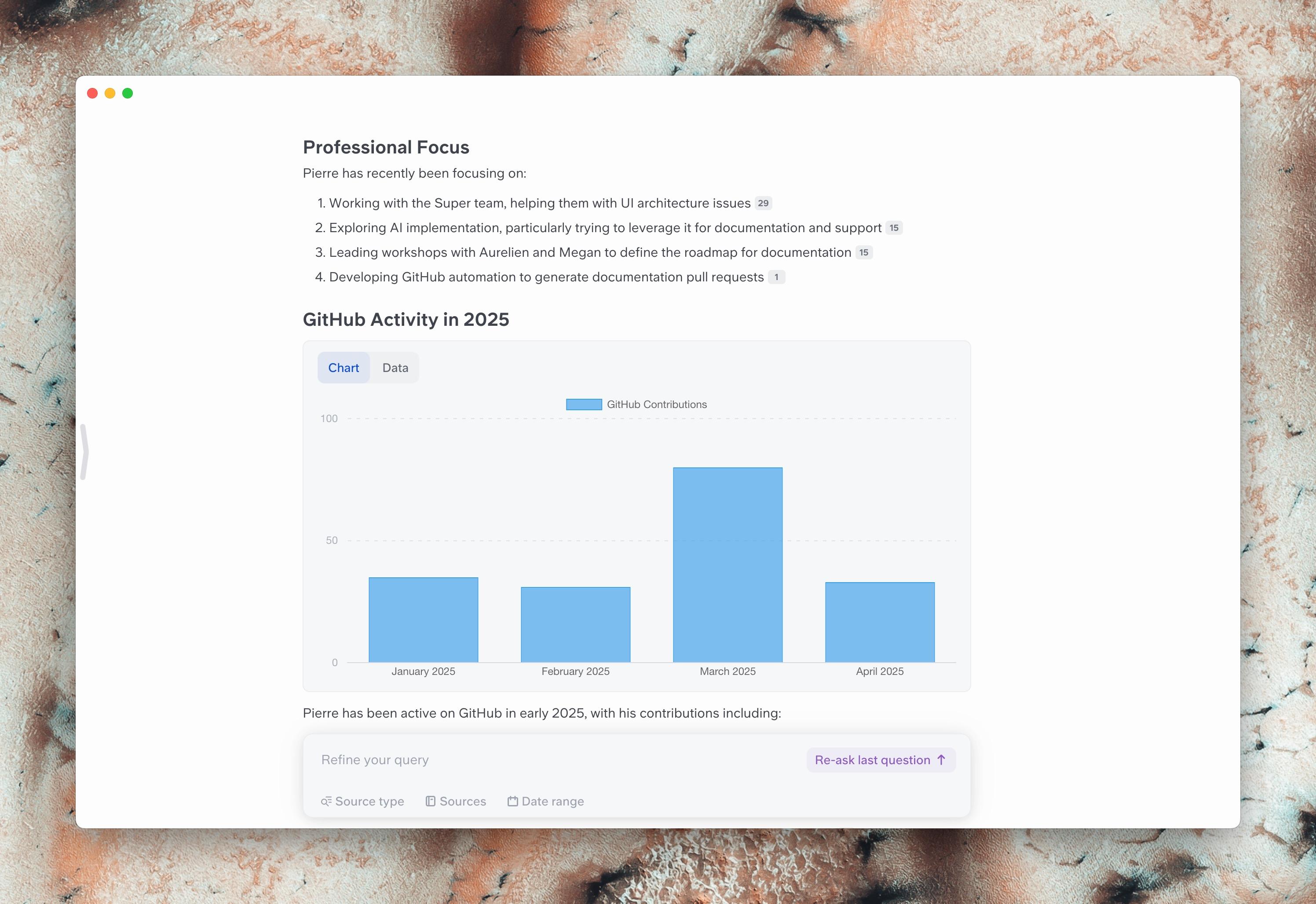
When Super generates content like tables or graphs, it can now incorporate these elements in more elegant answers, blending visual and textual information.

Slite MCP server
We released the first version of Slite MCP server.
This new protocol lets your agents or AI tools interact with Slite to ask, search, or fetch notes for your other workflows. It is compatible with any MCP client, such as Cursor or Claude Desktop.
See how to use it in our guide.
Date Templating now with delays
With templates you can use {date} to generate the current date. You can now set delay on this with simple formatting options like {date:format+3days}.
This way your Monday meeting doc automatically generated on Friday will show the correct date.

Asana + Sonnet 3.7
Asana integration
You can now connect your Asana workspace to Super for seamless access to your tasks and projects. The integration indexes metadata including assignees, due dates, completion status, project information and comments!
PS - Comments in Linear are now indexed as well.
Sonnet 3.7 as default model
We now use Anthropic Sonnet 3.7 by default. This upgrade radically enhances answer quality and reliability for all your queries.
PS - All our models remain hosted in EU.

Super Assistants
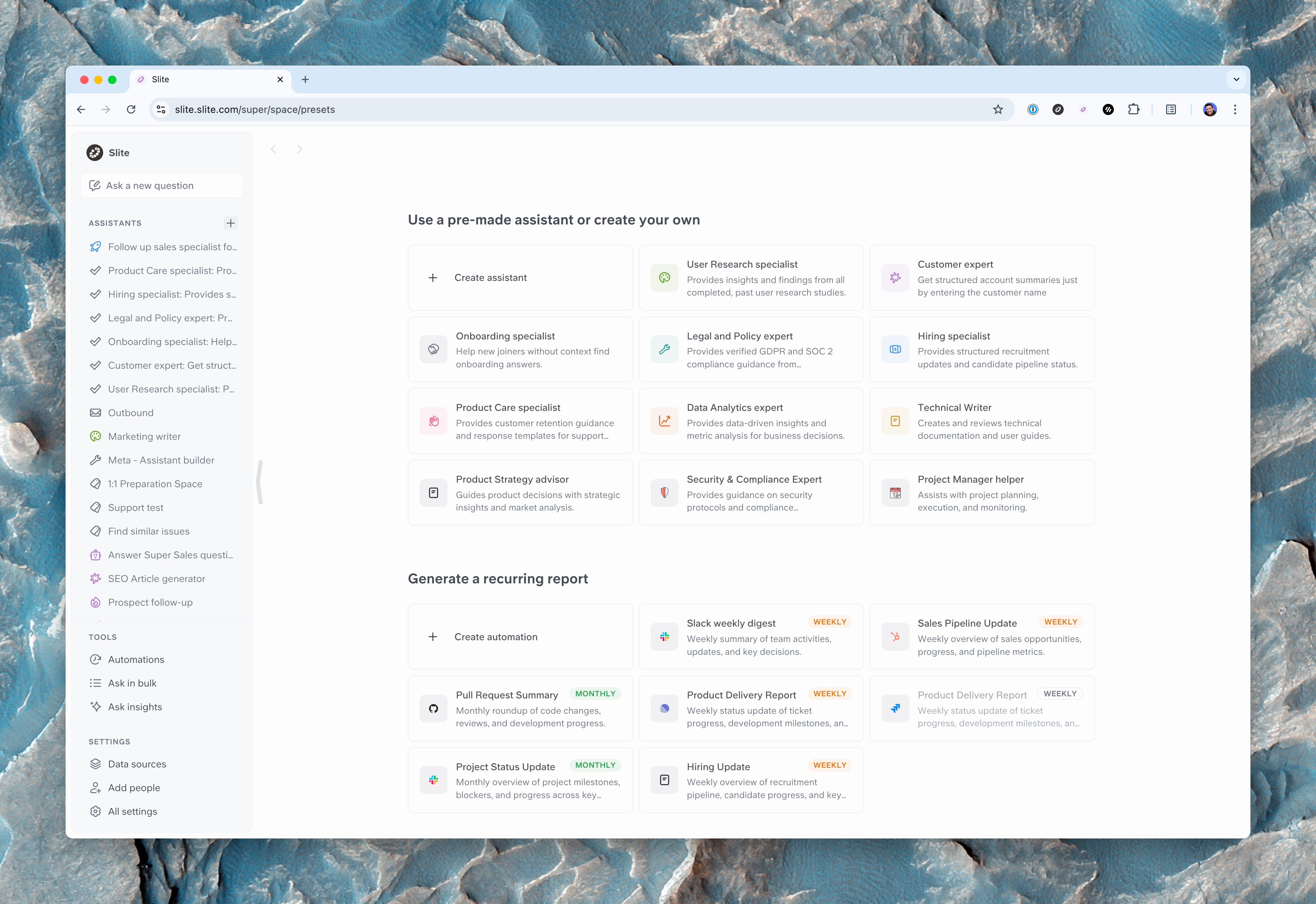
Spaces are now Assistants, and this comes with a lot of improvements to manage them and embed them in your workflow.
Assistant library
Get inspired by our examples when creating assistants or automations.
Organise and describe your assistants
You can now add a description to your assistants, and pin in your sidebar the ones that matter to you.
New sketches and Web mobile
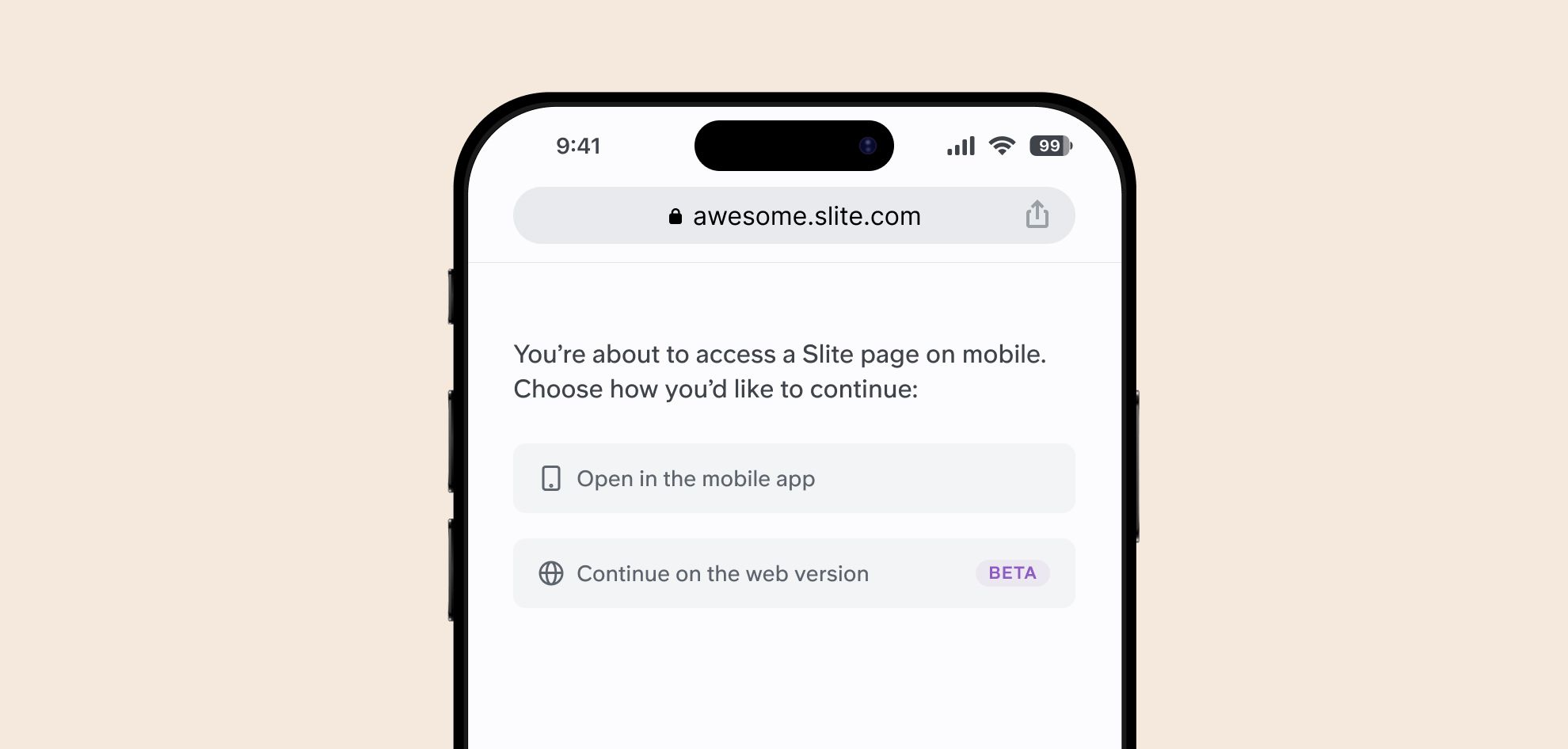
You can now access the full application from your mobile web browser. It will let you access on the go to team settings, doc insights, and other advanced options.
Improved Sketches
Our sketching tool - hit /sketch to try it - gets a lot of love, and it just got a deep refresh:
- Simpler color management and shortcuts
- Embed web content in your sketches

AskX is now Super⚡
As we're preparing for our public release, we're finally updating our name, and it's.... Super!
And with it, our new website is live!
Digests
We heard you, you loved the automated weekly digest. You can now build your own, on all your sources!
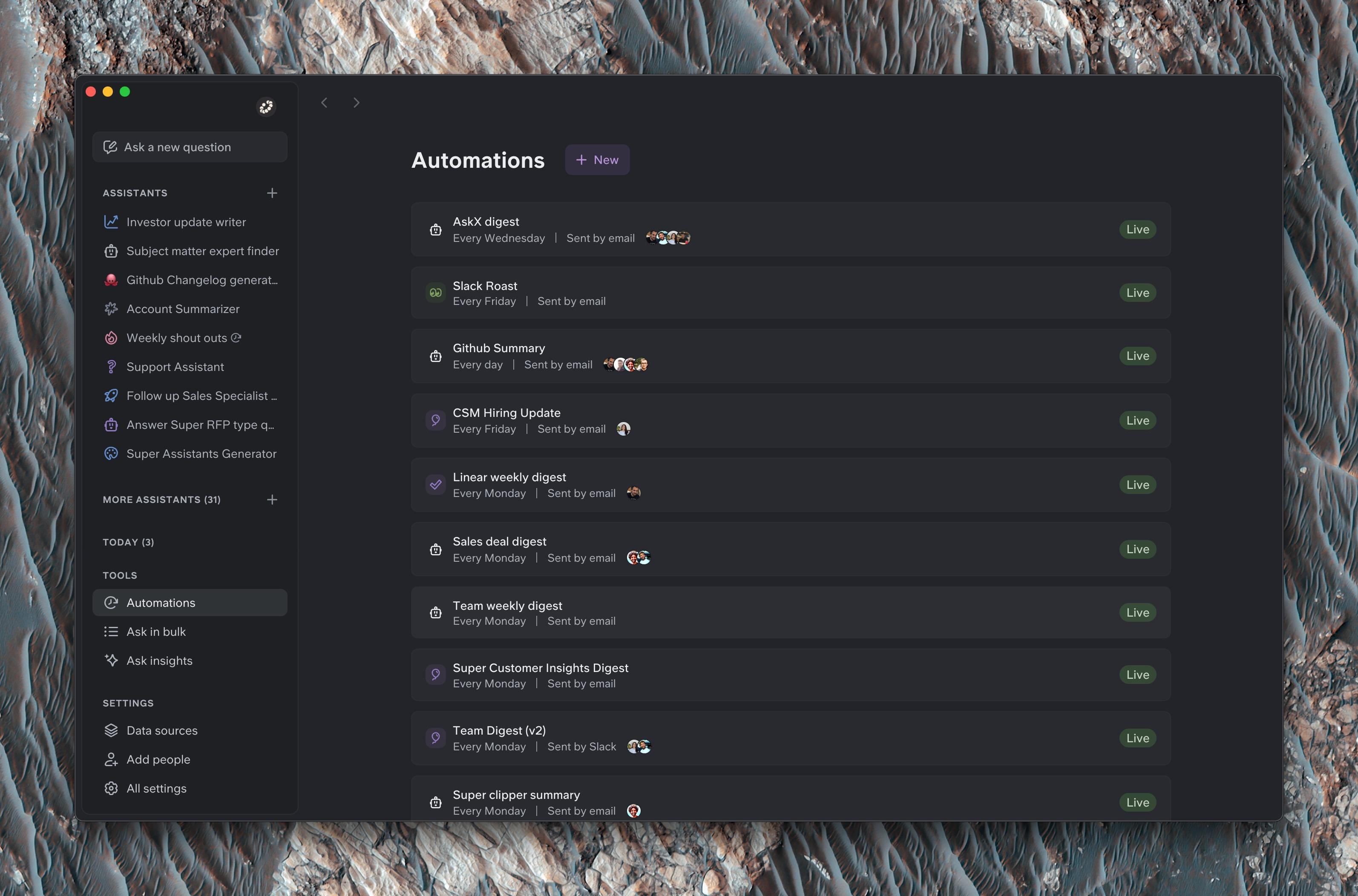
PS - If you want a laugh, here is what happened when we asked Super to roast us. Absolute gold.
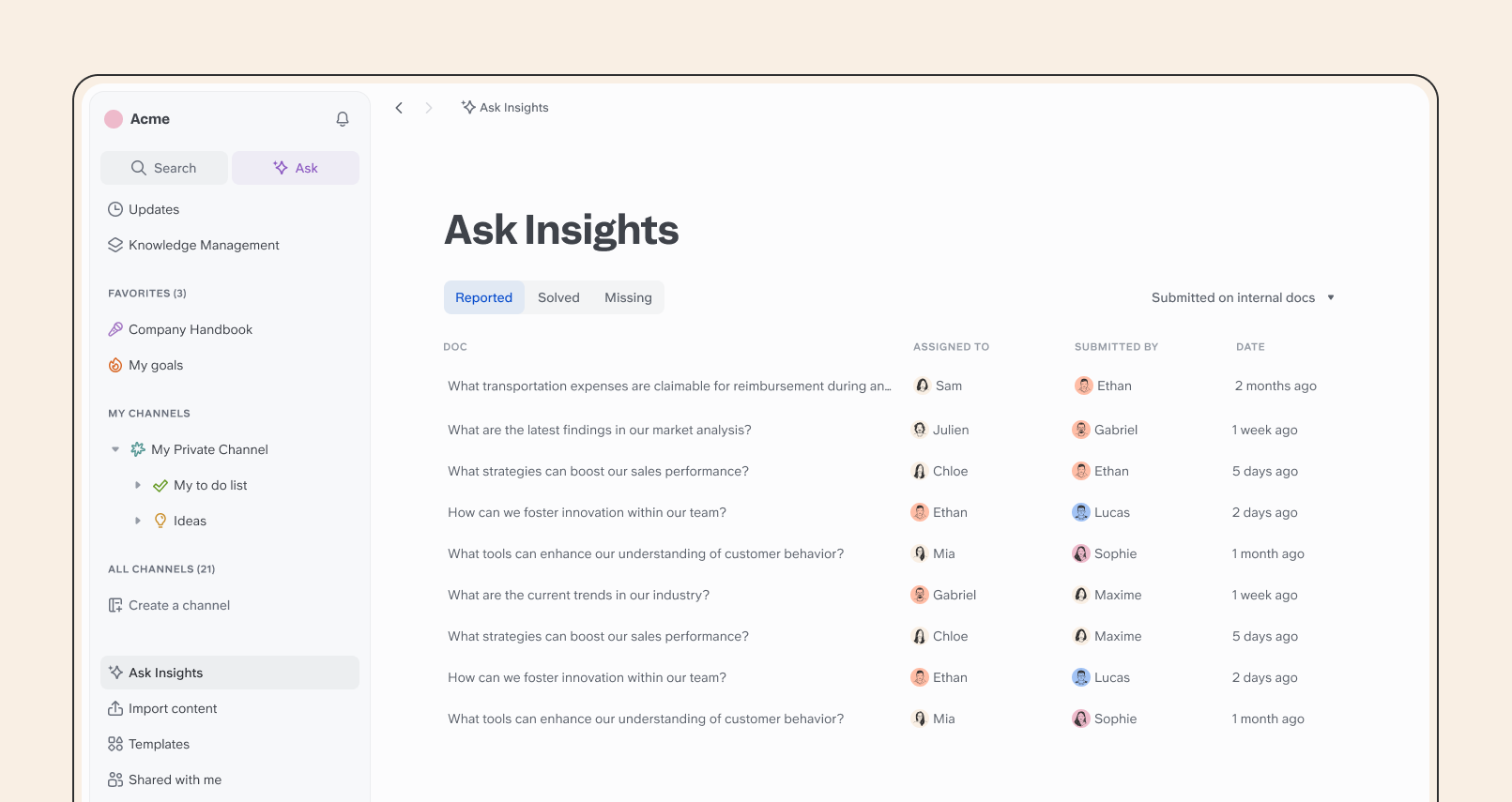
New Ask Insights
We brought our new Ask Insights panel directly in the main sidebar to analyze incorrect and missing answers from Ask, and improve your knowledge base.
Among others, this change comes with:
- Assignment: Ensure knowledge is completed by assigning missing or incorrect answers to the right people
- Resolution workflow: Turn gaps into structured knowledge by documenting answers in new docs
- Automated reporting: Missing answers are now automatically flagged
Improvements
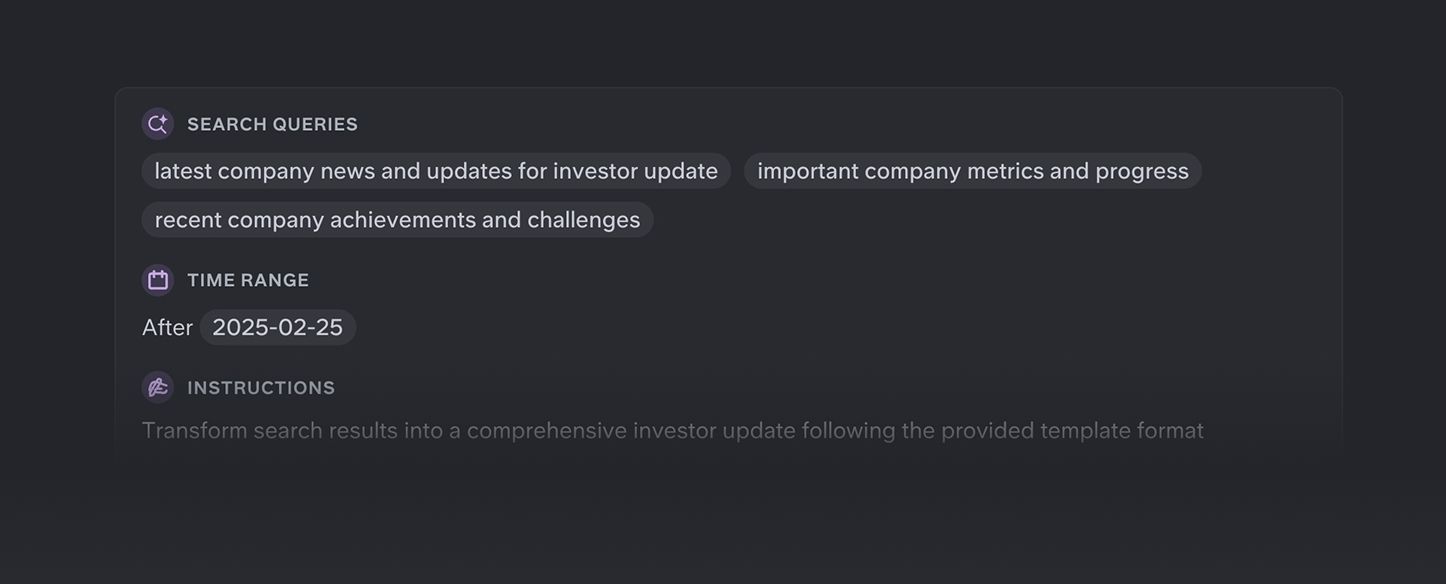
New Super engine
We released out of beta our new engine making Super smarter and faster, with better adaptation to complex queries. Take a look at some queries the new Super can handle:
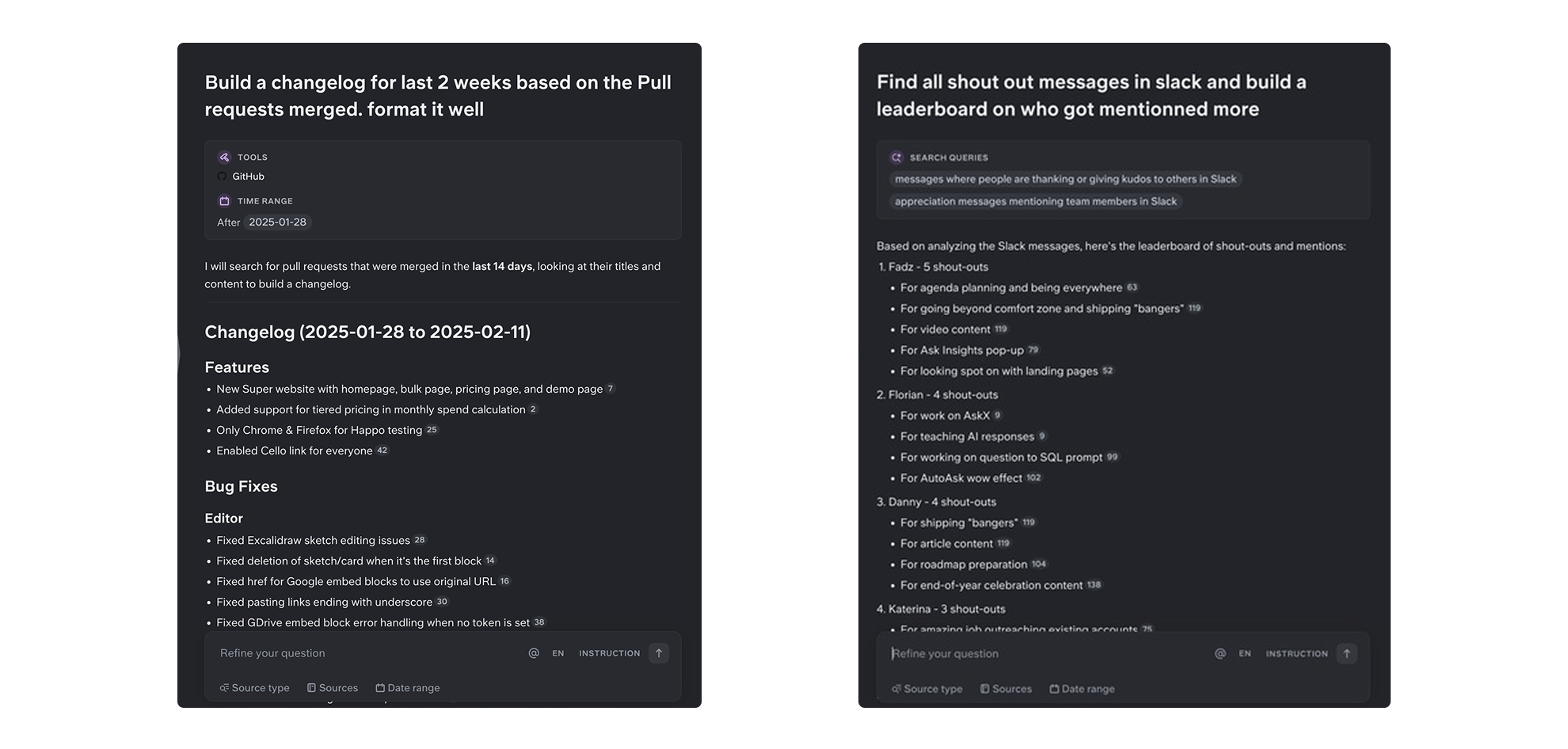
Other improvements
- We built a small library of our best assistants for you to get inspiration and re-use.
- You can now preview your assistants as you build them
- You can expand and refine one query at a time in bulk mode
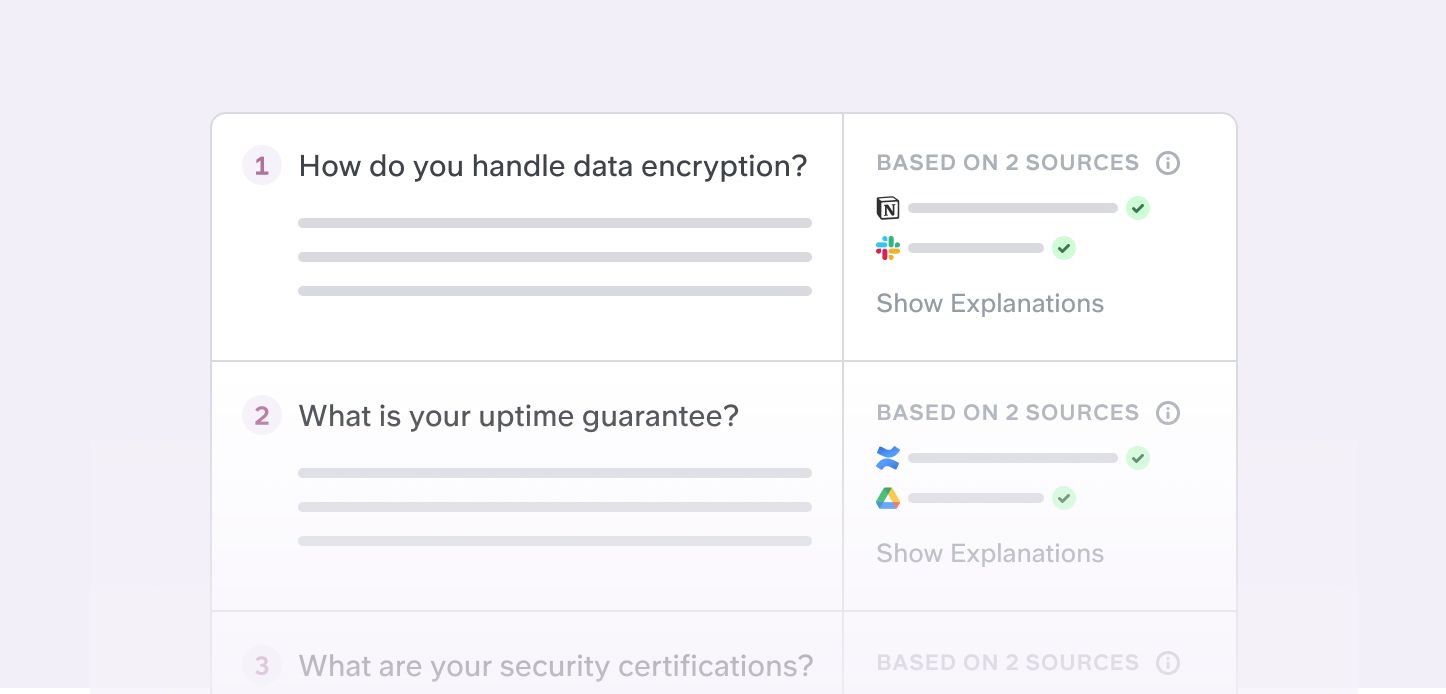
Bulk mode
Our dedicated Ask in Bulk mode will make you win days of work if you have to fill Security forms, sales RFPs, tenders, etc!
Paste your series of questions, set filters and instructions via a space, and run hundred questions at once on your data.
NB - You can also use it to run your test of AskX and see how it performs on your data.
Git documentation + Website indexing
We also released Git repo documentation and Github wiki, as well as any website (on demand, reach out with your link).
Other improvements
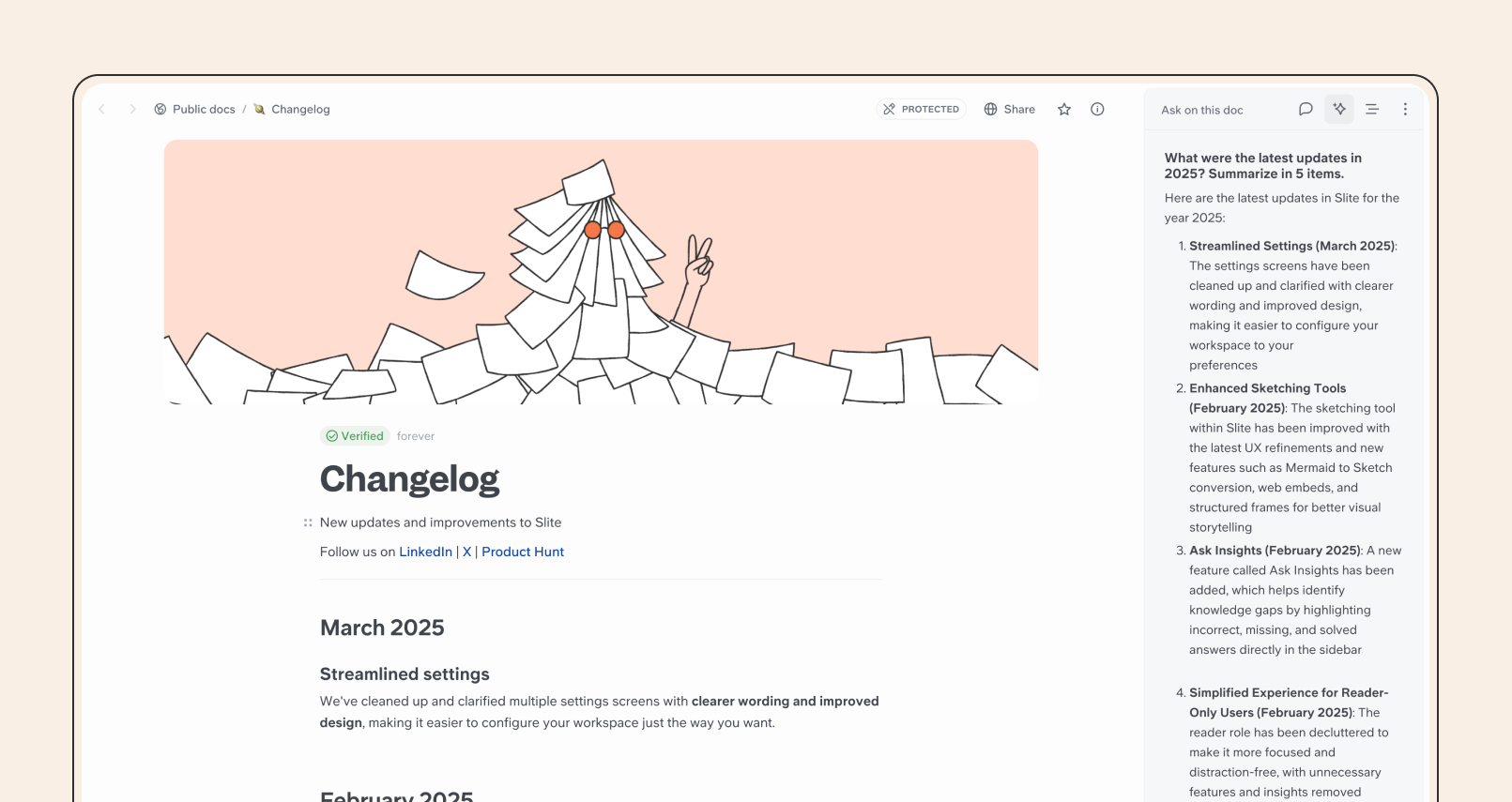
Ask in Doc
We've made it easier than ever to get specific answers on the doc you're reading. Look for the new "Ask on this doc" button in the top right, next to comments.
Improvements
- Updated Status Banner style
- Fixed collection description editing and link formatting
Fixes
- Fixed GDrive embed block rendering
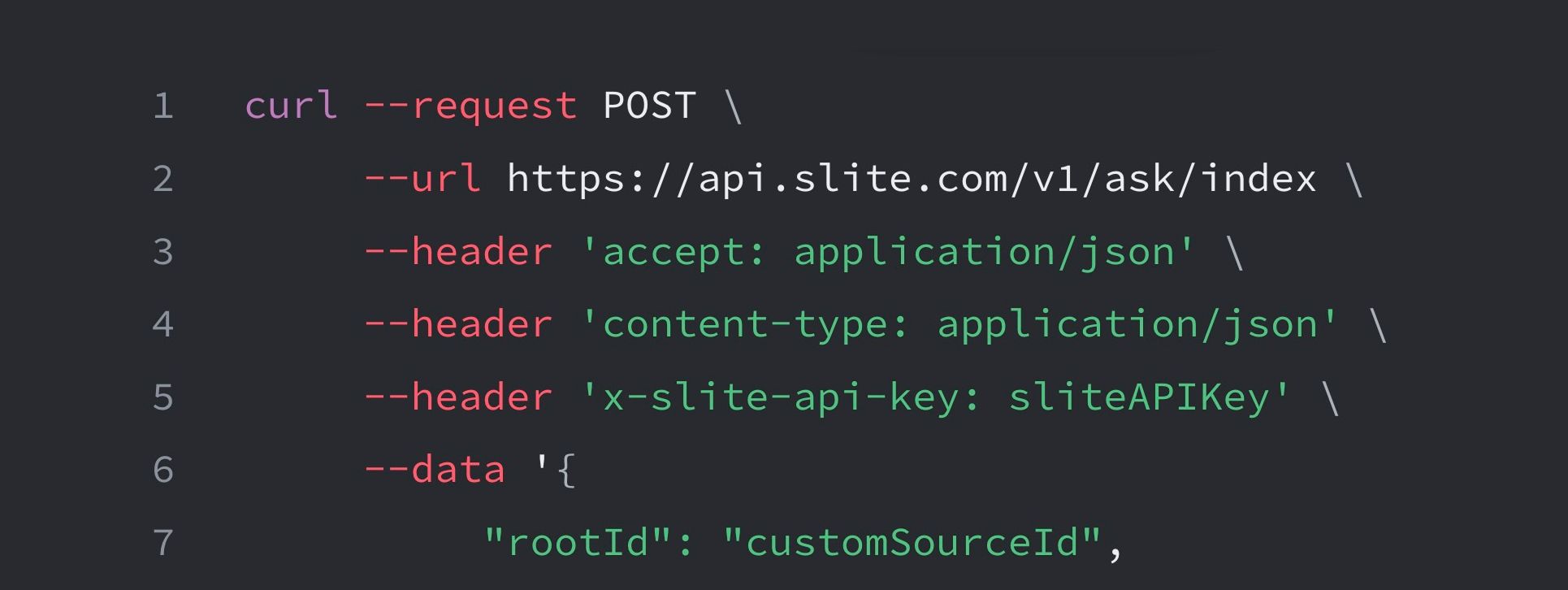
Custom sources
We keep adding native sources, but you can now index any data in Super with Custom sources, along with our new dedicated API endpoint and Zapier method.
See how it works, and explore the developer documentation.
Fix the gaps in your knowledge with Ask Management
Early in 2023, we released Ask, the world's first AI search on a private knowledge base, and besides the direct benefits, we realized the massive potential of detecting what questions failed.
We started the revamp of our Ask Management Panel to let you exploit this potential.
What's new:
- Reports got an upgrade. You can now comment, dismiss and assign directly from your failed Ask query.
- The Ask Management panel now lives at the bottom of your sidebar
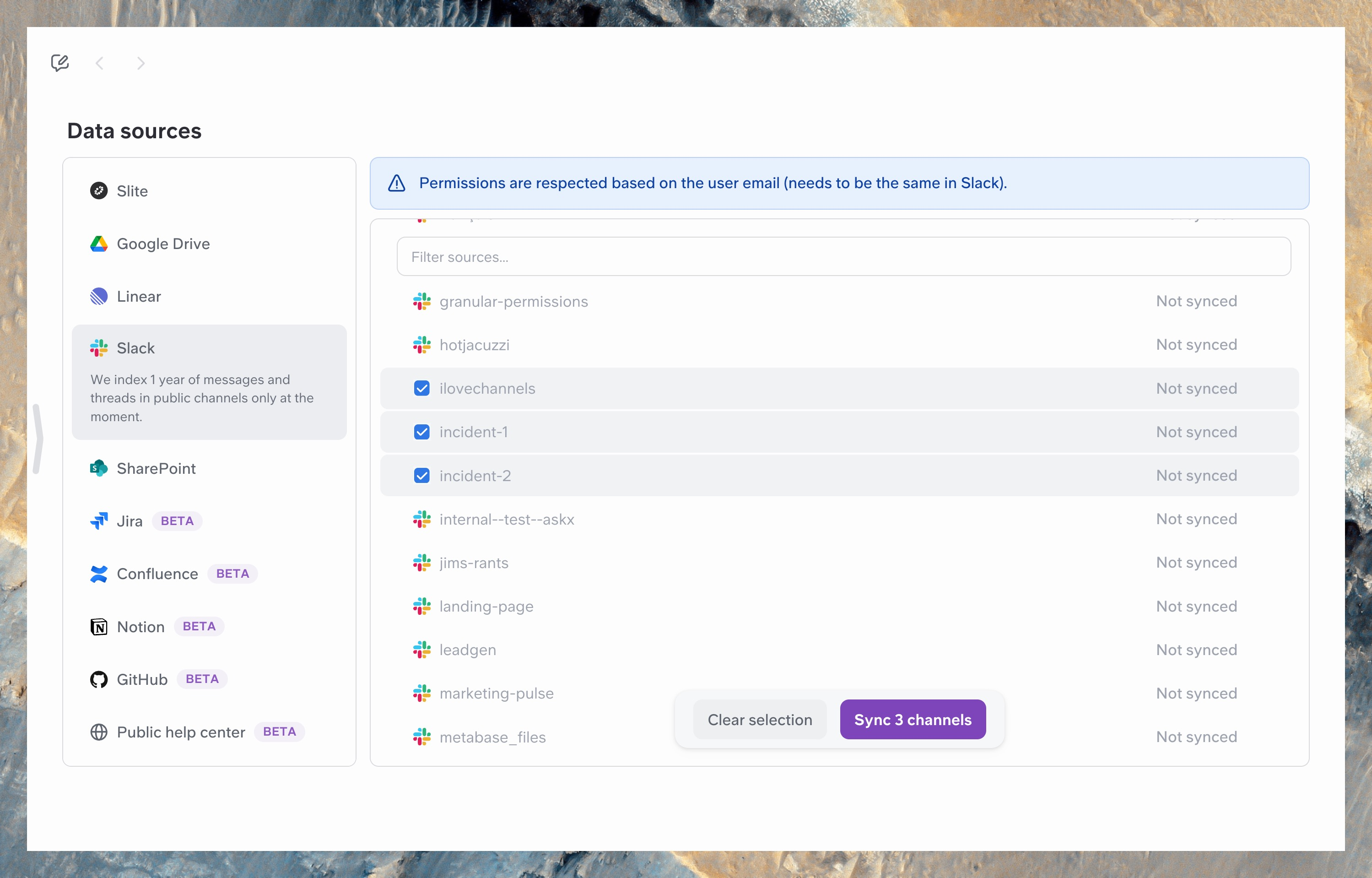
Jira and enhanced source panel
You can now sync your Jira tickets with AskX, to ask on project status and updates.
This comes along a new experience of source management, letting you add and remove sources in bulk.
Other improvements
Weekly digest
You might have received one already, AskX users now receive weekly a digest of the last activities in your team!
We had overwhelming positive answers on this one, and YES the plan is to let you customise it to your personal needs 🤫
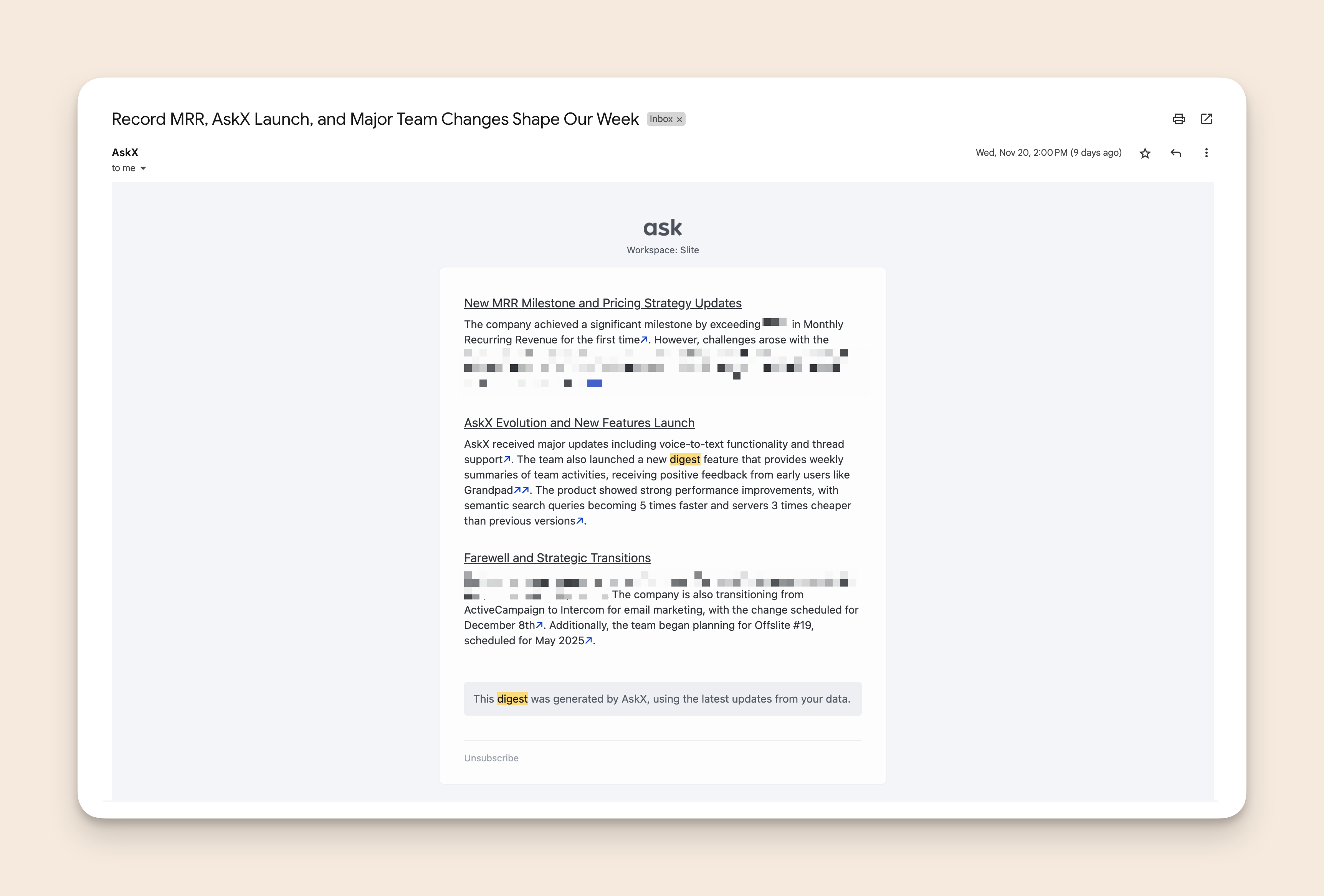
For now, the Digest is generated based on your Slack public channels activities (only for the users authenticated in your Slack)
New Knowledge management workflows
A few things changed when it come to verifying your documents
- You will now receive notifications before a doc expires (and again when it does expire), 7 days and one day before.
- You can now assign a User group as verifier of a document.
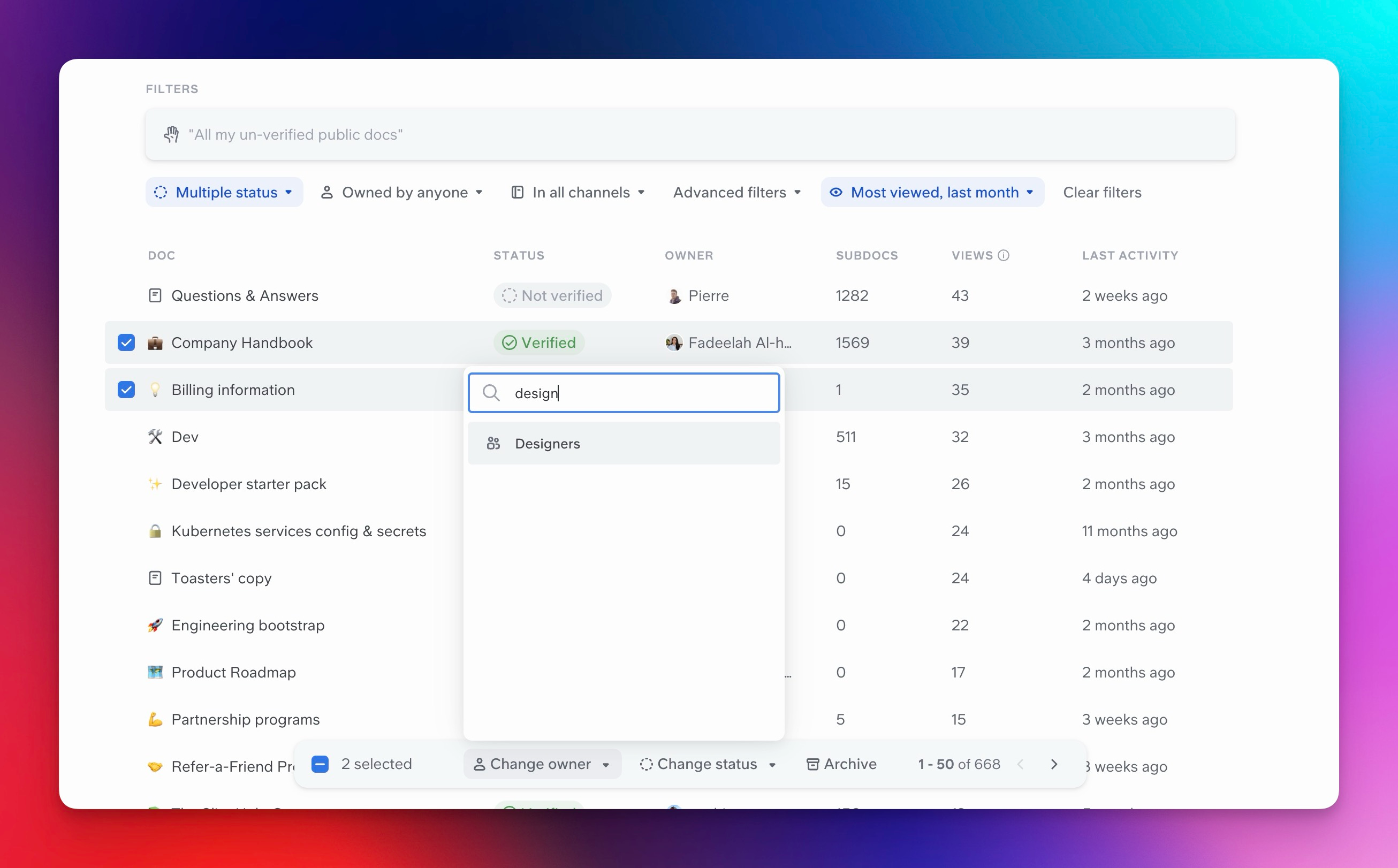
Two notable editor improvements
We're finalising a monumental technical task to change our editor technology to prepare for 2025, but already we have 2 improvements to note this month:
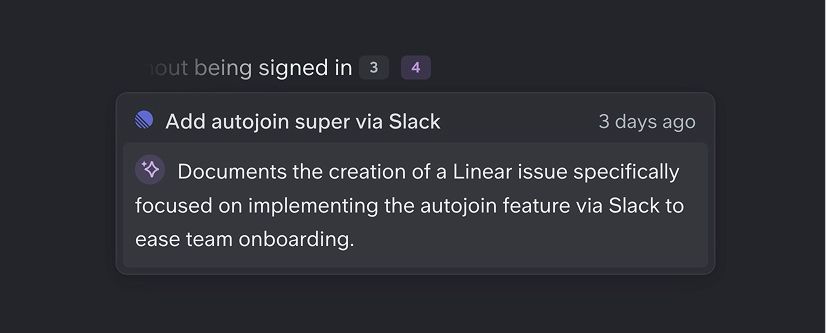
References and Github support
References are now visible in Super answers. You can see which source supported each part of your answer, with an explainer attached.
Github support
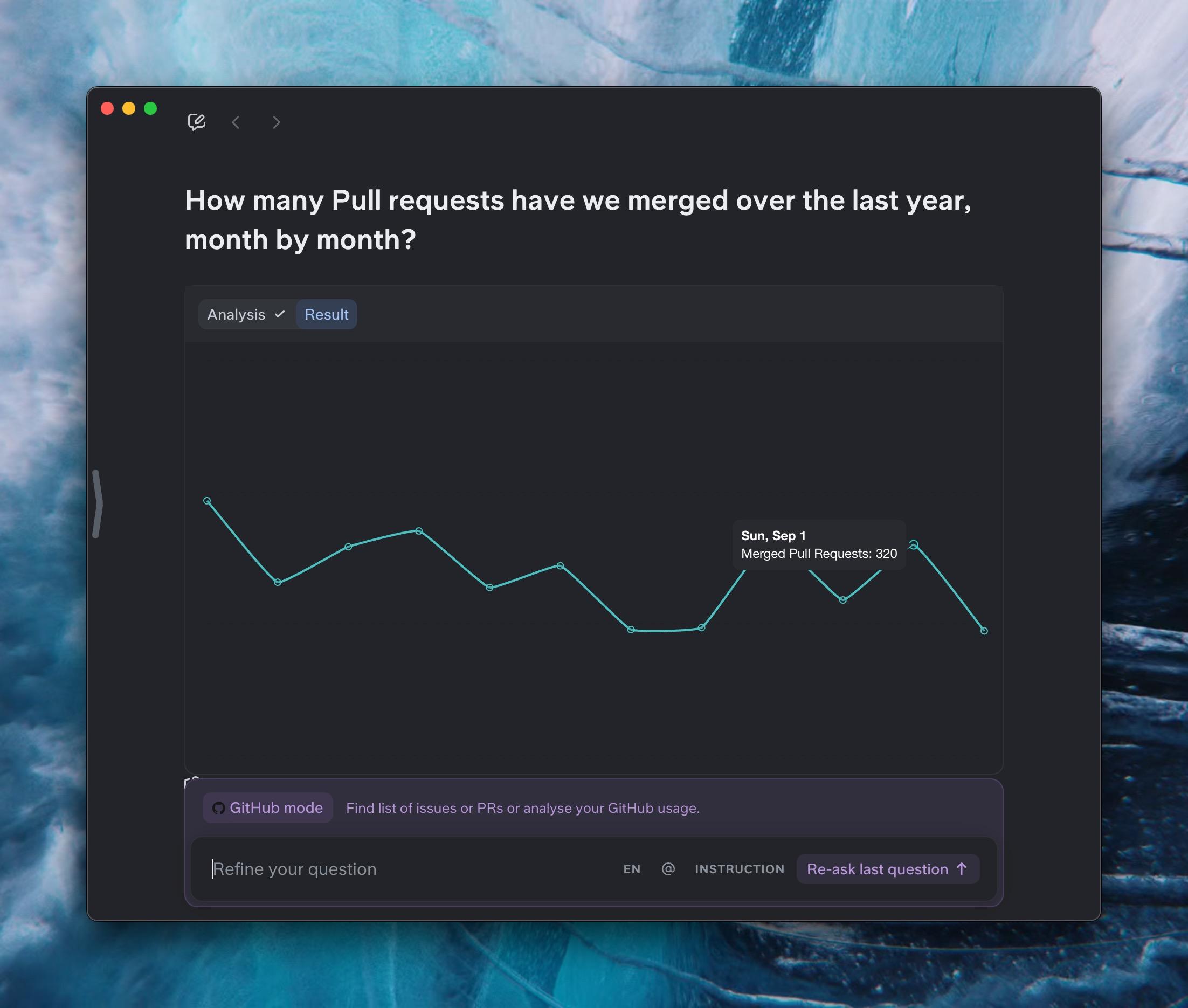
We now index your Github Pull Requests and Issues. Ask anything on them, or type github to get in a new preview mode letting you retrieve them with advanced search, or even generate charts from your usage.
Other improvements
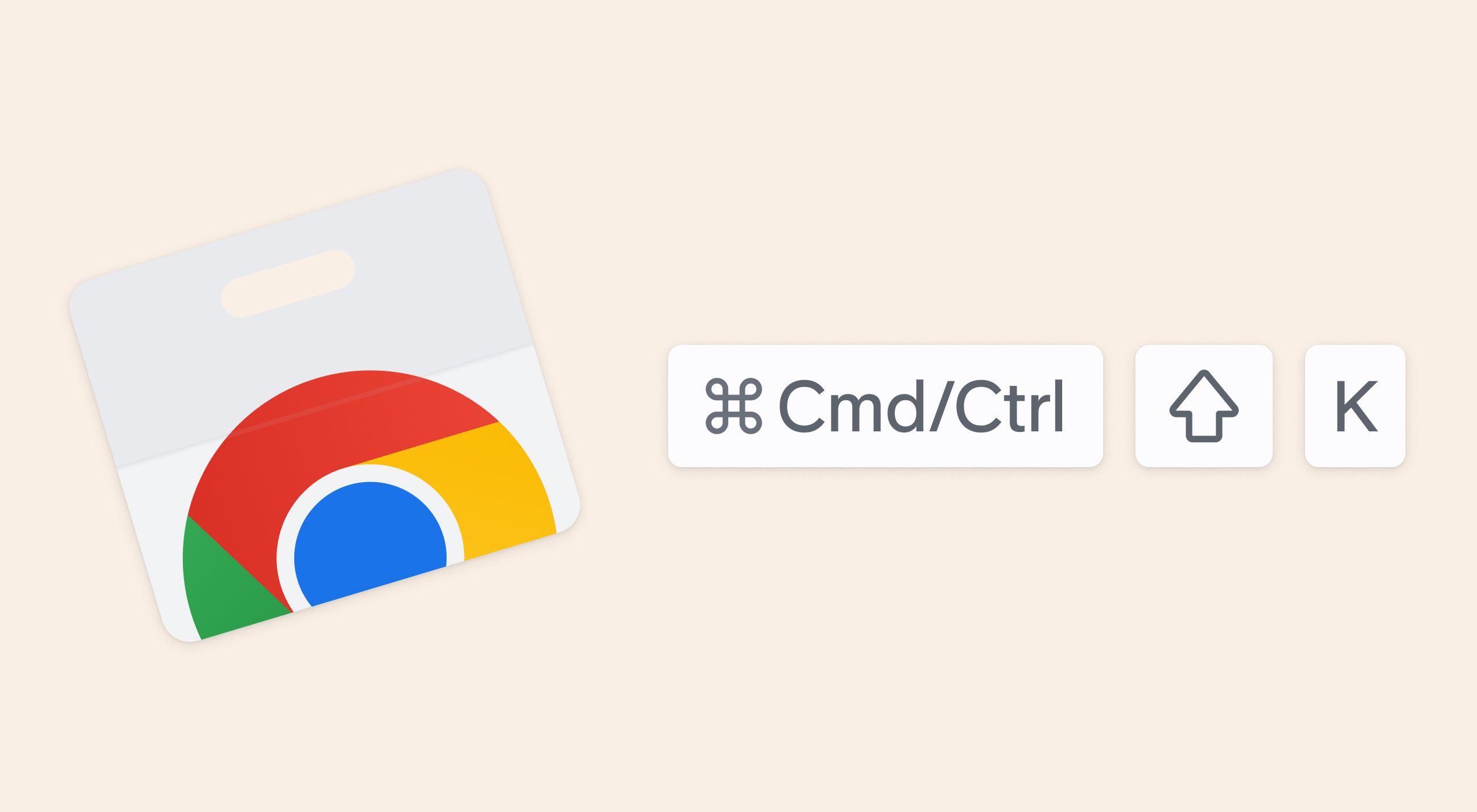
Super Chrome extension
You can now download our Chrome extension to
- Ask your questions without leaving your window, hit
cmd/ctrl+shift+K - Access AskX fast in any new tab
Beyond questions, add instructions
You can now tell AskX to do more than just answer, using our instruction prompt. For instance, "generate a description for the listing of our extension" (slightly meta).
Hit the instruction button, describe your needs, and voila!
Better Import and Zero bug policy
Import with more fidelity
Our import, from Notion, Confluence, or any HTML documents, is now closer to the original documents, supporting inline equations, colors, and complex formatting.
We also now support the import of 1,000+ documents while maintaining the structure, links, and collections of documents.
Small fix to note, imports can now land directly on a new channel.
Wiki Generator for existing workspaces
Slite in Technicolor
Finally, add colors to your text!
Our editor is designed to make your docs beautiful by default. Colors can ruin that (cough cough Word docs), so we have put extreme care on this one. Hit cmd+E or use the toolbar option to add carefully picked colors to your text!
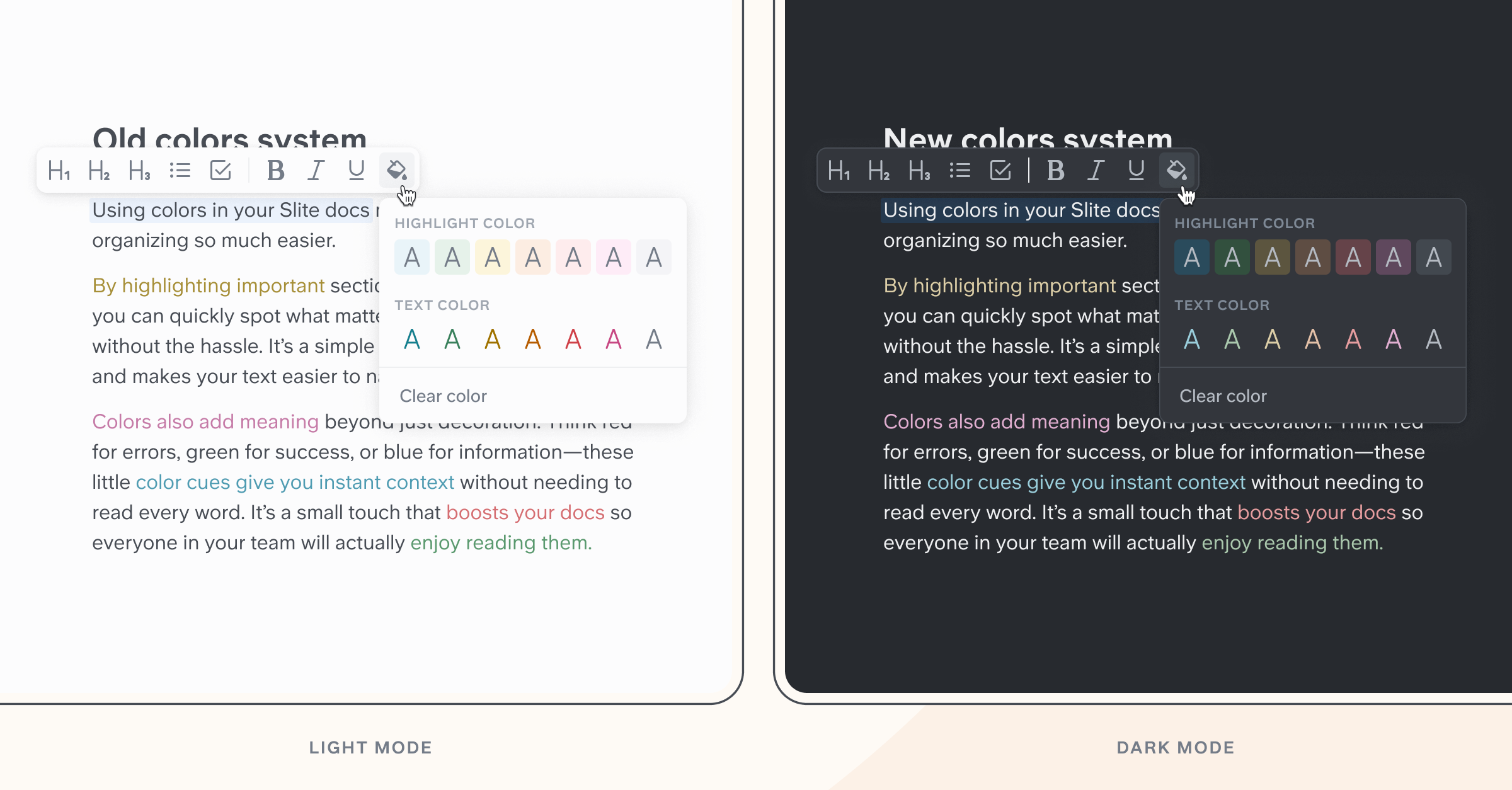
A new, quieter, color system
Our UI is designed to feel approachable, almost like a trusted notebook. The design team did a gigantic work to convey this feeling with our new color system!
August Quality
Improvements
- Table of contents has been revamped with easy access at the top right
- Microsoft SharePoint & OneDrive documents can be embedded in the editor
- Addition of 12 icons for docs (car, phone, numbers...)
- Archival/Unarchival of docs is now logged in the doc insights
Mobile
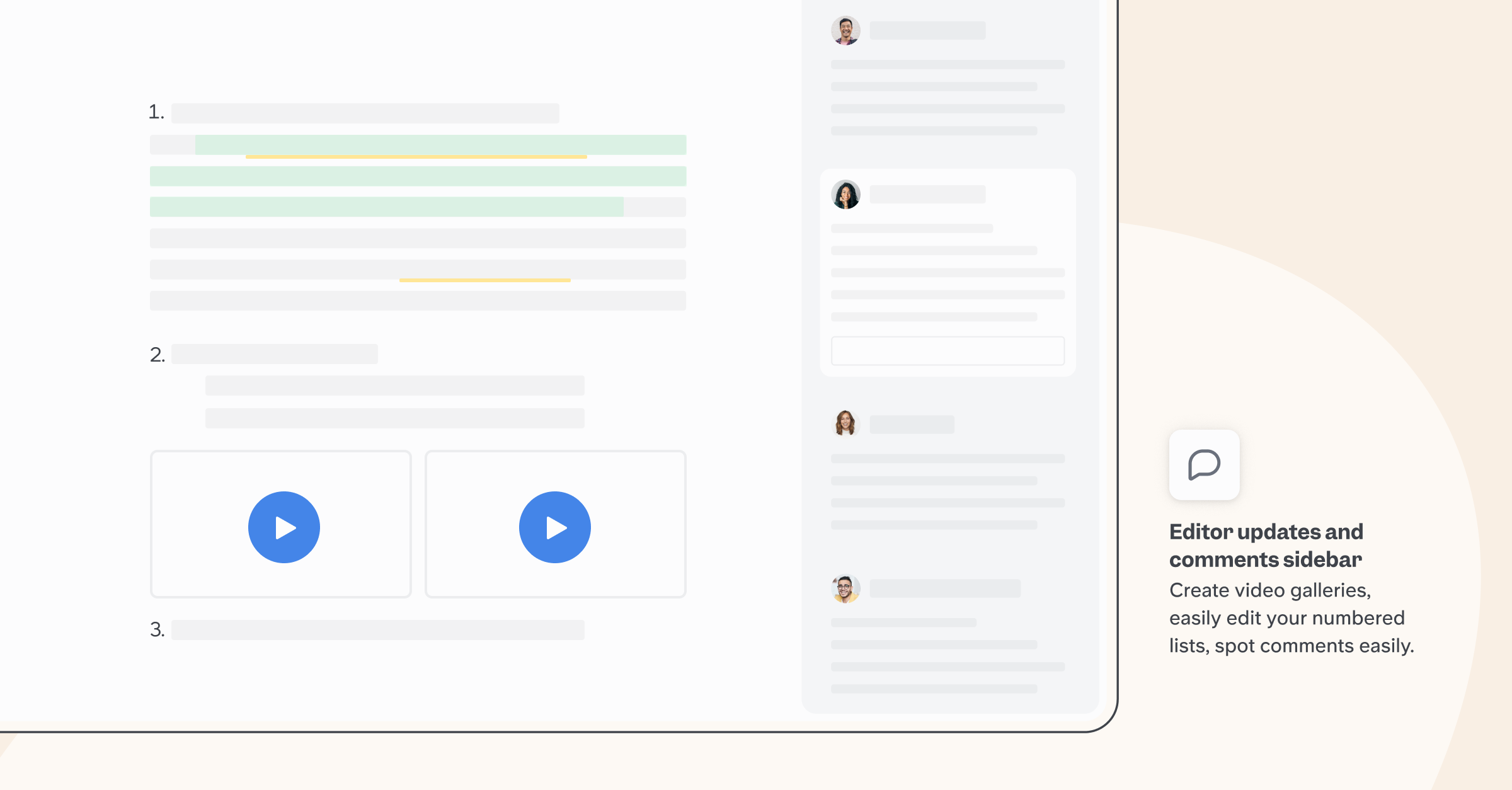
New comments
We released a new version of our comments in a fully revamped sidebar. it makes reading and replying through multiple threads much faster.
Our editor got a lot of love
- Multiple file upload: When using the files shortcuts or the file block placeholder, we now support multiple file upload at once.
- H4 Heading Level: We have added H4 titles.
- Video blocks can now be arranged in galleries.