Votre assistant d’équipe, là où vous travaillez
Obtenez des réponses contextuelles et déclenchez des workflows en un clic depuis n’importe quel site web. Plus besoin de copier-coller ni de changer d’onglet.
Voir la vidéo

Déclenchez des workflows en un clic
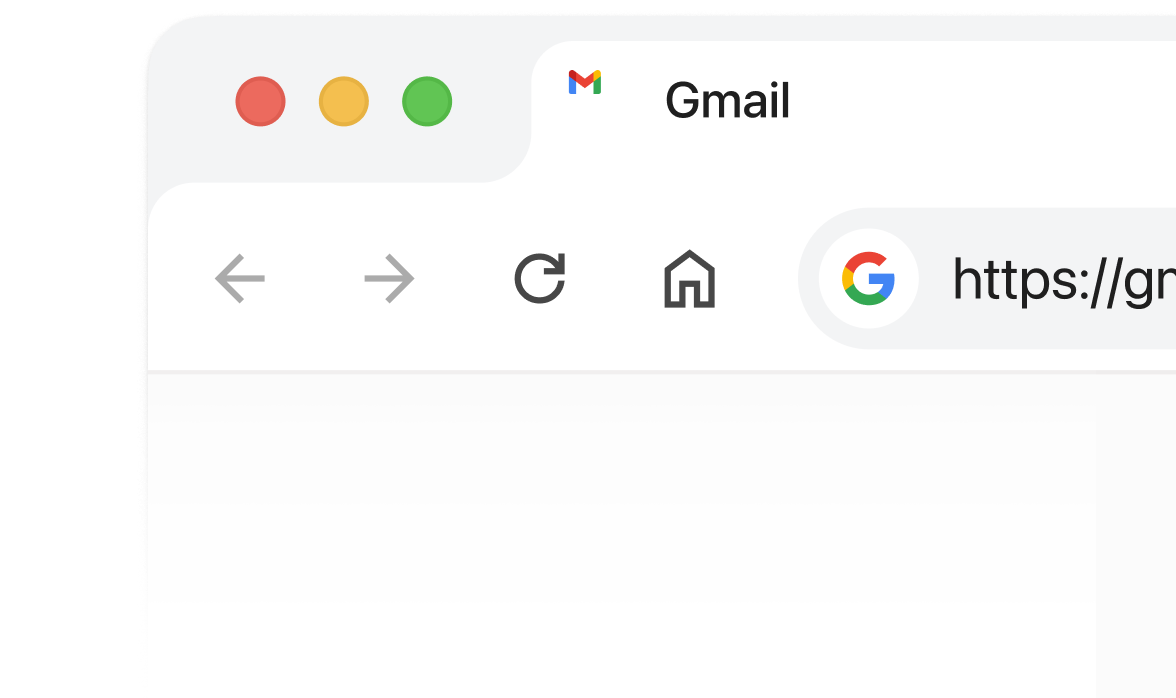
1. Ouvrez n’importe quelle page web dans votre navigateur
Une plateforme interne, votre centre d’aide, un site marketing — à vous de choisir.
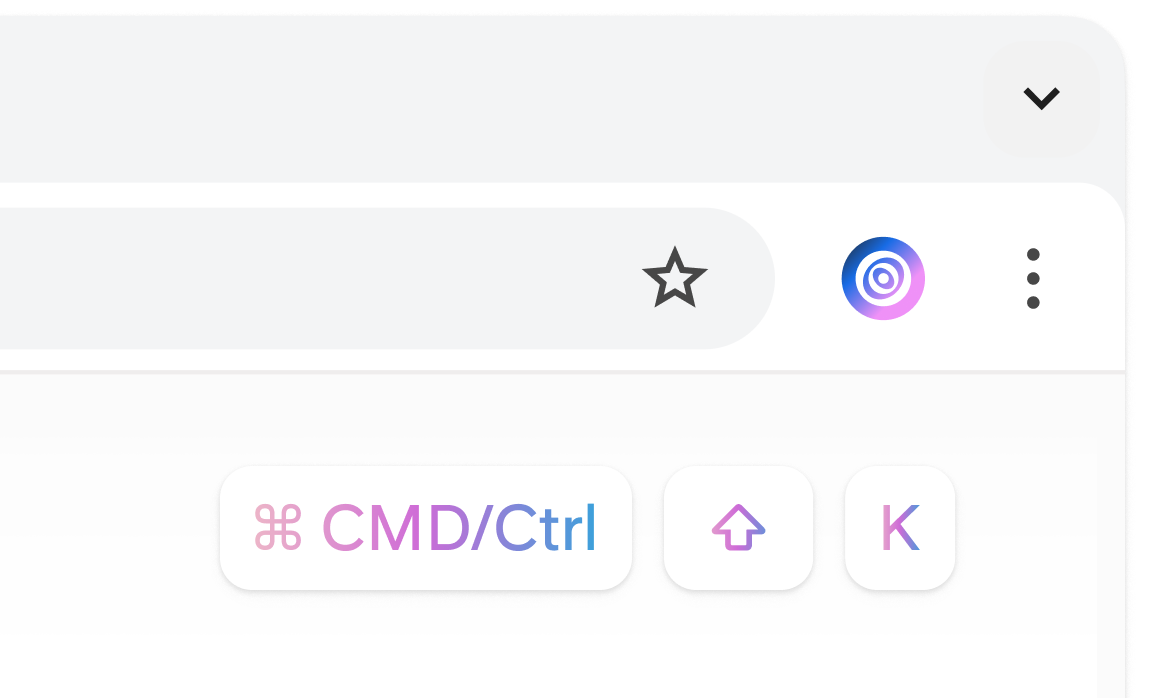
2. Ouvrez l’extension navigateur Slite
Cliquez sur le bouton de l’extension Slite ou utilisez le raccourci clavier.
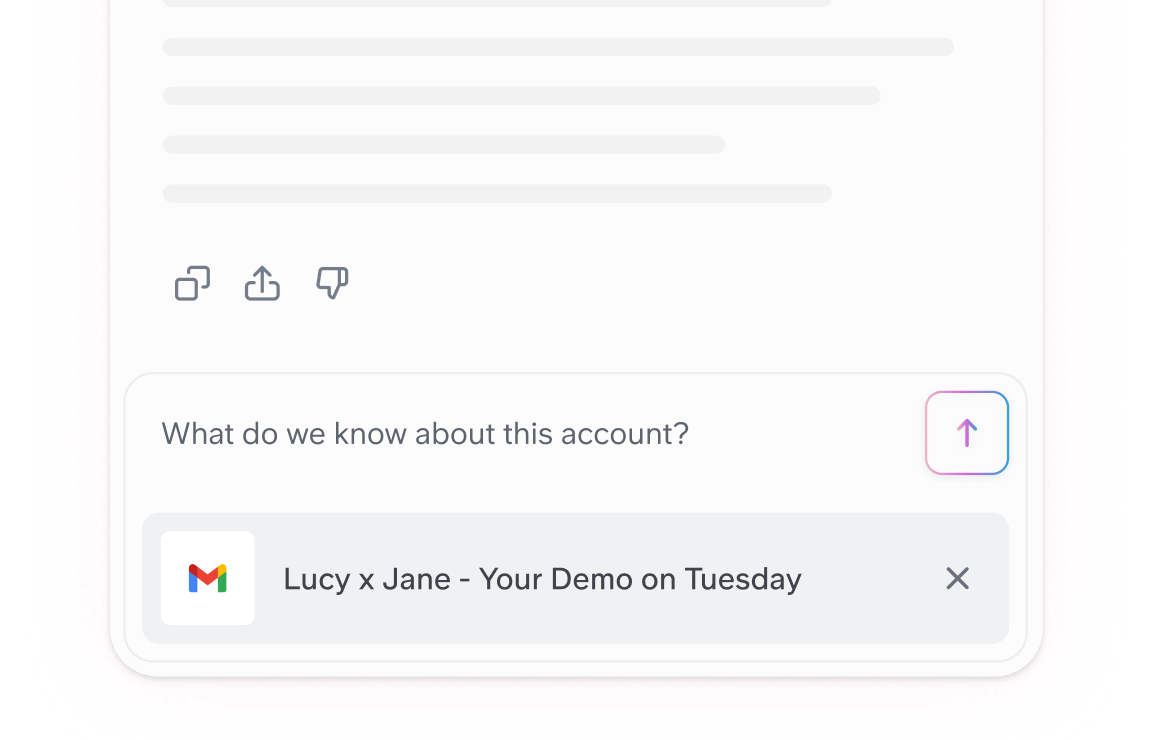
3. Posez vos questions — Slite répond avec le contexte de votre page
Et combinez-le avec vos connaissances connectées.
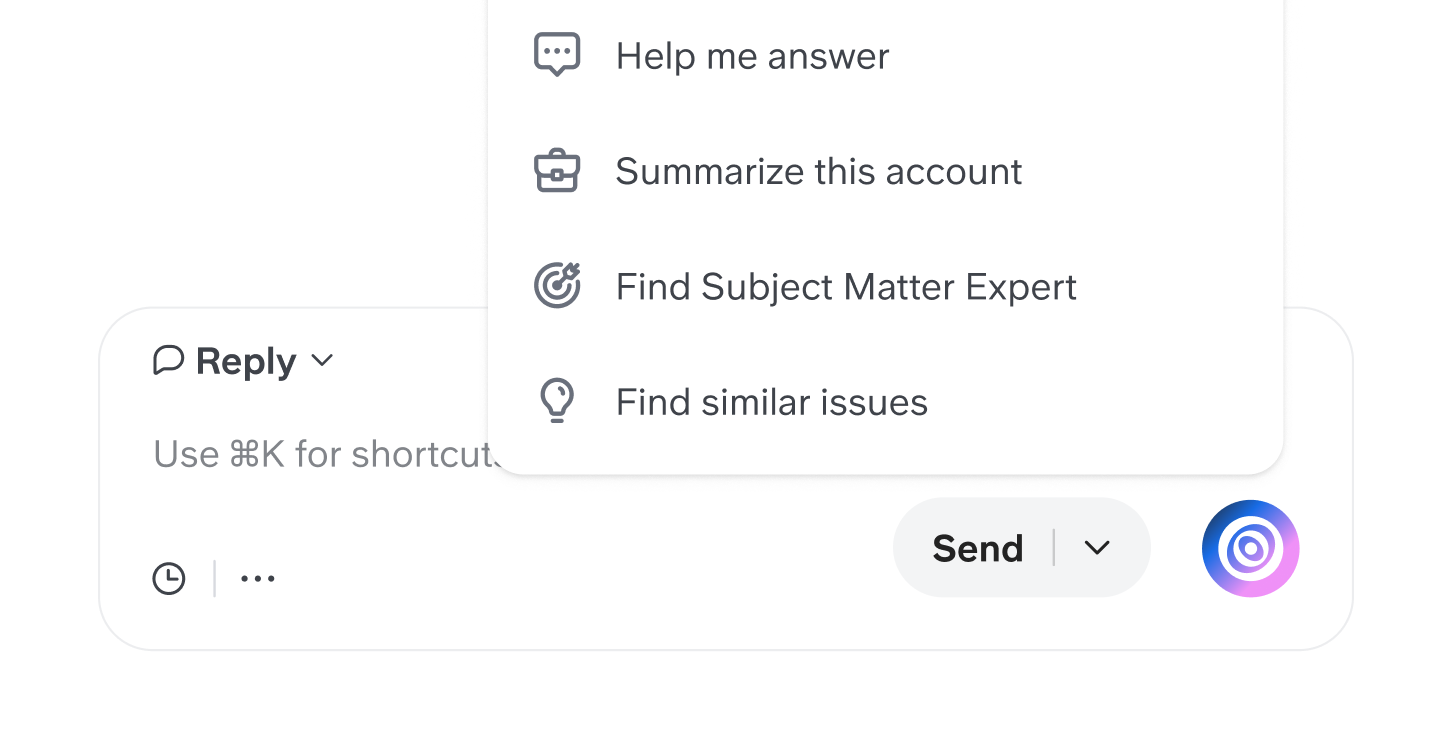
Des boutons pour vos tâches les plus fréquentes
1. Définissez où se trouve votre bouton
Utilisez les boutons par défaut comme Intercom ou Zendesk, ou créez le vôtre sur n’importe quel outil web.
2. Définissez les sources et instructions
Choisissez les connaissances que Slite doit utiliser pour répondre lorsque vous utilisez ce bouton.
3. Installez l’extension
Rendez-vous sur le Chrome Web Store et installez l’extension navigateur Slite.

4. Gagnez des heures avec des workflows en un clic
Les boutons contextuels automatisent vos tâches les plus répétitives, instantanément.