Overview
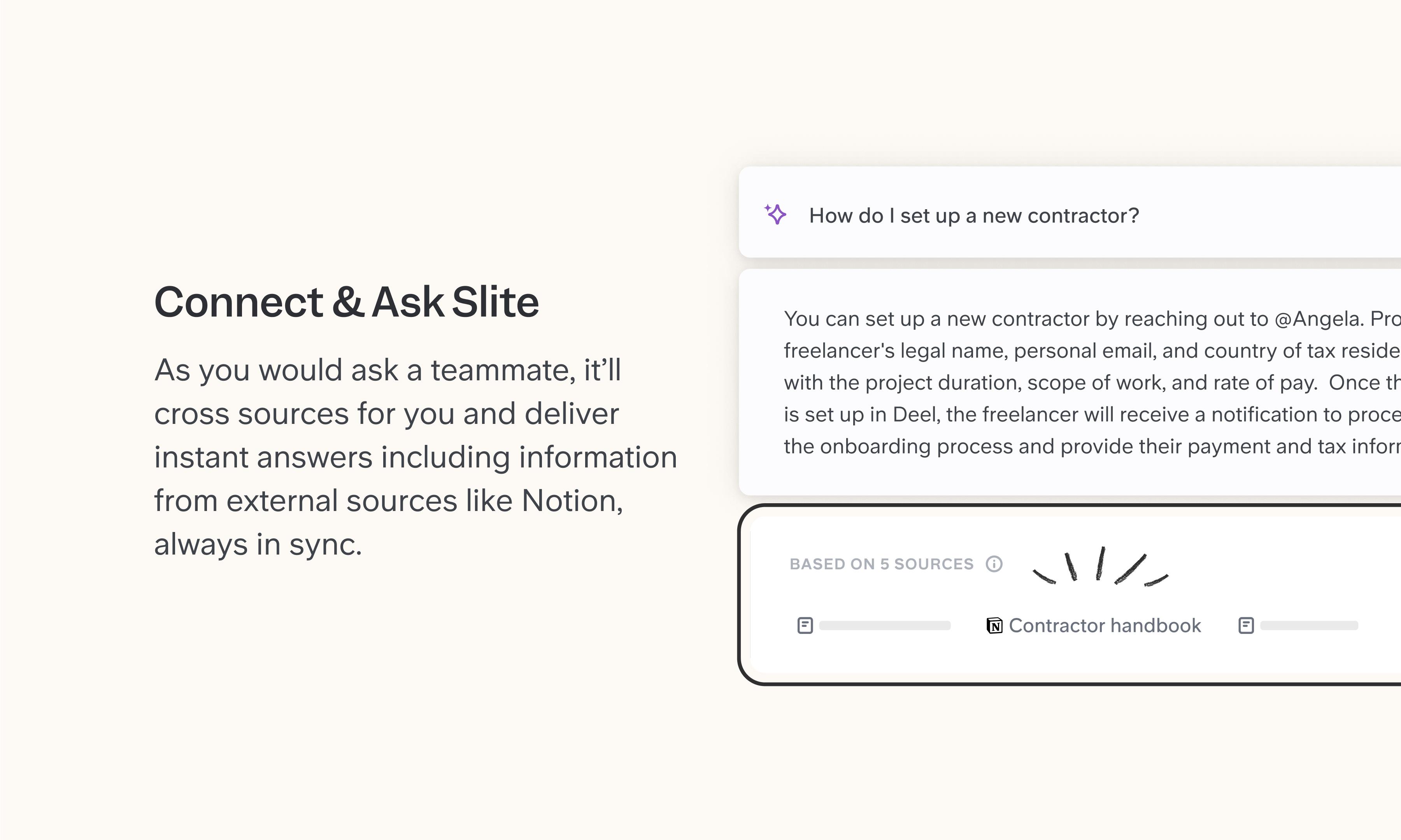
Half your team writes in Notion, half writes in Slite, and nobody wants to migrate everything. The Slite integration meets you where you are: embed Notion pages and databases as live previews in your Slite docs, so both systems stay useful while you decide what lives where. Connect Notion as a source and Slite Agent can answer questions using your Notion pages and databases alongside everything else in your stack. Permissions are respected end-to-end, meaning users only see results from pages they already have access to.
How it works
To embed: Paste a Notion page or database URL into your Slite doc, or use /embed. The Notion content appears as a live preview that reflects the latest version.
To connect as a source: Go to Sources in Slite, click "Add external source," and select Notion. Authenticate, choose which pages or databases to sync, and Slite Agent will start including relevant Notion content in its answers. Content syncs every 6 hours, or manually on demand.
Need help setting up your Notion integration with Slite? Contact support .
We take privacy seriously. Slite is SOC 2 Type II certified, GDPR and HIPAA compliant, with all data encrypted in transit and at rest on EU-based infrastructure. Your data is never used to train, nor retained by, third-party LLMs. See our security page for more information.