Google Drive
Connect Google Drive to Slite to bring your Drive content into your knowledge base.
Sliteに追加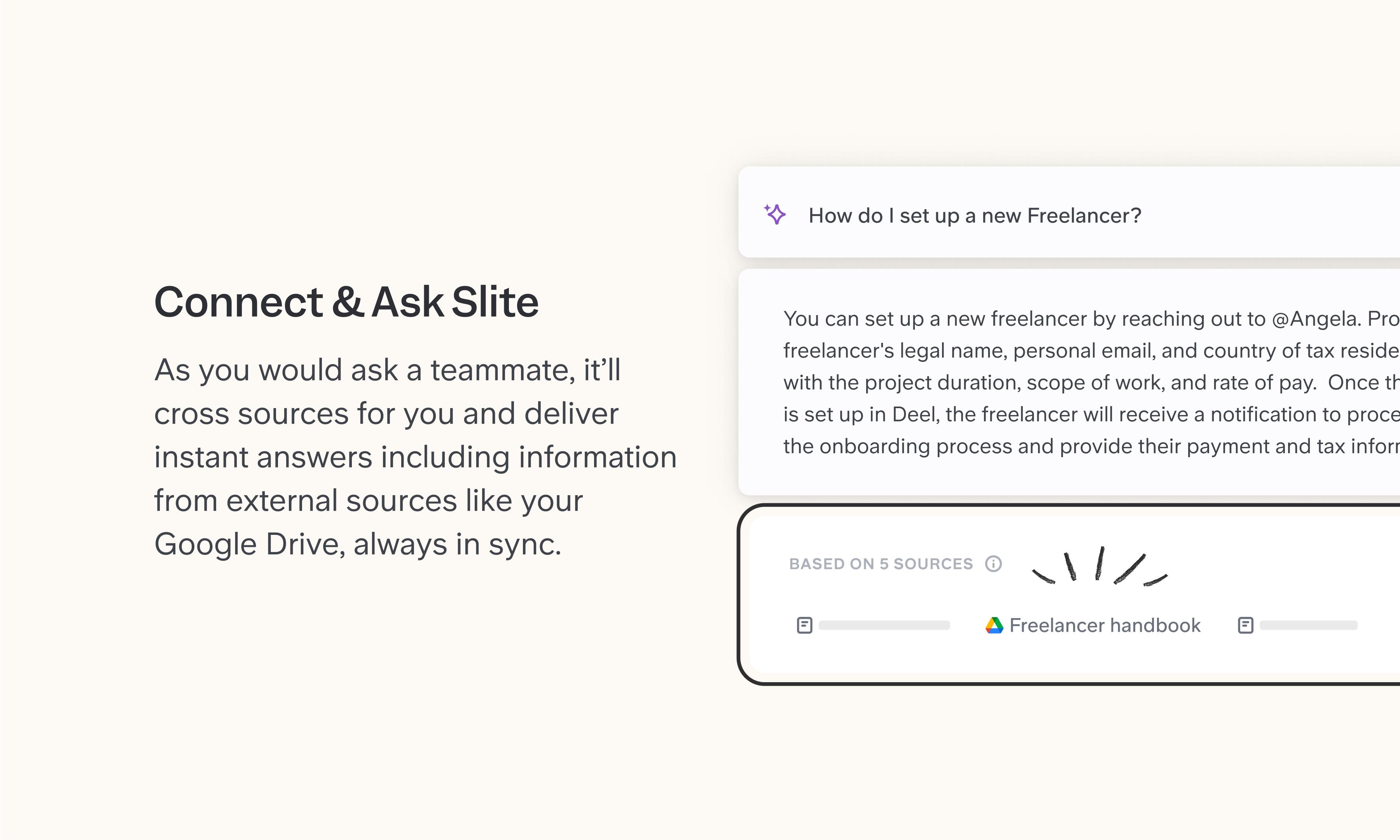
概要
Google Drive holds the files most teams accumulate over years such as proposals, PDFs, reports, recordings. The Slite integration embeds Drive files directly in your docs as live previews, so the context that explains a file lives next to the file itself, not in a separate tab someone has to chase down. Connect Google Drive as a source and Slite Agent can answer questions using your Drive content alongside everything else in your stack. Permissions are respected end-to-end as users only see results from files they already have access to.
使い方
To embed: Paste a Google Drive file URL into your Slite doc, or use /embed. The file appears as a live preview that reflects its current state.
To connect as a source: Go to Sources in Slite, click "Add external source," and select Google Drive. Authenticate, choose which folders to sync, and Slite Agent will start including relevant Drive content (Google Docs, .docx, and PDFs) in its answers. Content syncs every 6 hours, or manually on demand.
Need help setting up your Google Drive integration with Slite? Read the Google Drive integration guide or contact support .
🔒 We take privacy seriously. Slite is SOC 2 Type II certified, GDPR and HIPAA compliant, with all data encrypted in transit and at rest on EU-based infrastructure. Your data is never used to train, nor retained by, third-party LLMs. See our security page for more information.