
Overzicht
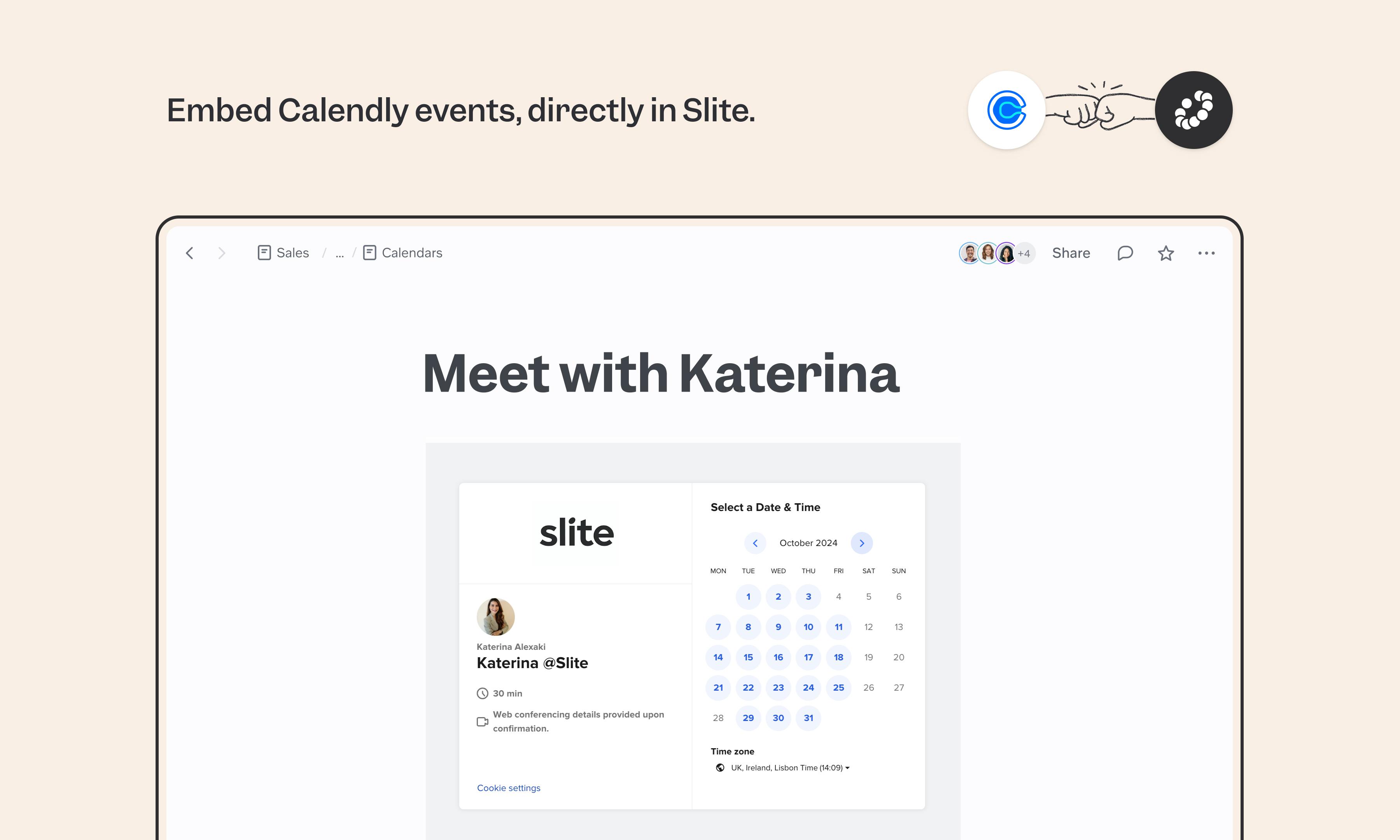
Calendly lets people book time with you without back-and-forth scheduling. The Slite integration drops your booking link directly into your docs as an interactive widget, so teammates and external guests can grab time straight from the page they're already reading — no separate link to share, no app to open.
Hoe het werkt
In Slite, use the /embed command or paste the Calendly link directly into your document.The Calendly widget appears inline and anyone viewing the doc can book a slot based on your availability, no Calendly account needed on their end.
Need help setting up your Calendly integration with Slite? Contact support .
🔒 We take privacy seriously. Slite is SOC 2 Type II certified, GDPR and HIPAA compliant, with all data encrypted in transit and at rest on EU-based infrastructure. Your data is never used to train, nor retained by, third-party LLMs. See our security page for more information.