
Aperçu
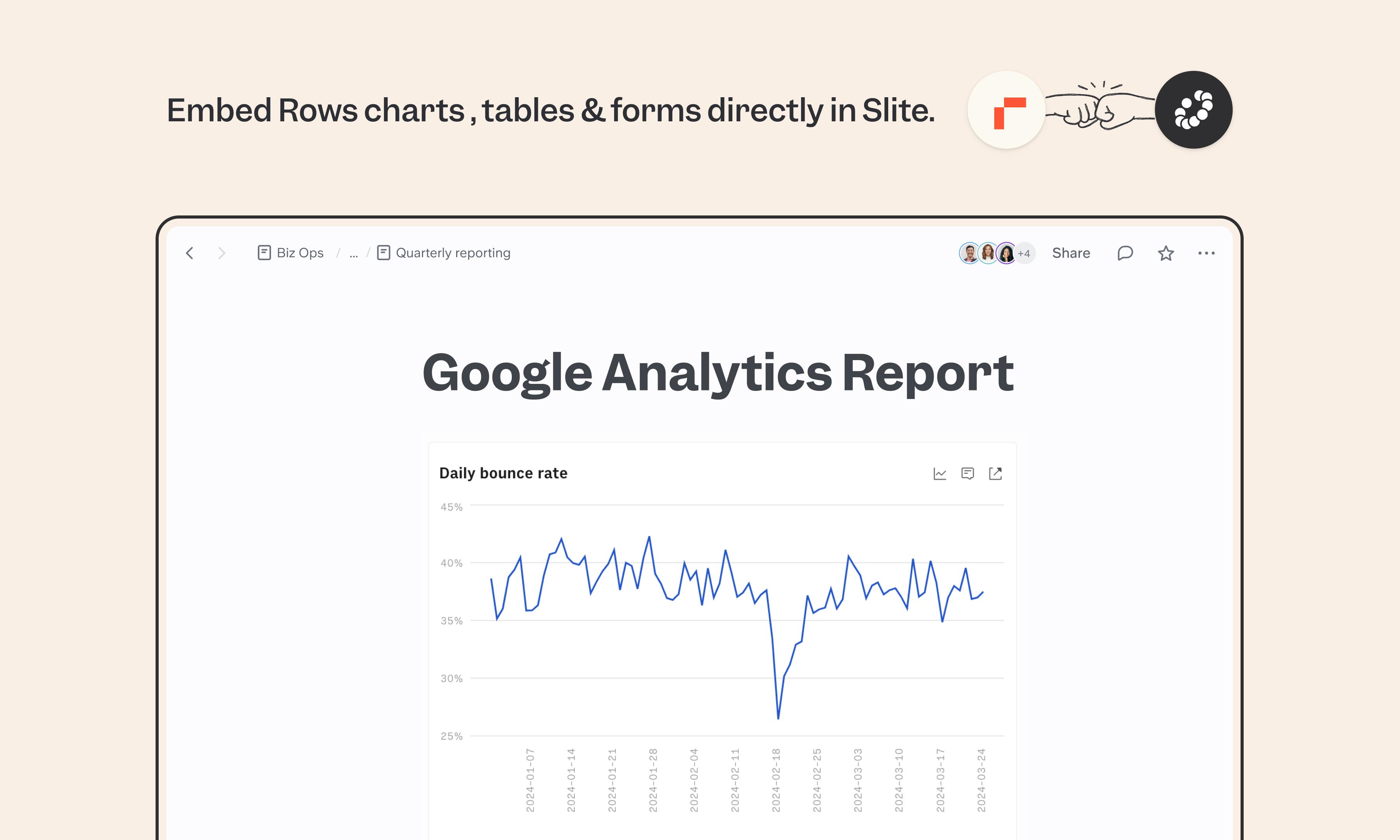
Rows is a modern spreadsheet built for connecting data from across your stack and turning it into tables, charts, and forms. The Slite integration brings those Rows elements directly into your docs as live embeds, so docs that depend on live data stay current without manual maintenance.
Comment ça marche
In Rows, open the table, chart, or form you want to share and select Embed from its settings menu. Enable "Share privately" and copy the link. In Slite, paste the link directly or use /embed. The Rows element appears inline and stays in sync with your original.
Need help setting up your Rows integration with Slite? Contact support .
We take privacy seriously. Slite is SOC 2 Type II certified, GDPR and HIPAA compliant, with all data encrypted in transit and at rest on EU-based infrastructure. Your data is never used to train, nor retained by, third-party LLMs. See our security page for more information.